9
Altai Technologies Ltd. All rights reserved
Quick Setup Guide
Installation Option 2: Wall Mount
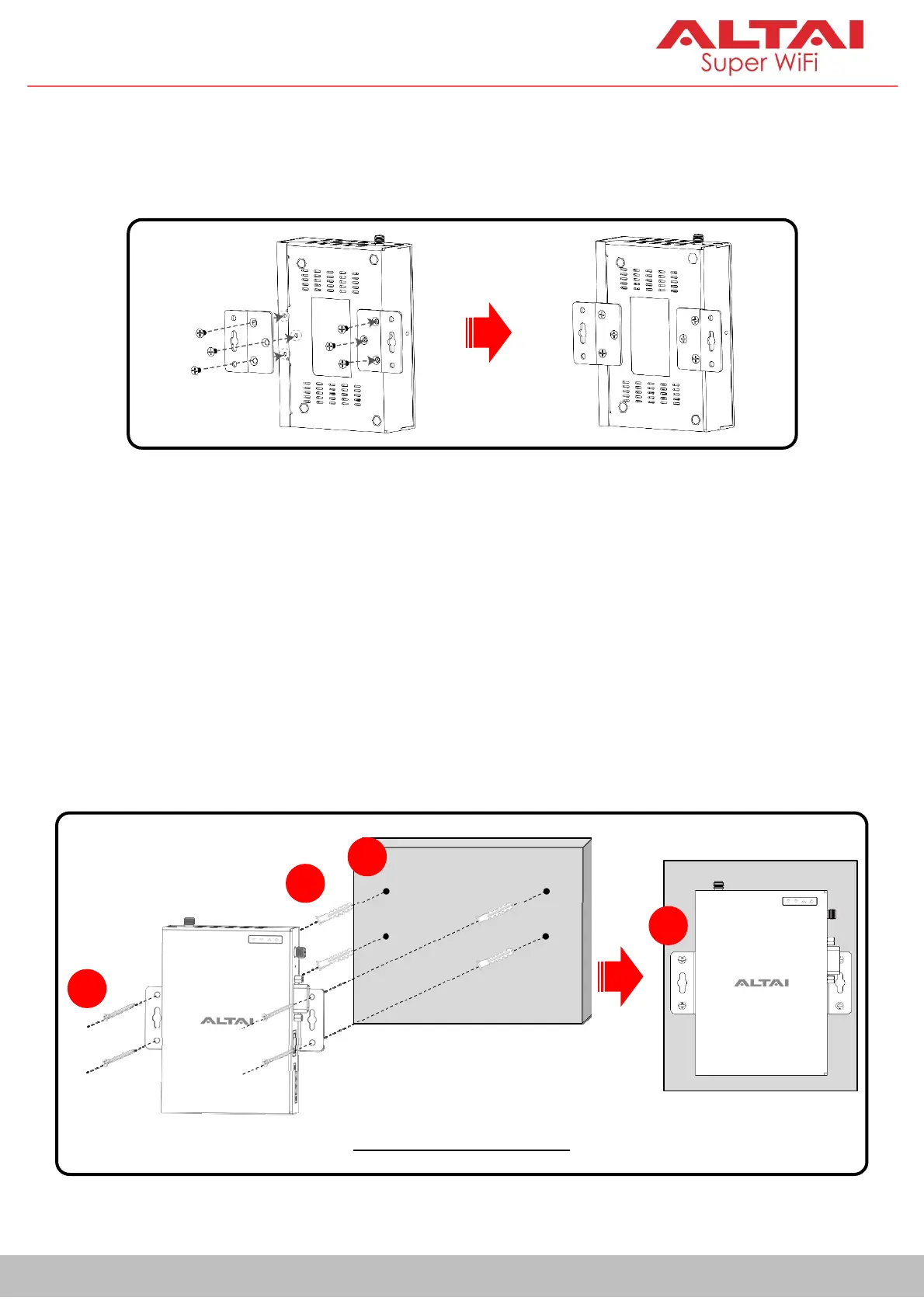
1. Drive the short screws to attach the two wall mounting plates to the unit.
2. Determine where the device is to be placed and mark location of the
mounting holes on a wall surface. Use an appropriate drill bit to drill the
holes, each with 1/3” (8.1mm) in diameter and 1” (26mm) deep, on the
markings.
3. Insert the anchors into the holes.
4. Insert the long screws through the mounting plates into the anchors.
5. Tighten the screws to secure the unit in place.
Four-Hole Installation
2
3
4
Wall
5
Wall


 To Next Page