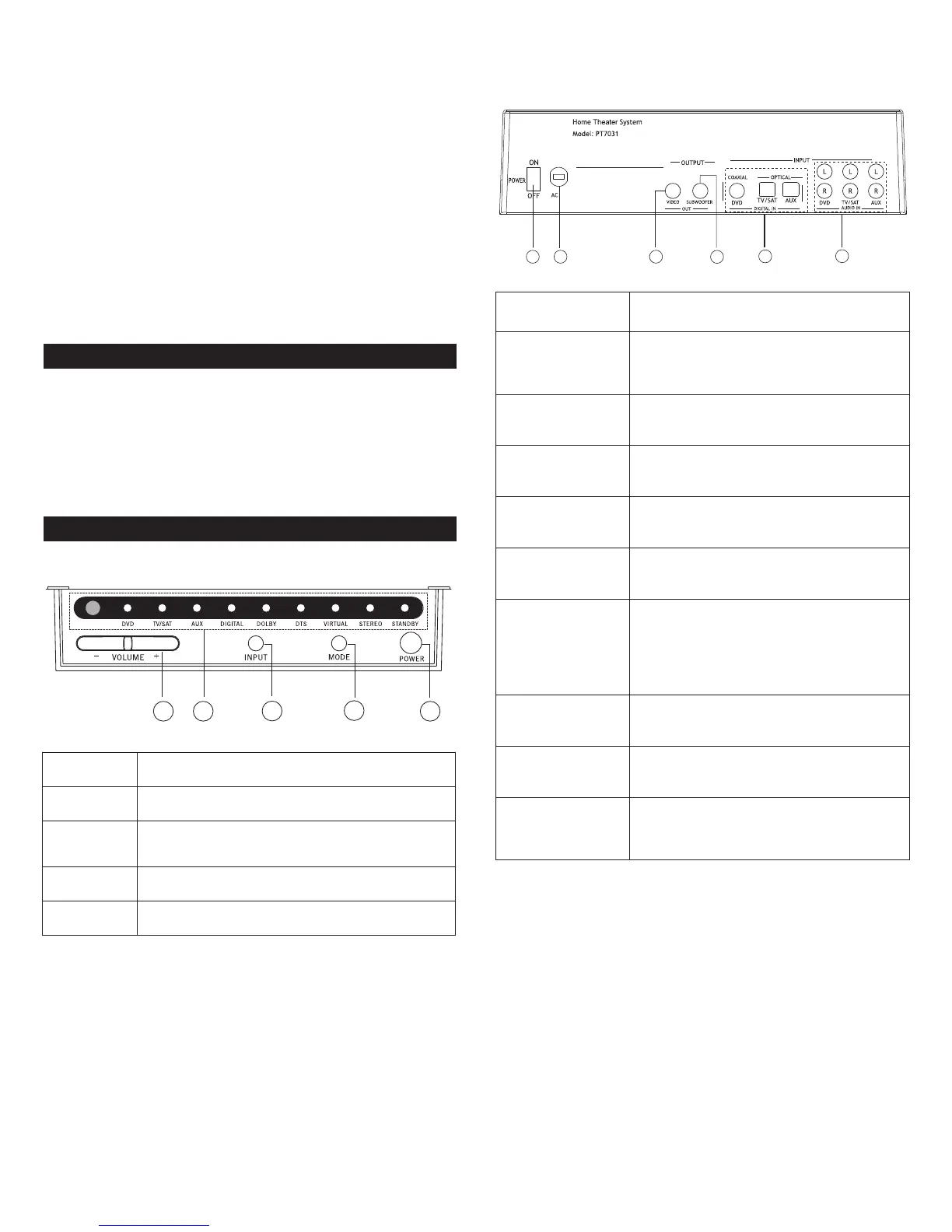
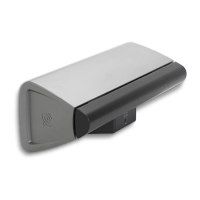
Thank you for purchasing the Altec Lansing PT7031 Surround
Sound System.
The PT7031 is designed to replace the traditional A/V receiver and
separate speakers and provide a complete, multi-channel surround
sound from a single component using DTS, Dolby Digital and Dolby’s
Virtual Speaker processing. The PT7031 system’s NXT Digital flat-panel
driver technology accurately reproduces the full frequency range and
delivers all the subtleties and spatial depth that today’s digital formats
are capable of.
The PT7031’s design is well suited for use with today’s large format
LCD and plasma flat panel displays and it can be wall mounted with
them using the supplied bracket. A universal remote control is included
t
hat allows you to consolidate remote controls from various devices
such as your TV, DVD player and VCR.
Contents
Refer to the PT7031 Quick Connect Card to identify these items.
• PT7031
• Remote control and batteries
• A/V Cable
• Wall mount bracket (hardware not included)
• User’s guide and quick connect instructions
Contr
ols and Connections f
or
Your PT7031
Front Panel
Rear Panel
PT7031 Surround Sound System
1.Volume +/– Controls the volume level of all audio channels.
2. LEDs Displays information about the operational status.
3. Input
Press to switc
h between input sources (DVD, TV/SAT,
A
UX, DVD digital, TV/SAT digital or AUX digital).
4. Mode Press to select virtual or stereo mode.
5.
P
ower
Pr
ess to power on the system or switc
h to standby.
1
. Power ON/OFF Switches power on or off.
2. AC Power Cord
Connect to standard AC outlet. Refer to
frequency and voltage range for Power Source
as indicated on r
ear panel.
3.VIDEO OUT
Used to display on-screen display information.
Connect to composite video input of TV.
4. SUBWOOFER OUT
Use to connect an optional subwoofer if
additional bass is required from the system.
5. DIGITAL INPUT:
COAXIAL (DVD IN)
Use to connect a DVD player that has a coaxial
digital output.
OPTICAL
(TV/SAT IN)
Use to connect a digital satellite tuner or cable
TV tuner that has an optical audio output.
OPTICAL (AUX IN)
Use to connect to an auxiliary sound source
such as a PVR or second TV tuner that has an
optical audio output. Can also be used to
connect a DVD player that has an optical
output but not a coaxial output.
6. AUDIO ANALOG
INPUT: DVD IN
Use to connect to a DVD player with audio an
analog output.
TV/SAT IN
Use to connect to a TV or satellite tuner with
audio analog output.
A
UX IN
Use to connect to an auxiliary sound s
ource
such as a
V
CR or CD player with analog audio
output.
4


 To Next Page