EasyManua.ls Logo

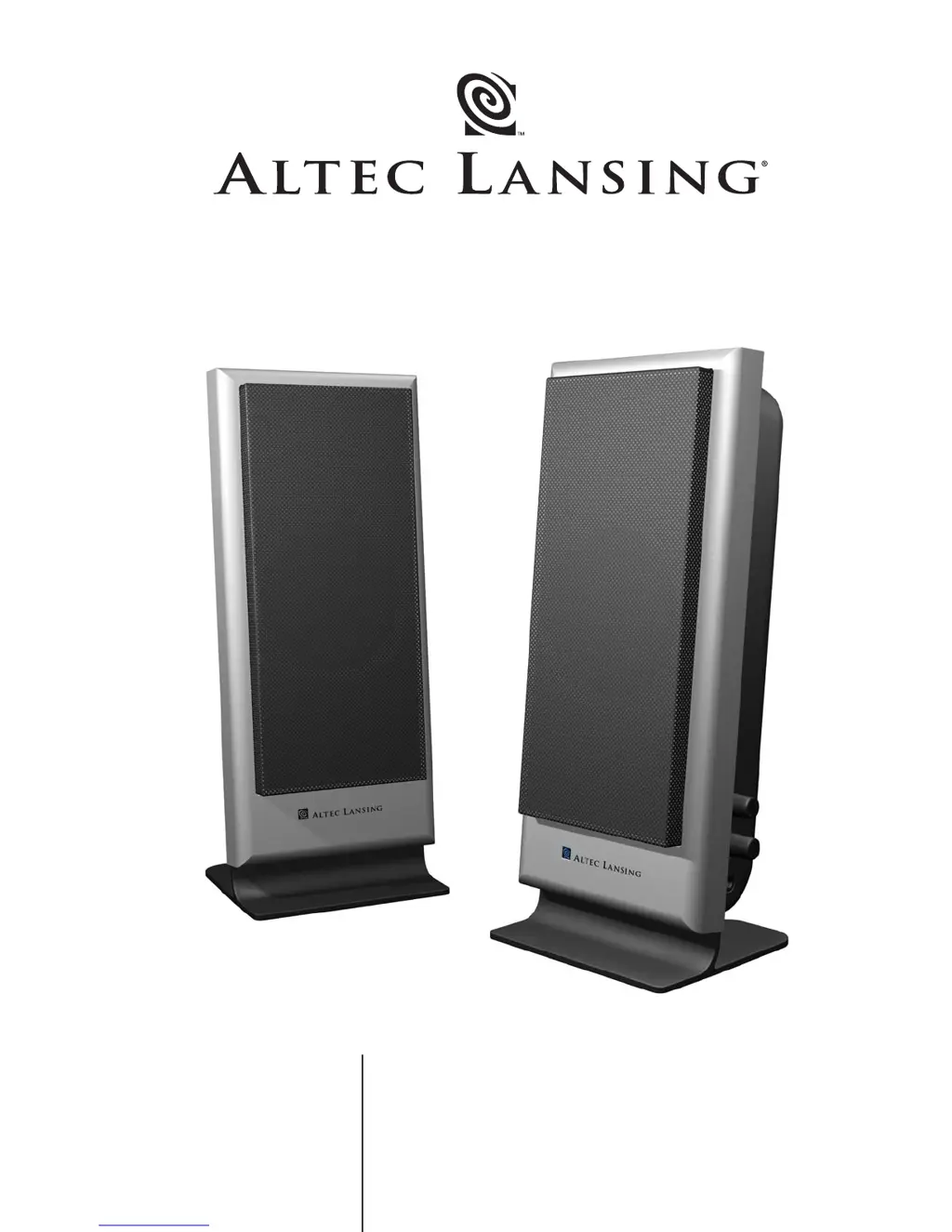
Altec Lansing VS2120 - User Manual

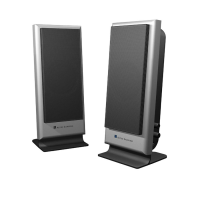
Altec Lansing VS2120
16 pages
Print Icon
To Next Page IconTo Next Page
Loading...
User’s guide Guía del usuario
Mode d’emploi Guia do Usuário
VS
2120

Questions and Answers

  • D
    Danielle FitzgeraldJul 25, 2025
    Why is the sound distorted on my Altec Lansing VS2120?
    • C
      Colleen MooreJul 26, 2025
      If your Altec Lansing speakers produce distorted sound, start by turning the VOLUME knob counterclockwise to reduce the volume. Also, check the computer's operating system volume level and adjust it to the center. If the sound source itself is distorted, try using a different source, such as a music CD, as WAV files can sometimes be of poor quality.
  • C
    campbellleahAug 1, 2025
    What to do if there is no sound from Altec Lansing VS2120 Speakers?
    • D
      donnaholmesAug 1, 2025
      If you're not getting any sound from your Altec Lansing speakers, first, make sure the AC power cord is properly connected to the wall outlet. Then, verify that the volume isn't set too low by turning the VOLUME knob clockwise. Check that the 3.5mm stereo cable is securely connected to the correct "line-out," "audio-out," or headphone jack on your audio source. Finally, test the speakers with another audio device to rule out any issues with the original source.
  • S
    sarahjohnsonAug 7, 2025
    How to fix crackling sound from Altec Lansing Speakers?
    • D
      dyatesAug 7, 2025
      If you are experiencing crackling sounds from your Altec Lansing speakers, ensure all cables are securely connected to the "line-out" or "audio-out" jack on your sound card or audio source, avoiding the "speaker-out" jack. If the volume level in your computer's operating system is too high, reduce it. If the problem persists, test the speakers with an alternate audio source like a Walkman or FM radio to identify if the issue is with your primary audio source.
  • M
    Michael BartlettAug 13, 2025
    Why no LEDs are lit on my Altec Lansing VS2120?
    • V
      Vanessa MartinezAug 13, 2025
      If no LEDs are lit on your Altec Lansing speakers, first, turn the VOLUME knob on the right speaker until you hear a click. This turns the power on, and an LED should light up. Ensure the AC power cord is connected to the wall outlet and that the surge protector (if used) is switched on. To verify the wall outlet is functional, plug another device into it.
  • W
    William SimsAug 19, 2025
    How to stop radio interference on Altec Lansing Speakers?
    • B
      Brittany DuncanAug 19, 2025
      To resolve radio interference with your Altec Lansing speakers, move them away from the source of interference, such as a radio tower, until the interference disappears.

Summary

Safety and Operation

Electrical Safety Warnings

Alerts users about electrical shock hazards and proper plug usage.

Power Cord Connection

Guides users on correctly connecting the AC power cord to the appliance.

General Safety Guidelines

Provides a list of essential operating and safety instructions for appliance use.

Warranty and Support

One-Year Limited Warranty

Outlines the terms and conditions of the product's limited warranty.

Customer Service

Provides contact methods for obtaining assistance and support for the product.

Product Setup and Connections

Box Contents

Lists the items included in the product packaging.

Speaker Placement

Offers guidance on positioning the satellite speakers for optimal sound.

Making Connections

Details how to connect the speaker system to various audio sources.

Powering On

Instructions on how to turn on the speaker system and its components.

Volume and Tone Controls

Explains how to adjust the master volume and tone settings.

Headphone Usage

Details on connecting and using headphones with the speaker system.

System Specifications and Troubleshooting

System Specifications

Lists the technical specifications of the Altec Lansing speaker system.

Troubleshooting

Provides solutions for common symptoms and issues encountered with the speakers.

Altec Lansing VS2120 Specifications

General IconGeneral
Frequency Response40 Hz - 20 kHz
Input Impedance10 kOhms
ColorBlack
Speaker Type2.1
Input Type3.5mm
Driver SizeSatellite: 3", Subwoofer: 4"
ControlsVolume
Dimensions (Each Speaker)6.5 x 4.5 x 4.5 inches
Satellite Speaker Power14 Watts RMS (7 Watts RMS per speaker)

Related product manuals