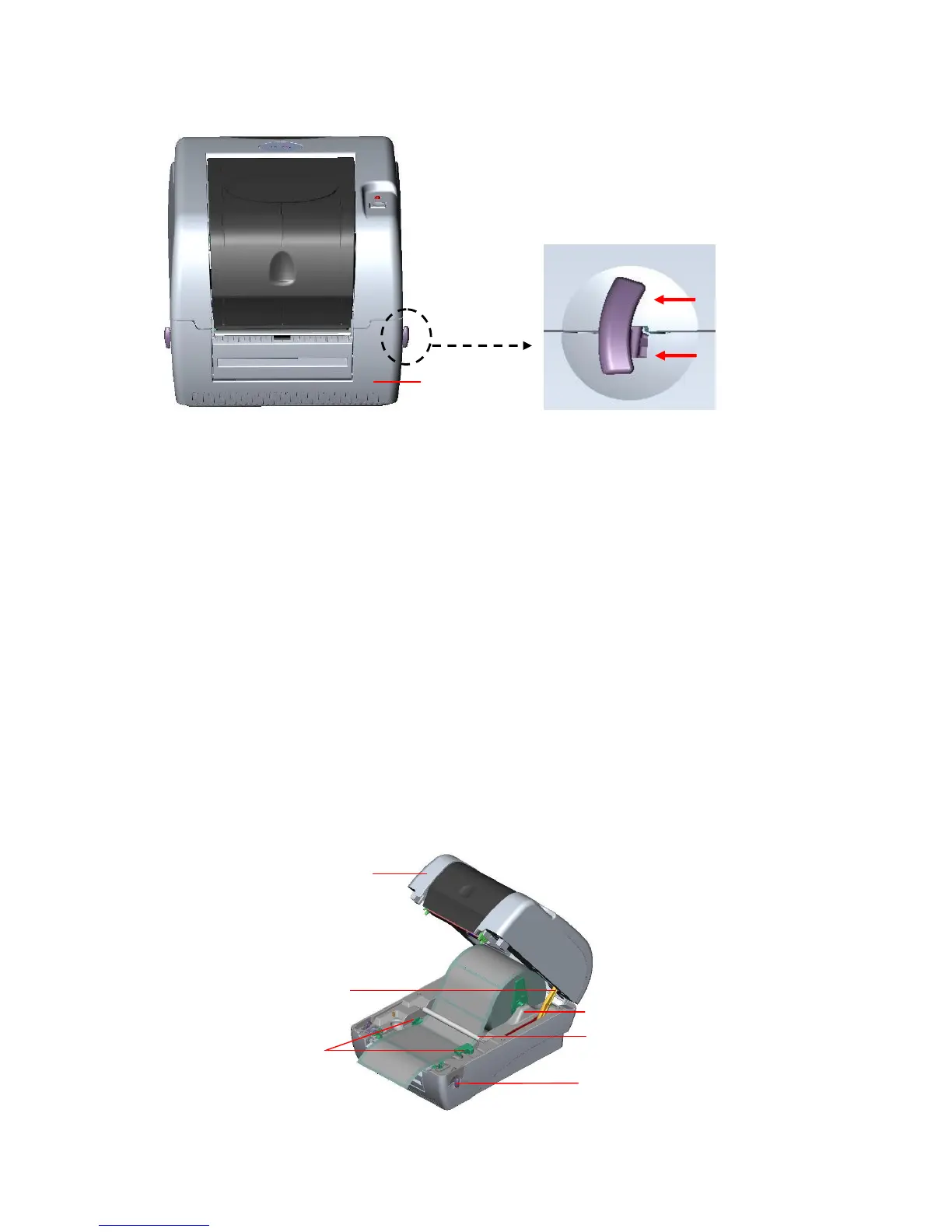
Fig. 7 Pull the lever to open the cover
3. Place a roll of paper onto the center of the paper roll mount.
4. Feed the paper, printing side face up, through the Teflon bar and the paper guide and
pass over the platen.
5. Adjust the green center-biased paper guides to slightly touch the edges of the label
backing.
6. To close the printer top cover, lift the cover to the ultimate open angle then use both
hands to close the cover gently. Close the printer top cover slowly and make sure the
cover latches securely.
Note:
1. Make sure hands are not placed between printer top cover and lower cover
when close the top cover.
2. Do not free fall the top cover.
3. Failure to securely close and lock the cover will result in poor print quality.



 To Next Page