THE MANUAL
Controlling the trapKAT effectively really requires that you understand the functions that lie
underneath the KIT EDIT and GLOBAL EDIT Screens. Understanding the basics of MIDI really
is also necessary so that the concepts discussed do make sense. You will then be able to program
your own kits that reflect your needs and requirements in playing the trapKAT.
There is however another way out... a sort of purgatory for the land of MIDI. We compiled a list of
questions that musicians ask us over and over again on how to get around the trapKAT. Each of the
questions asked will go over all of the steps necessary to solve the specific problem. The answer will
be abbreviated but it will answer the question. It's a shortcut yes, but it will help you get around the
instrument in a “need to know” basis.
After reading this section in the manual, there will be several other sections that will cover all of the
screens and functions in the trapKAT. This will be the NOTE EDIT, KIT EDIT FUNCTIONS and
GLOBAL EDIT FUNCTION sections. This will be followed by an Appendix that will have listings of
Sounds, Definition of Terms, Warranty and other important information.
Please also note that there are other ways of learning about the trapKAT. There is a VIDEO HELP
DESK on the alternatemode.com website that will have video demonstrations on “how to's”. There is a
KNOWLEDGE Database on the website that has answers to questions asked. There is a Forum where
questions can be answered and finally (last resort), or you can call us. Contact information can be found
on our website.
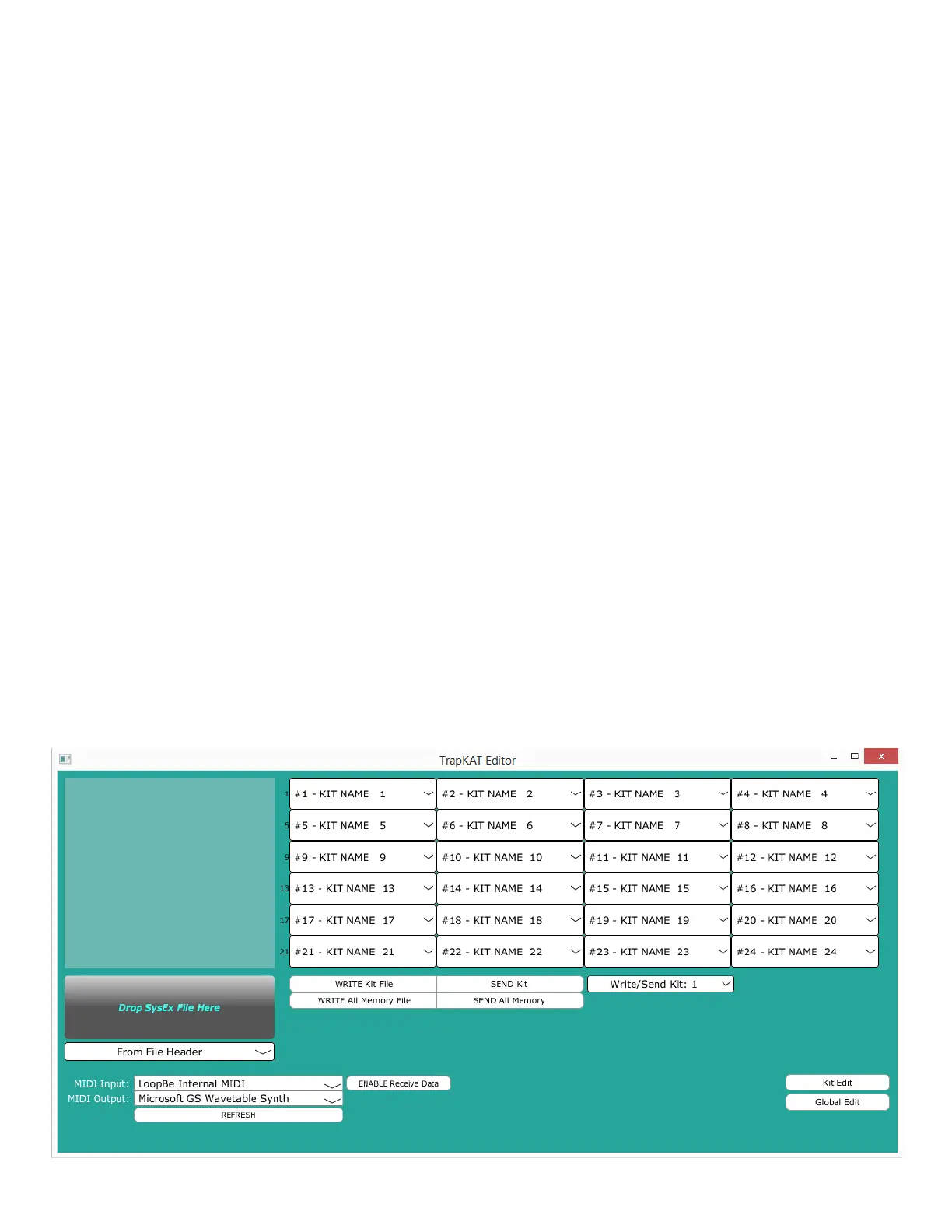
The trapKAT Editor
The trapKAT Editor makes programming your trapKAT quick and easy. You can edit KIT and
GLOBAL settings, as well as copy, swap and save Kits. The trapKAT Editor is available for free! Go
to our website for video instructions and to download the Editor. It's available for PC or MAC.
12



 To Next Page