IP 720 User Manual 7
Hardware Items in the Package
The following hardware items are included in this package:
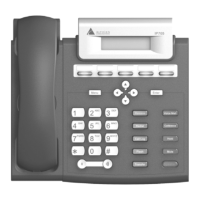
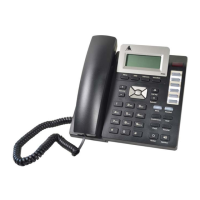
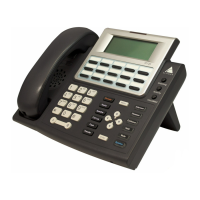
• IP 720 set and stand
• Handset
• Handset cord
• Power cord
• Network cable
• 3.5 mm to USB cable
You can purchase separately:
• A wall mount bracket
• AC/DC power adapter
Supported Telephony Features
The IP 720 provides a broad range of call handling and dialing features
directly on the phone and through the MAX Communication Server
system. The following table lists the supported features, a brief description
of each, and configuration and use notes where applicable.
Feature Description Notes
Activity
button
Lets users set an activity
code that specifies their
activity status (for
example, in a meeting)
when they are not at the
phone.
• Callers in the system are notified
of the activity status when a call is
not answered.
Auto Answer When a call comes in, the
IP phone will ring for a
specified number of
seconds, connect the call,
and automatically answer
through the speaker or
headset.
• During ringing, the user can
manually pick up the call from
headset, handset or speaker.


 To Next Page