EasyManua.ls Logo

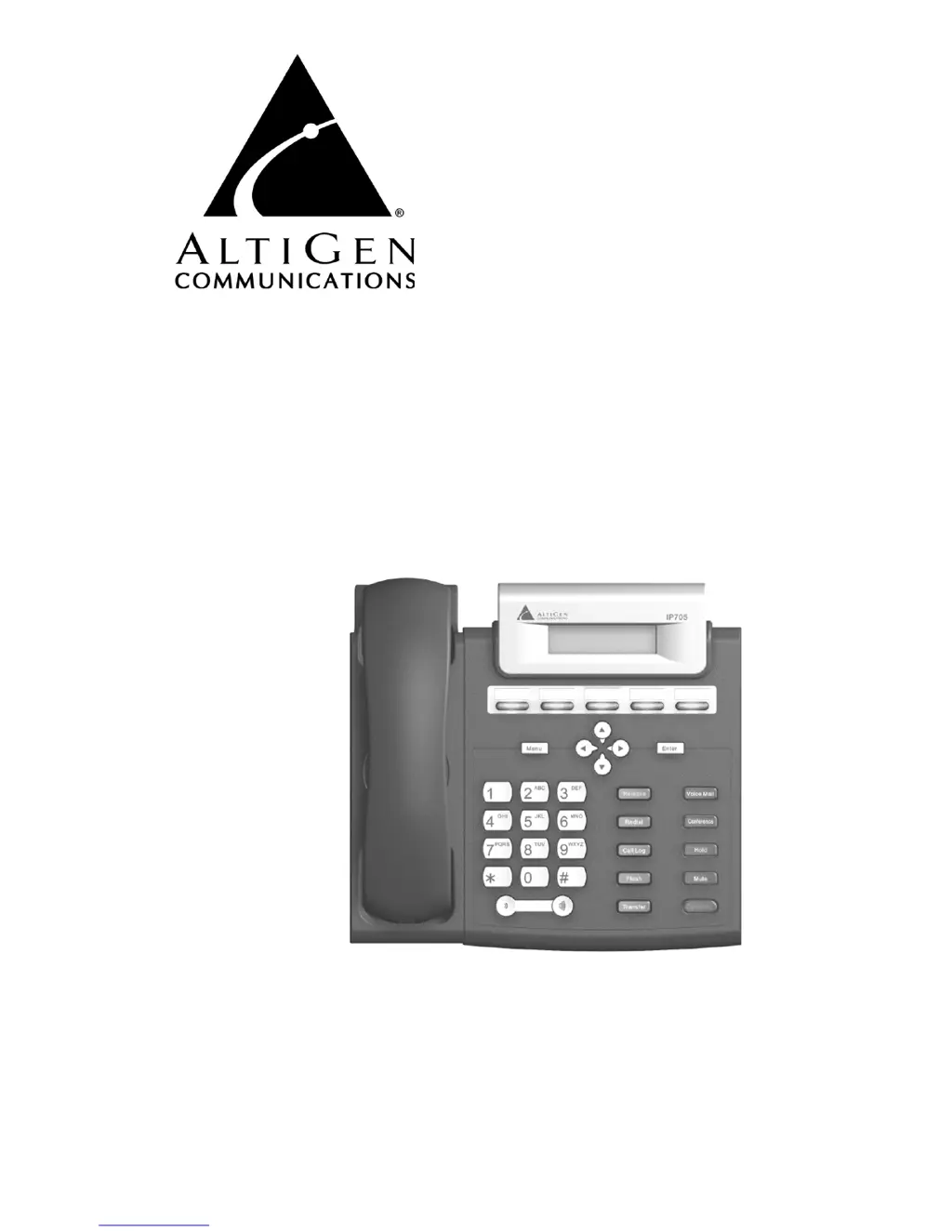
Altigen IP 705 - User Manual

Altigen IP 705
56 pages
Print Icon
To Next Page IconTo Next Page
Loading...
IP 705 Phone
User Manual
07/2009 4290-0014

Other manuals for Altigen IP 705

Questions and Answers

  • L
    Lisa JonesAug 13, 2025
    How to fix Altigen IP Phone when AltiWare is unreachable?
    • B
      Brandon PerryAug 13, 2025
      To resolve the issue of AltiWare being unreachable with your Altigen IP Phone, verify that the AltiWare IP address is correctly configured on the IP phone. Also, check the IP phone's IP address, network mask, and default gateway settings. Ensure you can successfully ping the IP phone's address from AltiWare. Confirm that the IP Phone Service is running in AltiWare, and verify the AltiWare IP address in the AltiAdmin IP Phone Configuration menu.
  • M
    michael09Aug 16, 2025
    Why is my Altigen IP 705 IP Phone voice quality so poor?
    • S
      Sally SmithAug 17, 2025
      To address the issue of poor voice quality on your Altigen IP Phone, ensure a Layer 3 Managed Ethernet switch is used in your corporate LAN, rather than a hub or non-managed switch. Note that G.711 provides better voice quality. If VoIP is set up over WAN, configure priority queuing on the WAN router. Verify WAN QoS by pinging a few hundred packets from the remote site to observe packet loss and network latency. Adjust the jitter buffer to accommodate network latency.
  • I
    ikellyAug 20, 2025
    What to do if Altigen IP Phone registered then goes back to Basic mode?
    • B
      Brooke CoxAug 20, 2025
      If your Altigen IP phone registers and then reverts to Basic mode, try these steps: First, check network connectivity by pinging from AltiServ to the IP phone. Next, verify that the IP Phone Service is running. Then, check for a duplicate IP address by unplugging the Ethernet cable and pinging the IP phone's IP address. Also, check the extension’s IP address in AltiAdmin to see if another user is trying to log in with the same extension number. Finally, use #27 then Enter to log in again and see if the problem persists.
  • M
    Mary GordonAug 25, 2025
    How to fix Altigen IP 705 IP Phone image update failed?
    • A
      Andrea SmithAug 25, 2025
      If your Altigen IP Phone fails to update its image, check the IP phone’s IP address, network, and default gateway settings. Verify the network connection. Confirm the TFTP server IP address and ensure the TFTP server is running. Try to PING from the TFTP server to the IP phone. Finally, ensure that the app_705.bin and dsp.bin files exist in the TFTP server directory.
  • A
    Ashley HarveyAug 28, 2025
    What to do if Altigen IP Phone register failed?
    • I
      Isaiah FloresAug 28, 2025
      If your Altigen IP Phone displays a 'Register failed' message, first ensure the extension number and password are set up correctly and the IP extension is enabled. Next, check that the IP Phone Service is running in AltiWare. If the IP phone is associated with a physical phone using the same extension number, use #27 to activate the IP phone to normal operating mode.
  • K
    Kevin HicksAug 31, 2025
    Why does my Altigen IP 705 have no IP Address?
    • D
      Diana SpencerAug 31, 2025
      If your Altigen IP Phone isn't getting an IP address, first check if DHCP is enabled. If DHCP is enabled, check the network connection. If DHCP is not enabled, verify that your DHCP server is correctly configured. Also, verify that the IP phone’s IP address is configured.
  • H
    hriceSep 4, 2025
    How to troubleshoot one way connection on Altigen IP 705 IP Phone?
    • J
      Jessica BarnettSep 4, 2025
      To fix a one-way connection issue on your Altigen IP Phone, ensure your firewall settings have all the TCP/UDP ports required by AltiWare opened. If NAT is used, make sure NAT is enabled and the NAT address is set up correctly.
  • D
    davidbryantSep 8, 2025
    What to do if Altigen IP 705 IP Phone does not show anything on LCD display?
    • K
      Katherine WatsonSep 8, 2025
      If your Altigen IP Phone's LCD display is blank, check the power source to ensure the IP phone is receiving power.

Summary

Warranty

How to Obtain Service

Provides instructions for obtaining warranty service, including RMA procedures and required documentation.

The IP 705 Phone

Hardware Items in the Package

Details the physical components included in the IP 705 phone package.

Supported Telephony Features

Describes the various call handling and dialing features supported by the IP 705 phone.

Setting Up the IP 705 Phone

The Phone Startup Process

Explains the automatic booting sequence of the IP 705 phone upon power connection.

Configuring the IP 705 Phone

Phone Settings

Covers configuration of extension number and password, and programming of function keys.

Registration and IP Settings

Covers manual IP address assignment, TFTP server setup, and phone registration process.

User Guide

Basic Phone Operation

Provides step-by-step instructions for common phone functions like Auto Answer and Call Log.

Appendix A

Troubleshooting

Offers solutions for common problems such as AltiWare unreachability and image update failures.

Altigen IP 705 Specifications

General IconGeneral
BrandAltigen
ModelIP 705
CategoryIP Phone
LanguageEnglish

Related product manuals