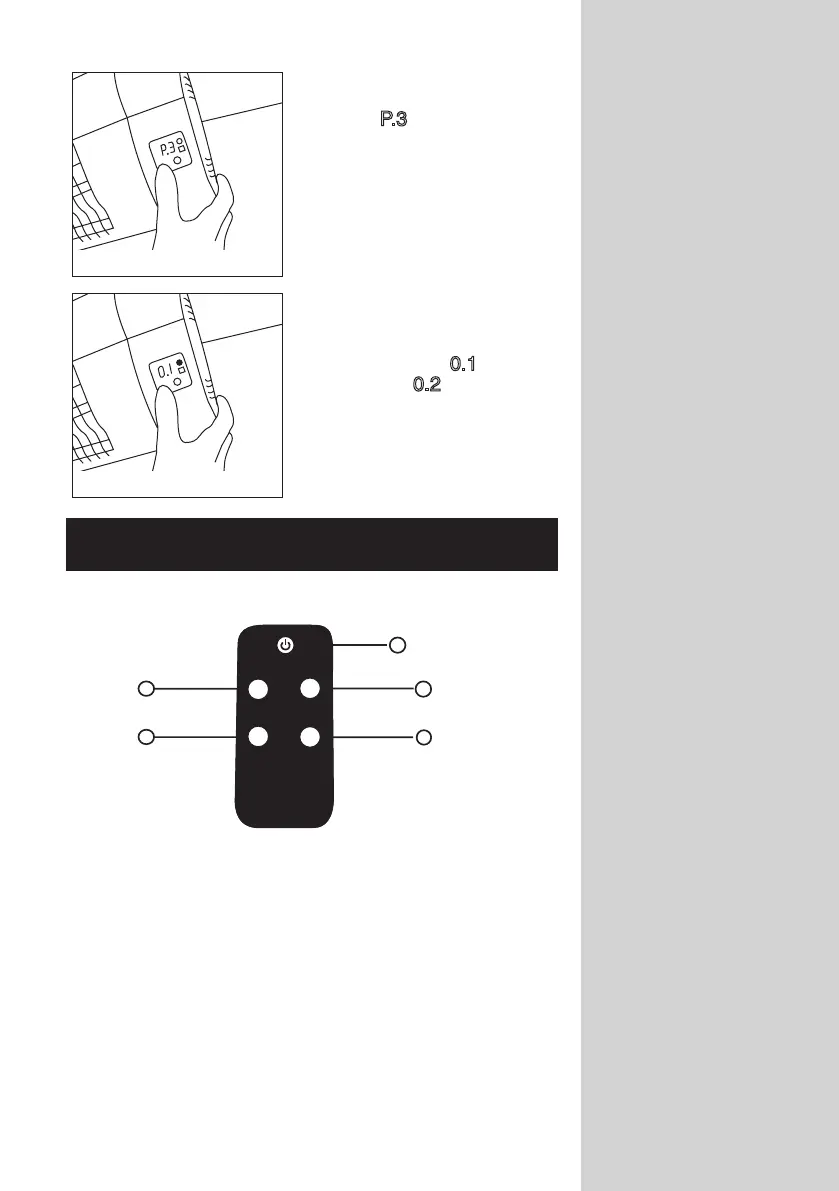
Fig.G
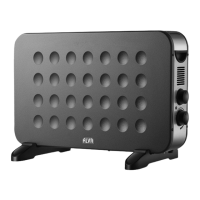
Fig.H
8
2
4
1
3
5
650W
2000W
1350W
TIMER
5. Press Power button
once again, the digital screen
shows
P.3 for High heat set-
ting (Figure G)
6. Once you have selected your
function the 1 - 24 hour shut
down can be set. The digital
screen showing
0.1 indicates
1 hour and 0.2 indicates
2 hours. (Figure H)
Press Timer button each time
to advance by 1 hour.
USING YOUR REMOTE
The functions of the heater can be controlled using your remote
control and digital screen.
1. On/Off: Puts the heater on or off/off standby
2. Low Heat: P1 You can choose a low heat setting.
(650W)
3. Medium Heat: P2 You can choose a medium heat setting.
(1350W)
4. High Heat: P3 You can choose a high heat setting.
(2000W)
5. Timer off: Switches the heater off in preset
time and starts standby mode.



 To Next Page