EasyManua.ls Logo

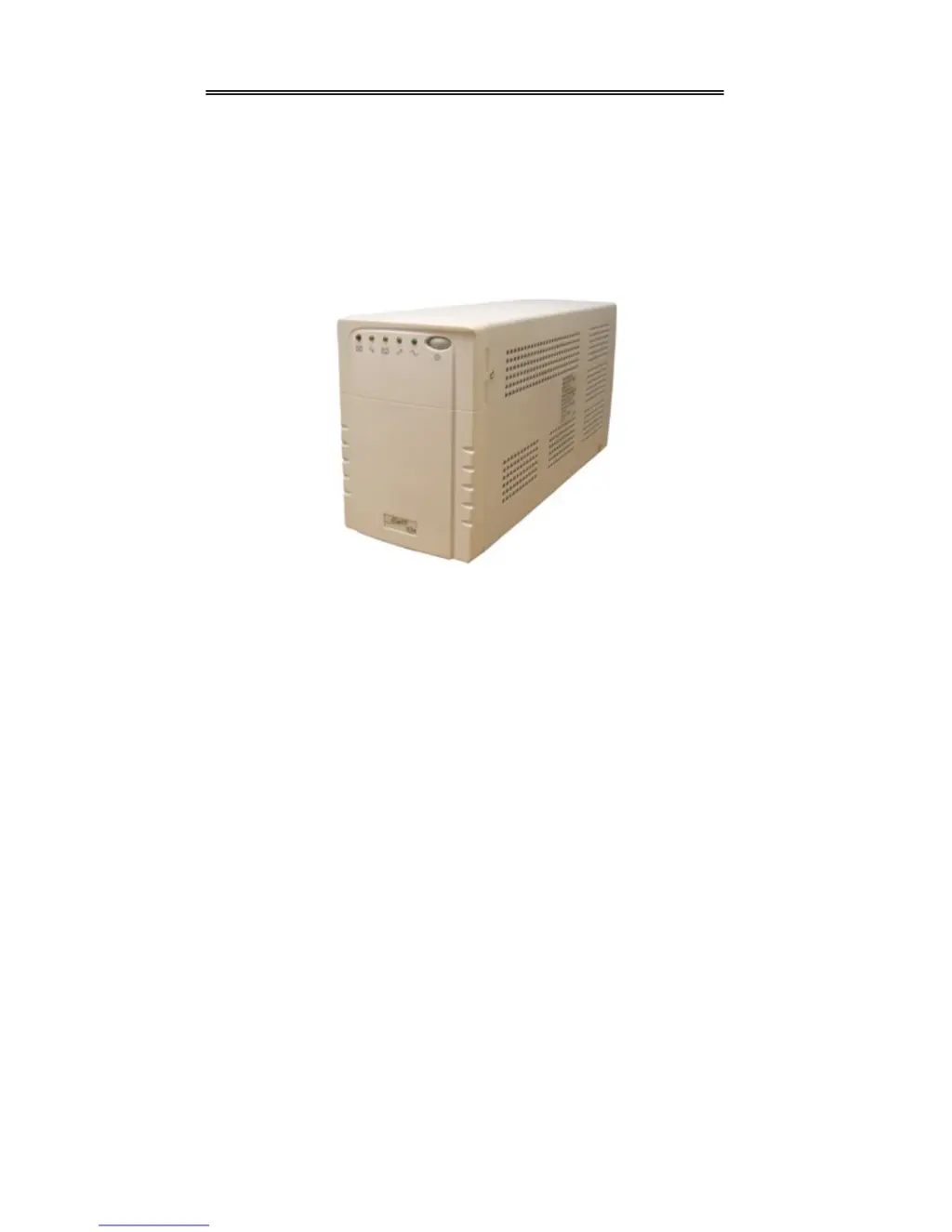
Always “On” UPS GES-801V - User Manual

Always “On” UPS GES-801V
22 pages
Print Icon
To Next Page IconTo Next Page
Loading...
Always “On” UPS Systems Inc.
GES V-Series – Single Phase Input, Single Phase
Output
Uninterruptible Power Supply
GES-801V, GES-102V, GES-102VR, GES-152V, GES-152VR,
GES-222V, GES-222VR
Line Interactive (PWM): 800VA, 1kVA, 1.5kVA, 2.2kVA
User Manual
M0102_V_Series_801-222V_Manual V2.3 2012-06-12

Questions and Answers

  • M
    matthew53Aug 11, 2025
    What to do if my Always “On” UPS goes into back-up mode while connected to AC power?
    • S
      Susan RussellAug 12, 2025
      If your Always “On” UPS unexpectedly switches to battery backup while still connected to AC power, the issue might be with the utility voltage or frequency being abnormal. Check the AC power source. Alternatively, there may be a UPS AC detecting circuit failure, in which case you should call for service.
  • A
    Amy DiazAug 17, 2025
    Why does my Always “On” UPS have no reaction while AC power is connected?
    • B
      brittany25Aug 17, 2025
      If your Always “On” UPS shows no signs of power when connected to AC, several factors could be responsible. First, the breaker at the back panel might be open; in this case, replace the fuse or switch the breaker on. Second, there might be no AC input, so check the AC power source. Third, there could be an internal UPS fault, requiring you to call for service. Finally, battery failure may cause this issue, and you'll need to call the service center to replace the batteries.
  • A
    Amy WaltersAug 25, 2025
    What to do if after AC is connected to Always “On” UPS, alarm sounds short and fast beeps and UPS shuts down?
    • L
      Lauren GuerreroAug 25, 2025
      If your Always “On” UPS emits short, fast beeps and shuts down immediately after connecting to AC power, this indicates an abnormal utility power supply. Check the input power.
  • M
    Matthew OdonnellAug 30, 2025
    What to do if the battery cannot provide normal back-up power in the event of a blackout for Always “On” UPS?
    • A
      ana73Aug 30, 2025
      If the battery of your Always “On” UPS fails to provide normal backup power during a blackout, there are a few potential causes. The battery may have deteriorated or may not be fully charged. In either case, try charging the batteries and resetting the UPS. If the issue persists, the battery charger might be damaged, and you should call for service.
  • R
    Rebecca AshleySep 3, 2025
    Why does my Always “On” UPS have no reaction while AC power is connected, yet starts after pushing power on/off switch?
    • S
      Sherri TaylorSep 3, 2025
      If your Always “On” UPS only starts after using the power switch while connected to AC, it could be due to a few reasons. The breaker at the back panel might be open; in this case, switch the breaker. Also, there might be no AC input, so check the AC power. The UPS AC detecting circuit may have failed, requiring you to call for service.

Always “On” UPS GES-801V Specifications

General IconGeneral
ModelGES-801V
CategoryUPS
TypeLine Interactive
Capacity800VA / 480W
Output WaveformSimulated Sine Wave
Frequency50/60Hz
ProtectionOverload
Communication InterfaceUSB
Operating Temperature0°C to 40°C
Humidity0-90% Non-Condensing

Related product manuals