4
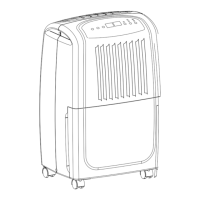
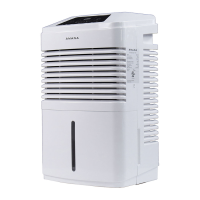
DEHUMIDIFIER USE
Setting the Controls
Starting/Stopping the Dehumidifier
NOTE: Before turning on the dehumidifier, be sure that the bucket is empty and fits all the way into the dehumidifier.
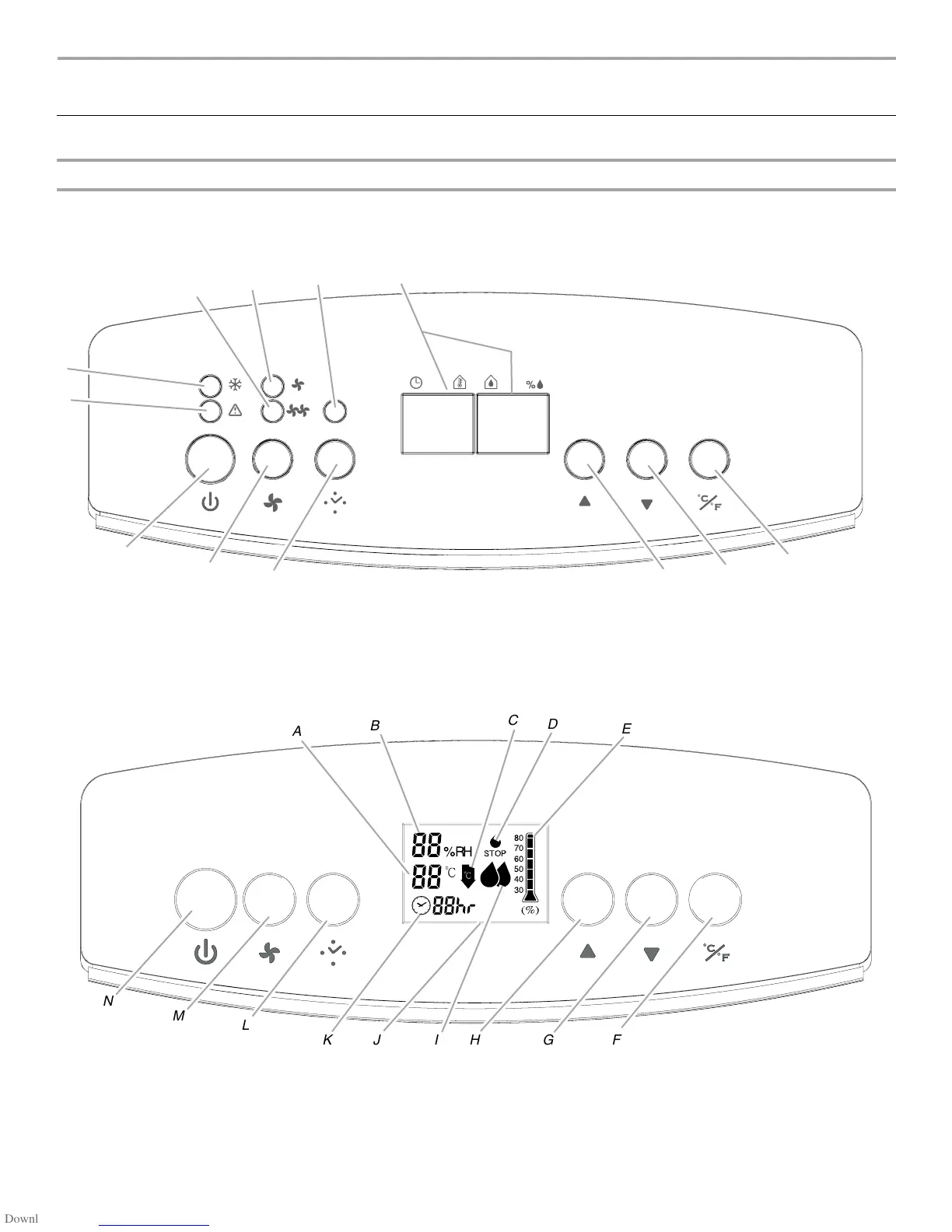
Control Panel (Models D965E, D965E-E, D965PE, D965PE-E)
NOTE: Minimum operating temperature is 41ºF (5ºC).
Control Panel (Model D974E)
NOTE: Minimum operating temperature is 41ºF (5ºC).
A. High fan speed indicator light
B. Low fan speed indicator light
C. Timer indicator light
D. Timer/temperature and humidity level display
E. ºC/ºF selector pad
F. D o w n a r r o w p a d
G. Up arrow pad
H. Timer pad
I. Fan speed pad
J. Power on/off pad
K. Check bucket indicator light
L. Defrost indicator light
A
B
D
L
K
J
I
H
G
F
E
C
A. Current room temperature
B. Current room humidity display from 30% to 80%
C. Defrost indicator light
D. Check bucket indicator light
E. Humidity setting display from 30% to 80%
F. ºC/ºF selector pad
G. Down arrow pad
H. Up arrow pad
I. High/Low fan speed indicator light
J. Timer/temperature and humidity level display
K. Timer indicator light
L. Timer pad
M. Fan speed pad
N. Power on/off pad
%RH
80
70
60
50
40
30
STOP
N
M
L
JHGF
IK
A
B
C
D
E



 To Next Page