4
Installation & Controls
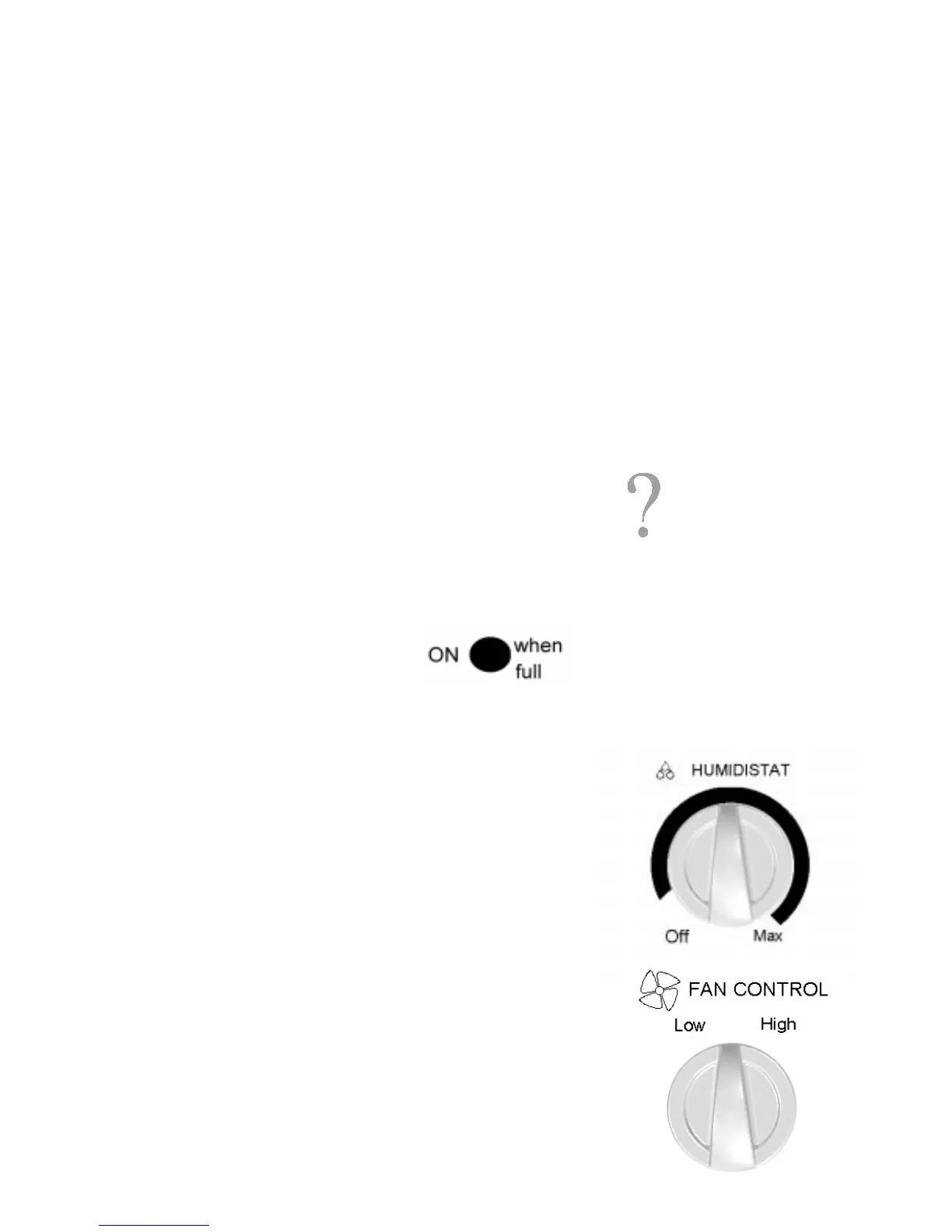
Fan Control (some models)
For maximum moisture removal set fan control to high. When the humidity
level has reached the desired level or quieter operation is preferred, reduce
fan speed to low. Low setting can be used any time fast moisture removal is
not required.
Humidistat
All Amana dehumidifiers feature a built-in humidistat to ensure efficient,
economical operation. Humidistat control automatically starts the
dehumidifier when excessive humidity is present. After humidity is reduced to
a level specified by the humidistat setting, the dehumidifier will stop running.
The humidistat has an infinitely adjustable range from “OFF” to “HIGH”.
Controls
Installation
Uncrating
• Remove all packing material
before turning on power.
• If shipping tape has left a
residue on dehumidifier, rub
toothpaste gently onto residue to
remove.
• When dehumidifier has been
removed from carton, it is
completely assembled and
ready for use.
Location
• Close all doors, windows,
and other outside openings.
• Size of area will greatly
influence efficiency.
• Place dehumidifier so there
is no air flow restriction at
front or rear.
• Do not place in closet unless
there is sufficient air flow.
• A second dehumidifier may
be required for large areas.
Before You Begin
• Make sure drain bucket is
placed correctly.
• Read instructions for first use.
• Do not attempt to service or
repair yourself.
• Do not operate on days that
have low humidity levels.
• Dehumidifiers vary by model.
Know which model you own.
If These Controls
are Different from
Yours
This manual is intended to show the
variety of features that are available in
the product line. If your dehumidifier
does not have all the options that are
shown, it is because the information
provided applies to several of the
models in the product line.
Overflow Control
Each dehumidifier is equipped with a signal light which indicates the overflow
control has stopped the unit. To resume normal function, simply drain the
bucket by shutting off the dehumidifier, removing and emptying the bucket.
Replace bucket by sliding back into rear of dehumidifier.
When placing the drain bucket in the dehumidifier,
ensure the plastic float is hanging freely in the drain
bucket and that the signal light is not on. If the light
is on, reposition the bucket until it shuts off.



 To Next Page