Amano TCX-21 Operation Manual 2
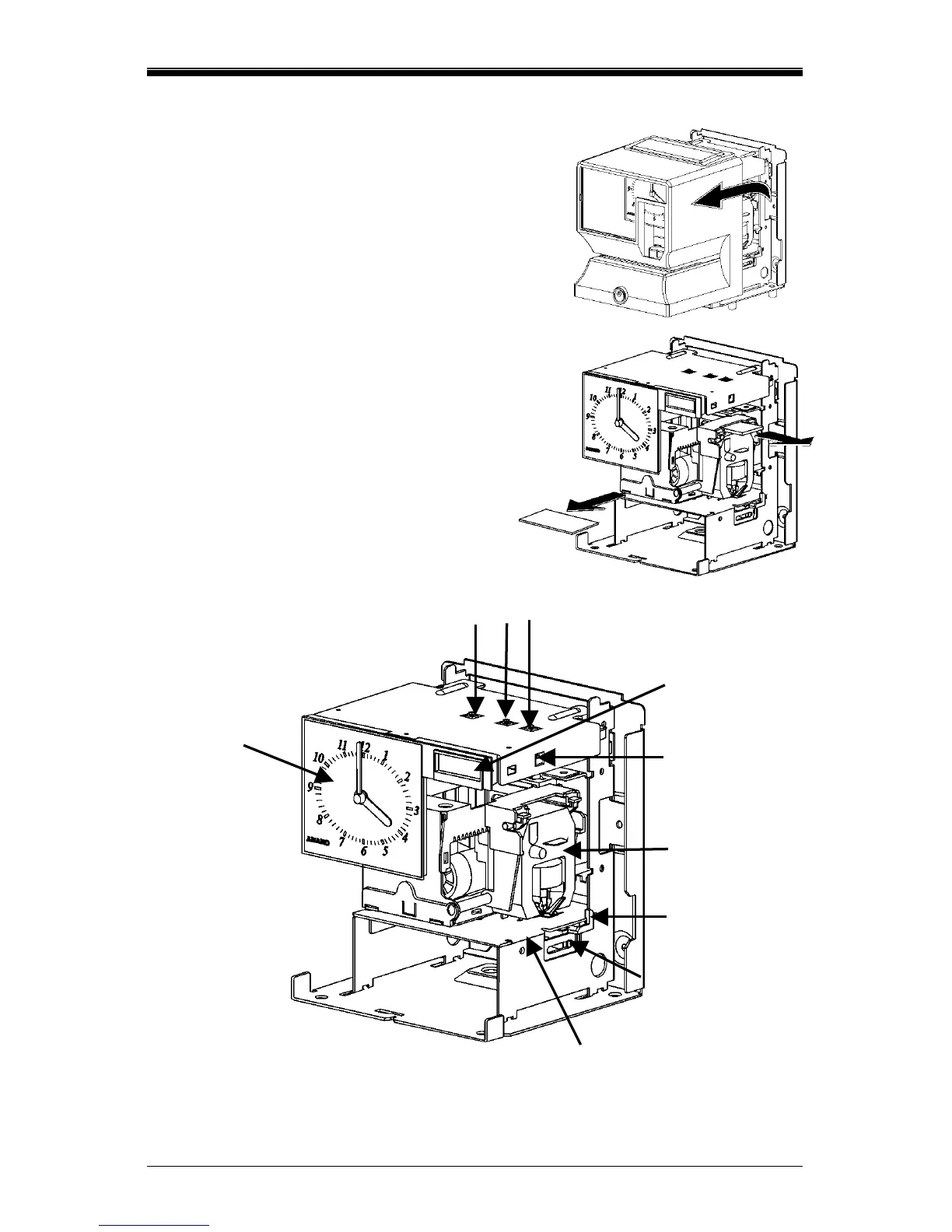
Removing the Cover & Packing Material
1. Turn the key clockwise to unlock the
cover.
2. Lift the cover up, then pull it towards
you to remove it.
3. Lift the printer block and remove the
spacer.
4. Remove the spacer between the
Ribbon Cartridge and the Printer
Carriage Tab.
5. Reinstall the cover of your unit.
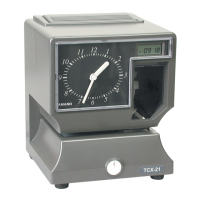
Internal View
LCD Display
Program Buttons
Reset
Button
Analog
Clock
Ribbon
Cartridge
Card Stopper
Card Stopper
Adjustment Screw
Printer Platen


 To Next Page