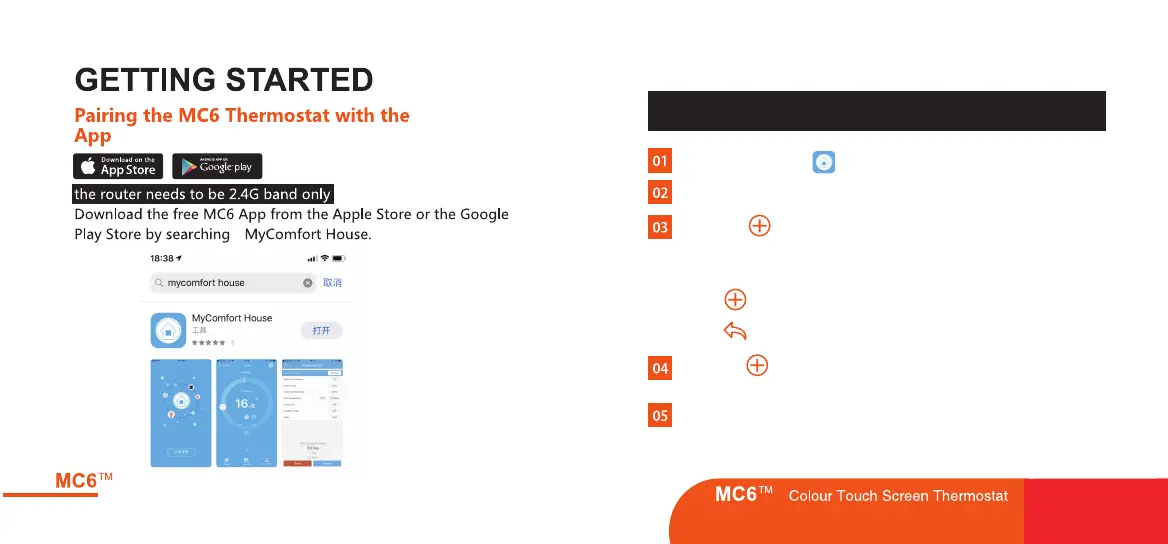
“ ”
APP Operation 01-07
Please Enable the “Location”to MyHouse App in your mobile settings
before any operation, or else the GEO distance will not correct.
Open the MyHouse and register your account.
Press the Icon on App home screen.
Log into your account.
Press "Location Name" to add the Location, for example
Home/Office etc.
Press icon to confirm the property.
Press icon to go back to the main screen.
Press the icon on App home screen to enter the
"Add Device" screen.
Select "Smart Config" optioin on Add device screen.
Press the bottom button "Add device location to enter WiFi
configuration.
12
13


 To Next Page