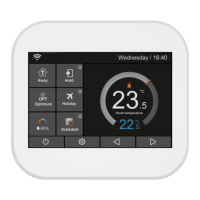
Find ”Pair to App(Smart Config)“ and press it.
Enter the Wi-Fi password (please ensure this router password must
be correct ).
Press the button"Next" on the bottom to enter "Pairing device"
screen.
Waiting for thermostat feedback on the "Pairing device" screen,
the count down time is 120 seconds, if pairing failed please check
the Wi-Fi password and pair again.
Thermostat Operation
On the MC6 Home scren , press the icon and enter
"Feature Settings".
Wait for the devices to pair,(This may take serveral minutes to
activate).
The App will display "Connected to the Wi-Fi" and will display
"App Matching Success" on the controller .
enter the setting interface.
14
15
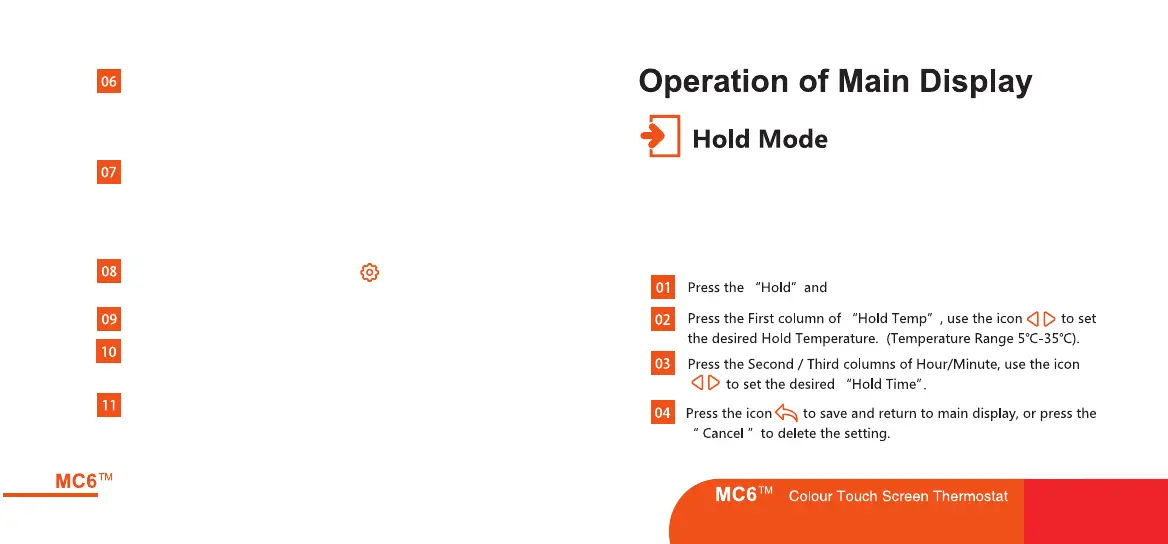
The function has a relatively high priority, say, whatever setting you have
made, when you switch the thermostat to Hold mode, all the pre-settings
done before will be temporarily ignored, except hold temperature,which
will maintain until the end of the "hold period" you set.


 To Next Page
 Loading...