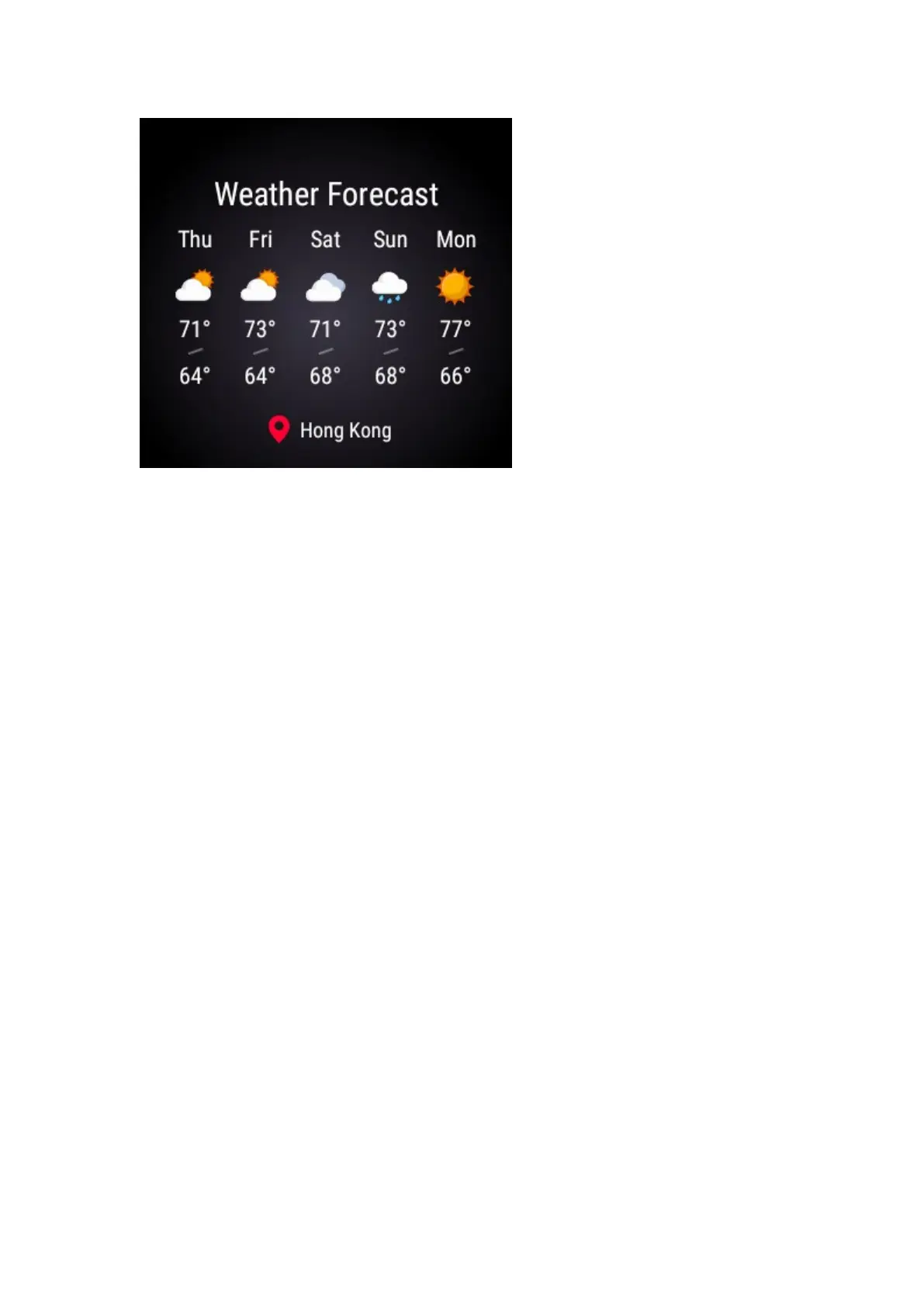
To change weather setting, on the home screen of the Amazfit Watch app,
select Application Settings.
Tap on Weather Settings to change location, temperature unit, enable and disable
Daily Weather and Weather Warning reminders.
12. How to change the temperature unit?
iOS
1) Select Application Settings
2) Select Weather Settings
3) Select Temperature unit and choose either Fahrenheit or Centigrade.
Android
1) Select Applications at the bottom of the home screen.
2) Tap wheel icon next to Weather option.
3) Select Temperature unit and choose either Fahrenheit or Centigrade.



 To Next Page