https://www.android.com/filetransfer/
2. Connect the watch to your computer via the provided USB cable and charging
base.
3. Open Android File Transfer from your "Applications" folder.
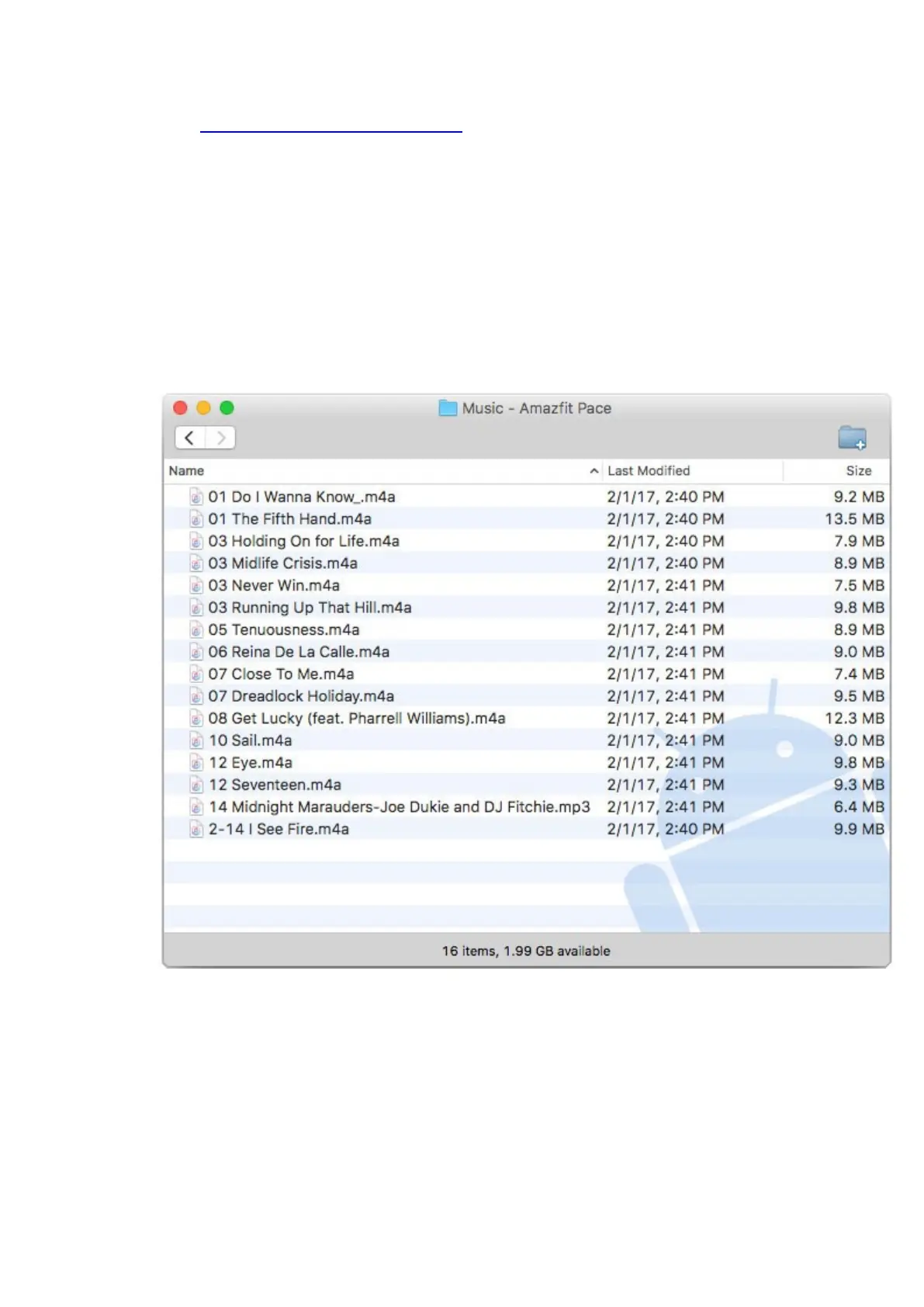
4. Double click on the "Music" file folder shown in Android File Transfer.
5. Directly copy / drag & drop the music files into the "Music" file folder.
Once you have transferred your music files into the watches' "Music" folder, disconnect
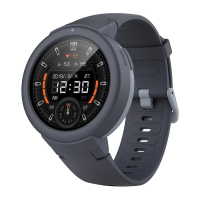
the Amazfit Pace from the USB cable. Within the watch user interface you can now select
the Music player widget on the watch screen to play music via a connected Bluetooth
headset, earbuds or speaker.


 To Next Page