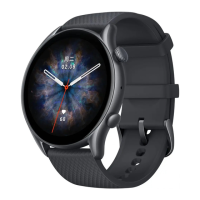
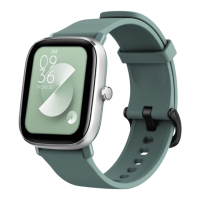
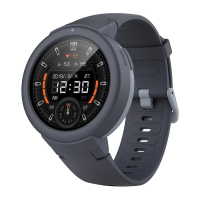
22. How to Change the Watch Face?
Connect your watch with Amazfit Watch app.
On the home screen of the Amazfit Watch app, select Watch Faces.
Tap on your selection and the watch face will update.
23. How to Change to a Custom Watch Face?
1).On the Amazfit Watch app, select Watch Faces.
Scroll down until you reach Load Image.
Take a photo, or choose one from your gallery.
Confirm by tapping Use Photo or Choose, then wait for it to sync.


 To Next Page