35
EN
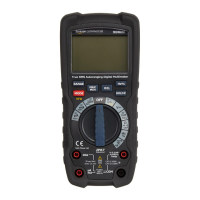
• Insert the red connector lead (Q) into the
input jack (K).
• Touch the test probes (Q) across the circuit or
part under test.
• Press the Hz/% button (I) to switch between
frequency measurement(Hz) and duty cycle(%)
measurement. The appropriate indicator Hz (2)
or % (3) lights up.
• The stabilized value on the display (A) is read as
the actual reading.
Cleaning and Maintenance
NOTICE
Switch the product off and all the
connector leads before cleaning.
NOTICE
During cleaning do not immerse the
product in water or other liquids. Never hold the
product under running water.
Cleaning
• To clean the product, wipe with a soft, slightly
moist cloth.
• If necessary, clean the input jacks (F)/(G)/(K)/(L),
and all connectors with a soft brush.
• Never use corrosive detergents, wire brushes,
abrasive scourers, metal or sharp utensils to
clean the product.


 To Next Page