18
EN
• Set the function switch (K) to the 60A or
600A position. If the approx. range of the
measurement is not known, select the highest
range. Then move to the lower ranges if
necessary.
• Press the MODE/VFD button (H) to change
the measurement mode. The set measurement
mode is indicated by the following symbols:
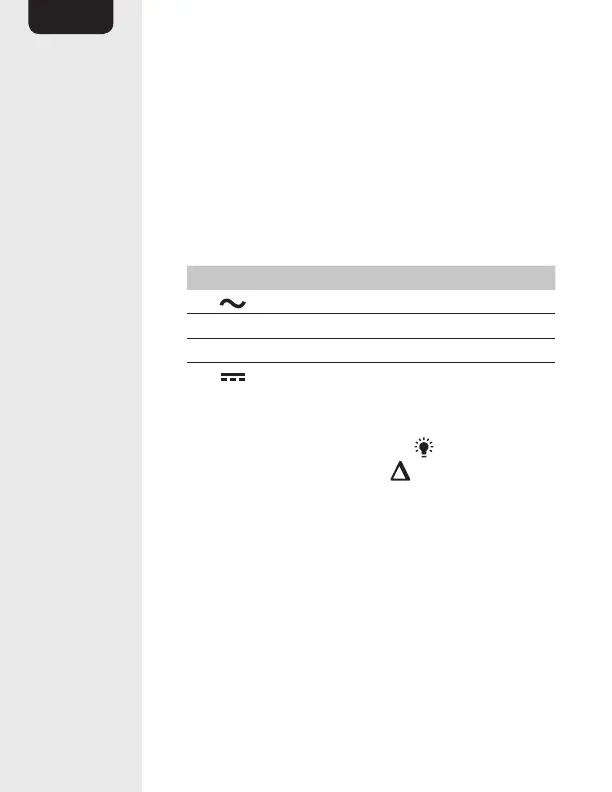
Symbol Measurement mode
Alternating current
Hz Frequency
% Duty cycle
Direct current
• When measuring DC current, allow time for
the product to zero before taking a reading.
If necessary, press the REL / button (E) to
zero the display (18). The indicator (1) lights
up on the display (F). It is not necessary to zero
the meter when measuring AC current.
• Press the trigger (D) to open the jaw. Clamp
around a single conductor making sure the
jaws are fully closed before taking a reading.
For best results, center the conductor in the
jaw.
• The stabilized value on the display (F) is read as
the actual reading.


 To Next Page