Kindle 2 User’s Guide 2
nd
Edition 53
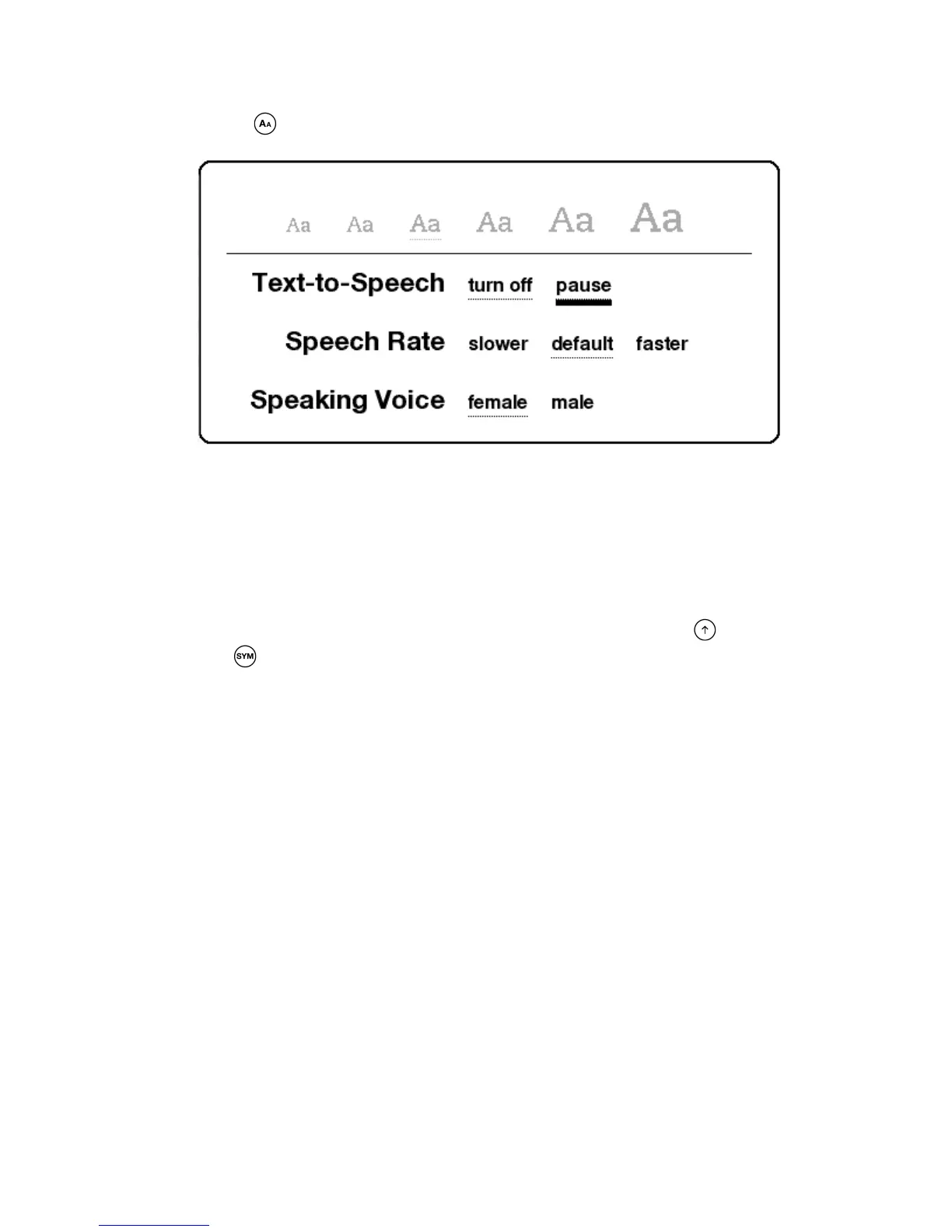
Press the Text key for Text-to-Speech controls.
By default, content is spoken with a male voice, but using the 5-way you can select a female
speaking voice. You can also slow down or increase the rate of speech as well as pause or turn
off Text-to-Speech. Text-to-Speech can also be turned off by pressing the Menu button and
selecting "Stop Text-to-Speech."
Tip: You can also play or stop Text-to-Speech by holding down the Shift key and pressing
the Symbol key
* * *















 To Next Page