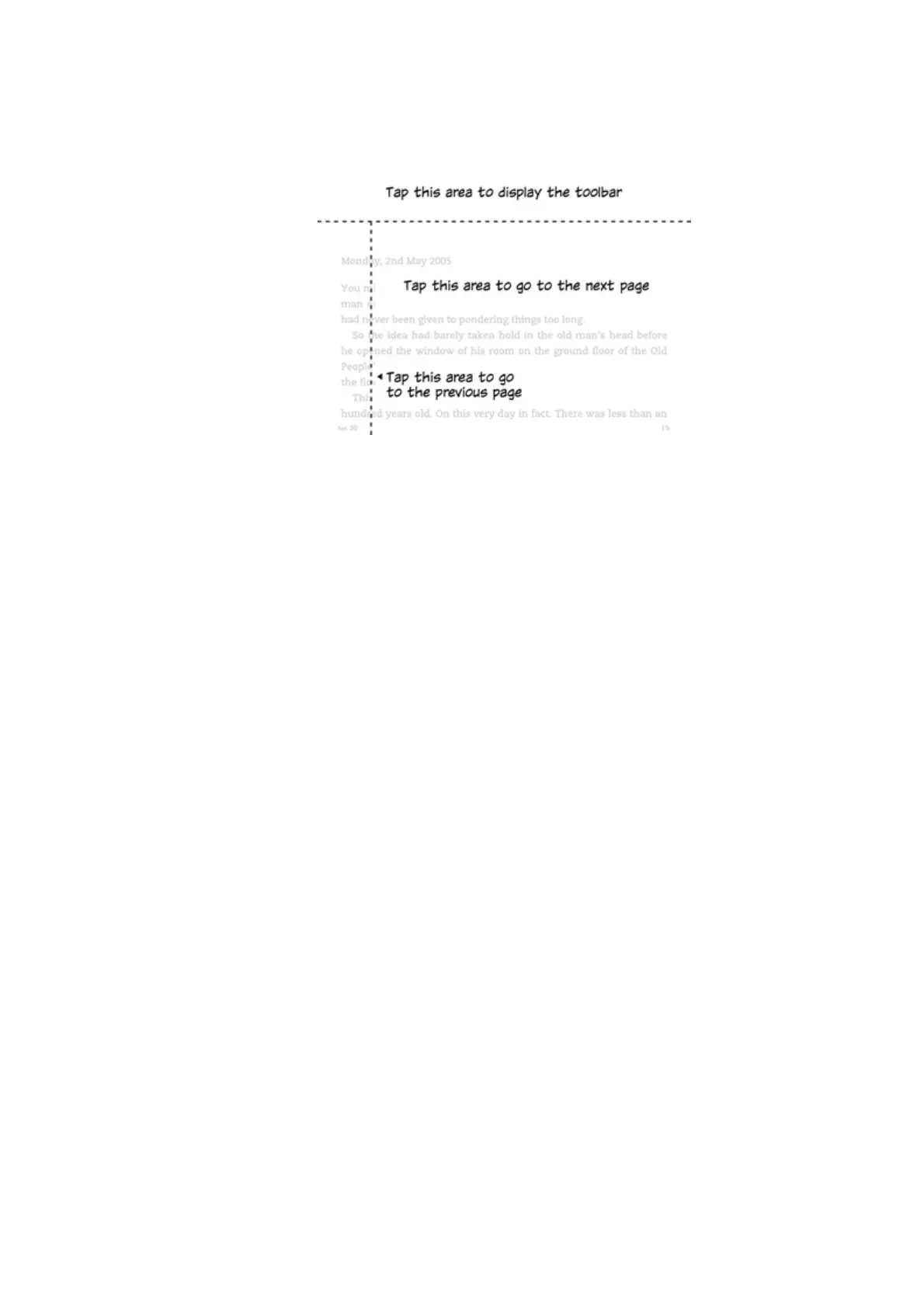
If you prefer, you can change pages by swiping the screen with your finger. To go to the next page,
swipe your finger from right to left across the screen. To go to the previous page, swipe your finger
from left to right across the screen.
Kindle User's Guide, 2nd Edition
Chapter 2 Navigating Your Kindle 15












 To Next Page