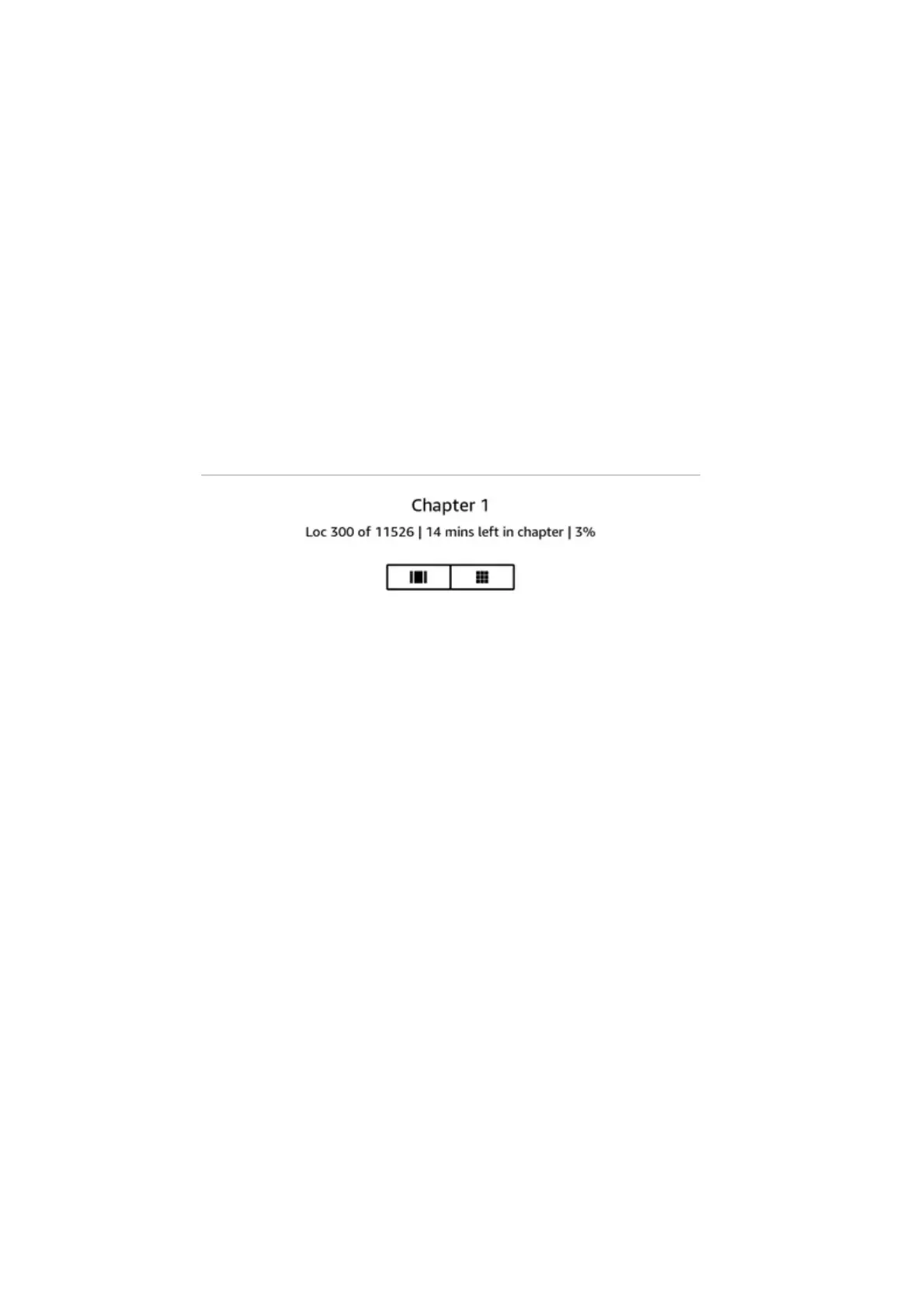
The Time to Read feature uses a unique algorithm to estimate the amount of time it will take you to
complete the chapter or book based on your past and current reading speed. Your specific reading
speed is stored only on your Kindle; it is not stored on Amazon servers.
When reading, select Reading Progress from the menu, and then choose the tracking option that
you want to display. Options may include:
• Location in book
• Page in book
• Time left in chapter
• Time left in book
• None
To hide Reading Progress, select the None option.
When you tap the top of the screen, the chapter name (if available) also displays on the Reading
Navigation toolbar.
On your library page, dots below the book title indicate how long the book is, with bold dots showing
how far you have read.
Kindle User's Guide, 2nd Edition
Chapter 5 Features 31










 To Next Page