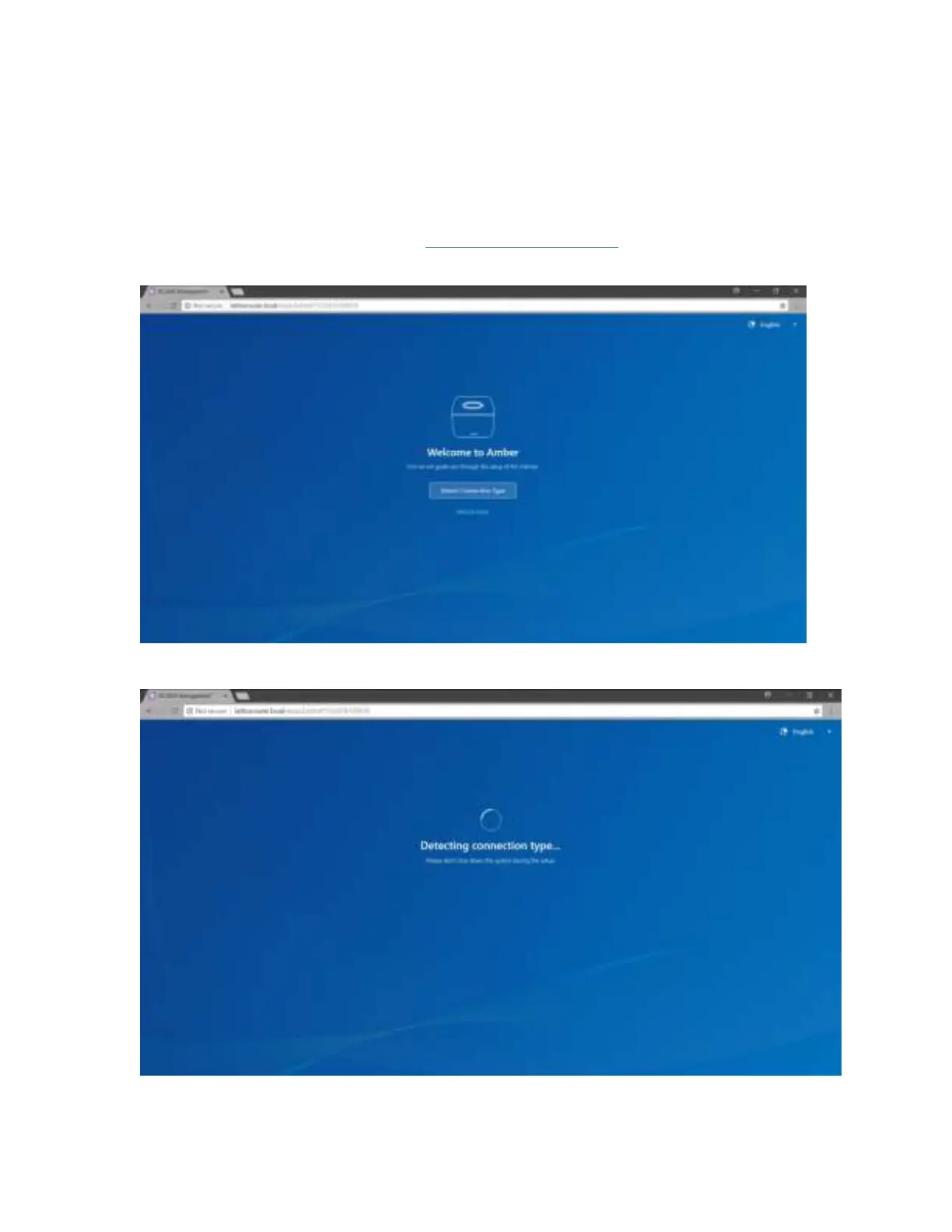
Amber Wi-Fi Router Setup
Now that we have completed the physical set up, we will continue with the AC2660 set up, so
please follow instructions.
1. Open your browser and go to the
http://latticerouter.local/.
You can as well access router gateway from Https://192.168.01.
2. Select “Detect Connection Type” if you do not know the settings provided by yout ISP.
Note: Manual set up is recommend for experienced users.



 To Next Page