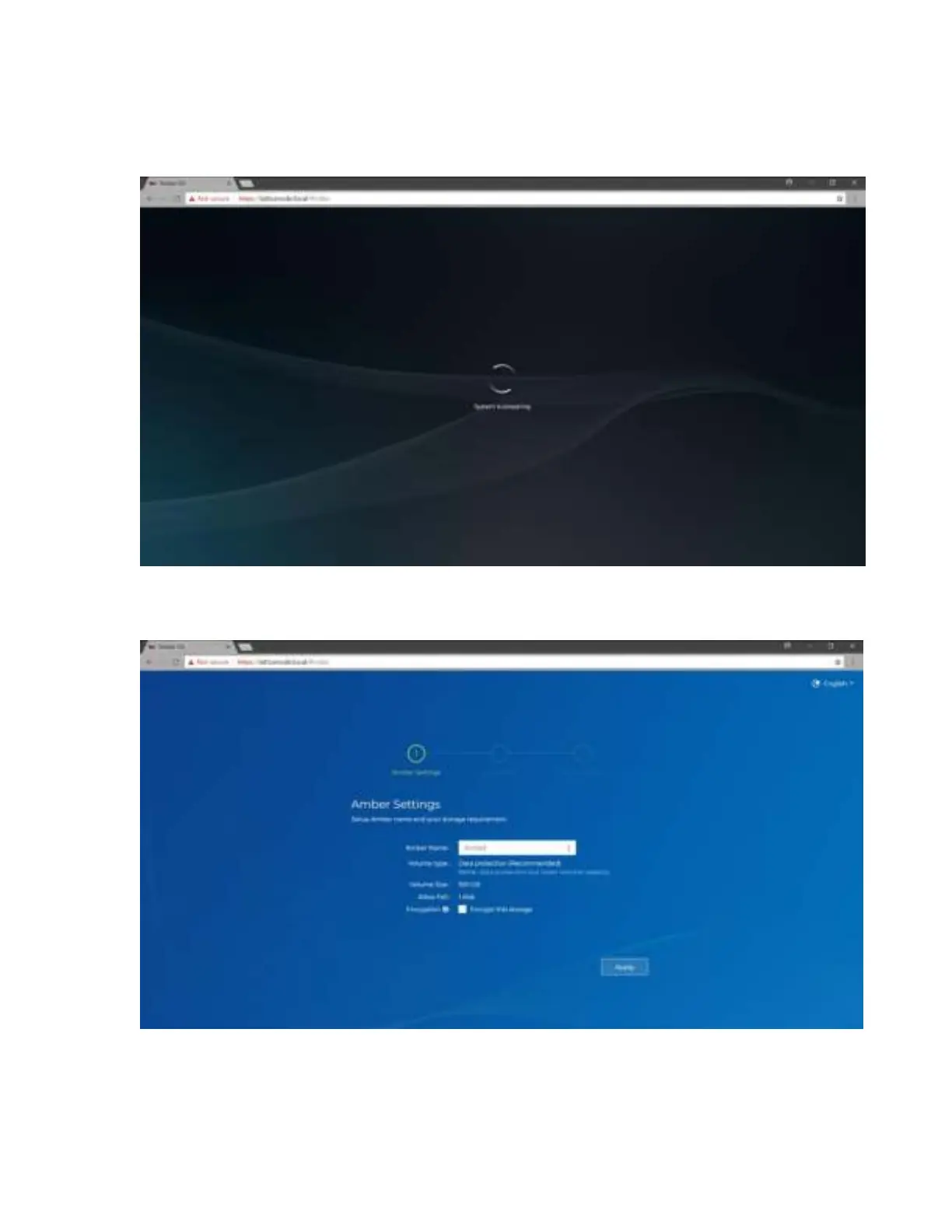
2. If you are redirect from the router setting, you won’t see the login page. If you reboot the device
before setting the storage, you need to log in to Amber using the following credentials:
Account: admin / Password: admin1234
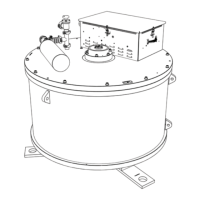
3. You will be re-directed to Amber settings. Here you will be able to change Amber name and
encrypt this storage. Once you have completed please click “Apply”
Note: If you encrypt storage you will have to unencrypt after every restart of the device. Please do
not lose your encryption key as you will not be able to unencrypt storage.



 To Next Page