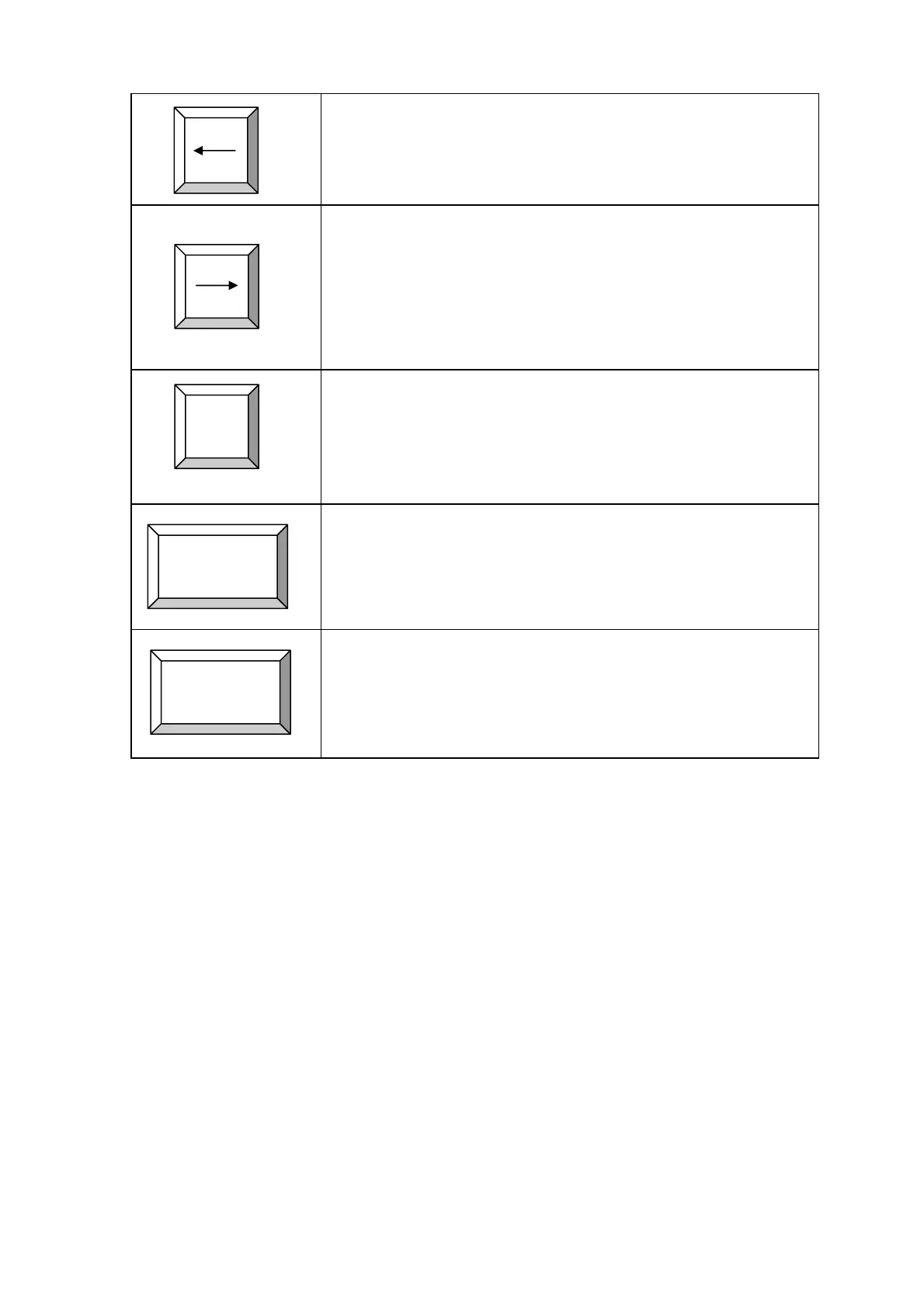
Move label left button:
Press this button will move the label left under the roller.
By holding this button pressed will move the label towards left
continuously.
Move label right button:
Press this button will move the label right under the roller.
By holding this button pressed will move the label towards right
direction continuously.
Cut label button:
Press this button will move the cutter to perform a cut.
Start auto button:
Press this button will start auto cut process.
Stop or Exit button:
Press this button will stop the auto cycle or exit the current mode
to idle mode.
CUT
START
STOP
© AMC AUTOMATION CO.
P.5

 To Next Page
 Loading...