GB
11
TECHNICAL DATA
TROUBLESHOOTING
If the product is used according to this manual you should enjoy trouble free use.
In cases of difficulty please check the following points before contacting the dealer
or Amcor help line.
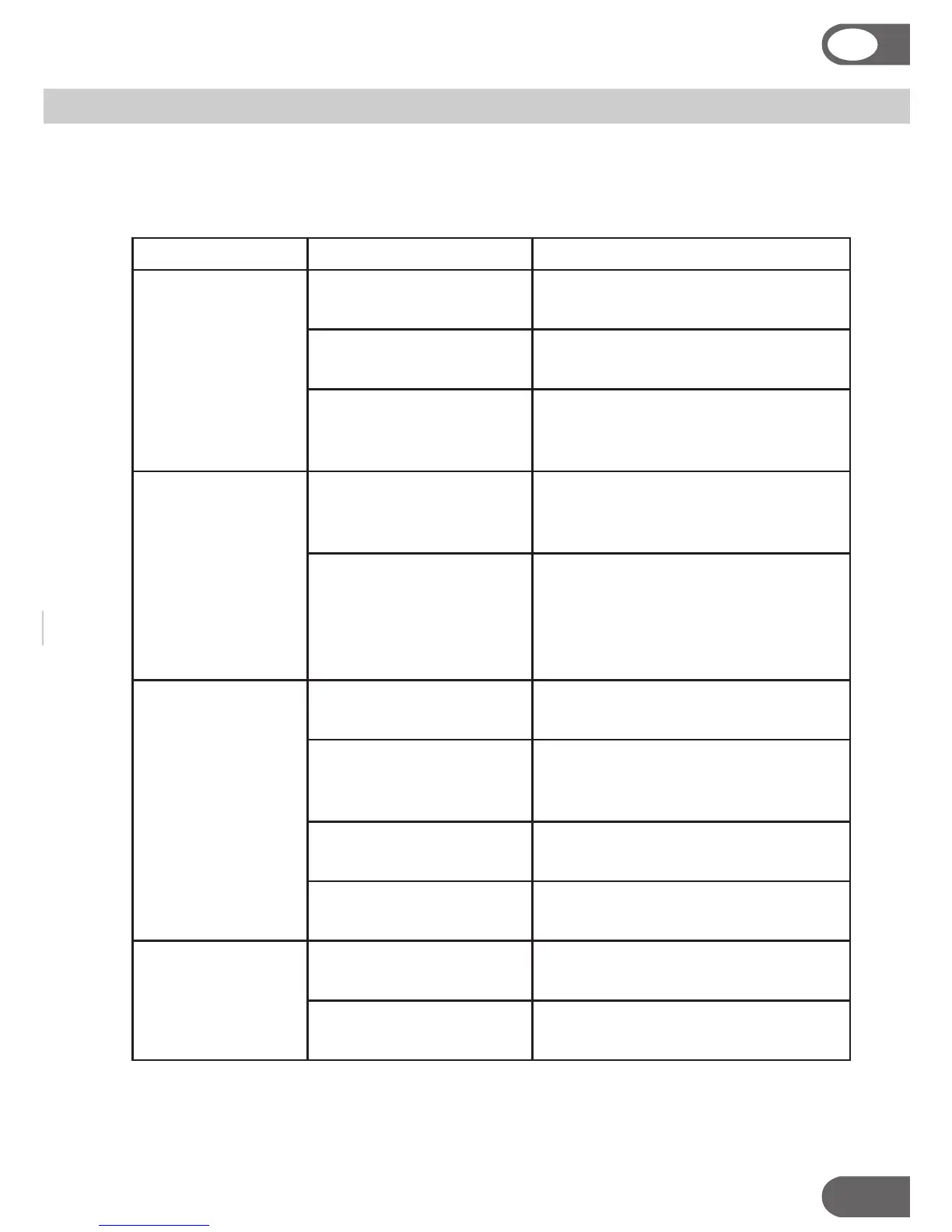
Symptom Check Action
Product does not
start
Is the “power” light on? Make sure the unit is plugged in to a
live mains socket.
Is the “water full” light
on?
Make sure the container is empty of
water and fitted
Is the humidistat set to a
high relative humidity?
Select a lower humidity setting [5] or
continuous running mode [4].
Water is leaking
outside of the
water tank
Has the unit been run-
ning in cold temperatures
under 5°C?
Only run the unit in a heated space
above 5°C.
Has the container been
removed for emptying
immediately after the unit
was running?
Wait a few minutes to allow the
condensation within the unit to flow
into the container after switching
off the unit and before removing the
container.
Reduced water
extraction
Is the humidistat set to a
high relative humidity?
Select a lower humidity setting [5] or
continuous running mode [4].
Are the filters blocked? Washable air filter may need clean
-
ing. Activated carbon filter may need
cleaning or replacing.
Is the air already relatively
dry?
Select a lower humidity setting [5] or
continuous running mode.
Is the unit running in a
cold room?
Ensure that the unit is operating in a
heated space above 5°C.
Not collecting
water
Is the “water full” light
[9] on?
Make sure the container is empty of
water and fitted properly in position.
Is the humidistat set to a
high relative humidity?
Select a lower humidity setting [5] or
continuous running mode [4].


 To Next Page