K2 Steamer Control and App
Install/Operating Instructions
4209-41 08-06-21 Technical Support: 1-320-286-3500 1-800-363-0251 support@amerec.com Page 3
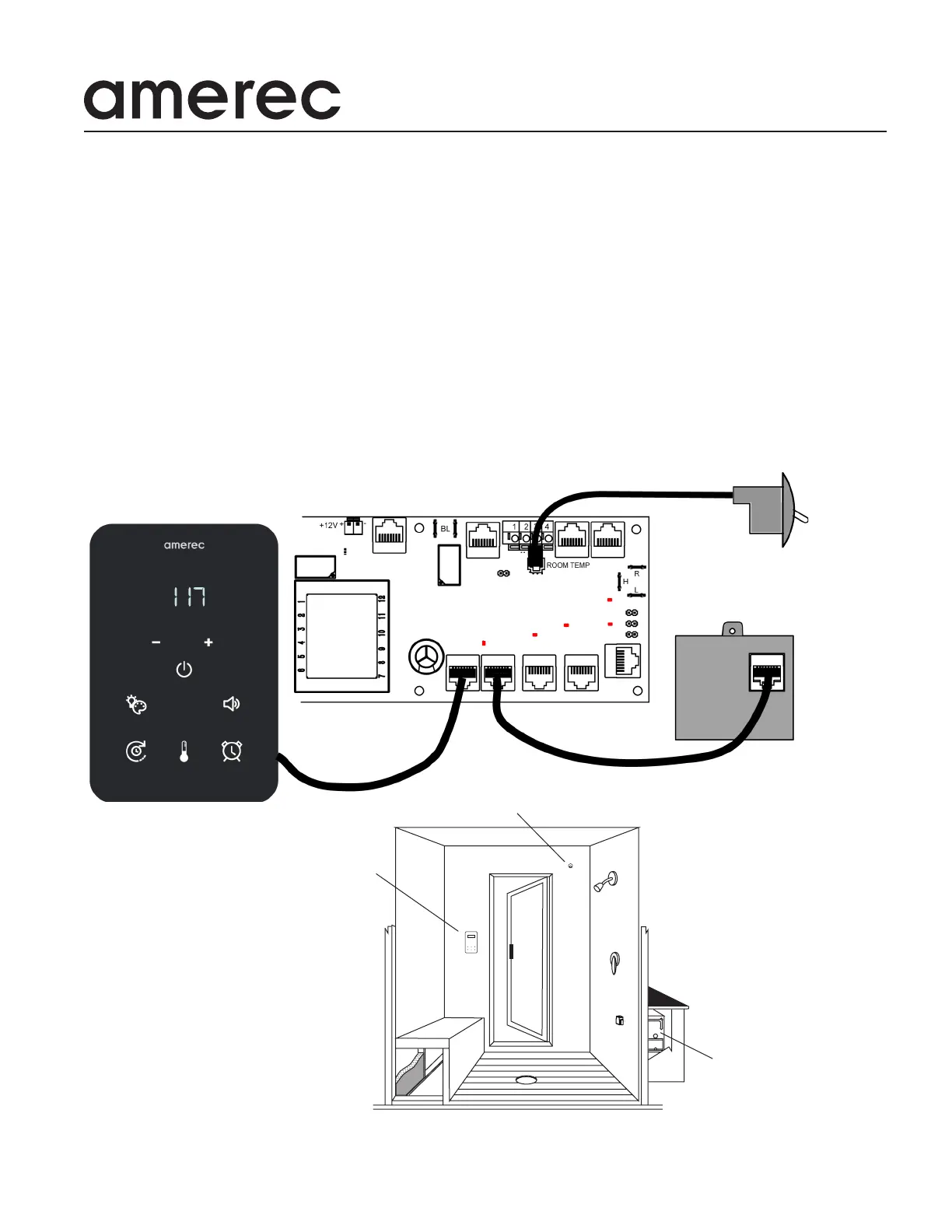
STEAM GENERATOR
TEMPERATURE SENSOR
K2 CONTROL
STEAM ROOM
K2 CONTROL OVERVIEW
The K2 control is a low voltage wired control for use with Amerec’s AK series steam generators. The control requires an 8 con-
ductor CAT-5 cable (provided) to connect to the steamer. A temperature sensor (required) mounts inside the steam room and
connects to the steam generator.
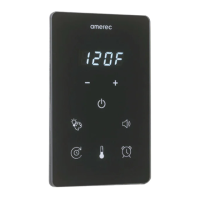
The K2 uses touch screen switches to control the bath and options:
• start and stop the steam bath
• set or display the bath temperature *
• set the bath run time **
• set a delayed start time for the steam bath
• control low voltage room lights (optional)
• control a 2nd option, such as Amerec’s bluetooth connected speaker system (optional)
*The bath temperature may be displayed in either °F or °C, selected using a jumper on the steamer’s
circuit board.
** The bath time may be set for up to 60 minutes (default). A jumper on the steamer’s circuit board may
be used to set for a maximum bath time of up to 24 hours.
A typical installation
TEMPERATURE SENSOR
K2 CONTROL
Wi-Fi Module
Steamer Circuit Board


 To Next Page