EasyManua.ls Logo

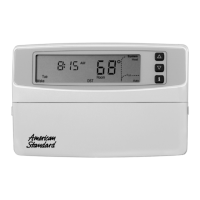
American Standard ASYSTAT500C - User Manual

American Standard ASYSTAT500C
68 pages
Print Icon
To Next Page IconTo Next Page
Loading...
1
Pub. No. 12-5029-01
69-1617
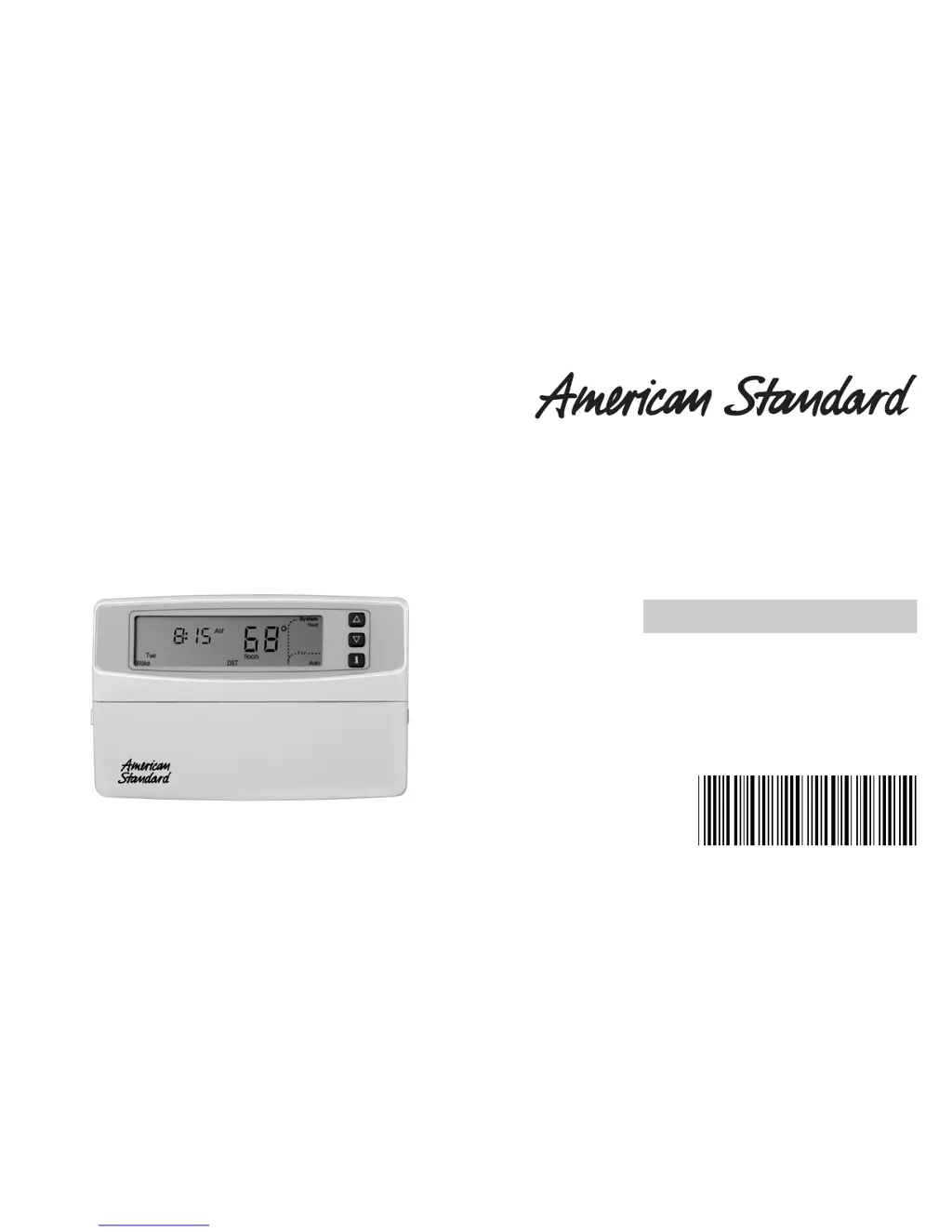
OWNER’S GUIDE
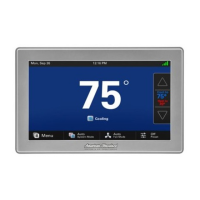
ASYSTAT500C Deluxe Programmable
Heat Pump Thermostat
Pub. No. 12-5029-01
69-1617

Questions and Answers

  • E
    Edward TrujilloJul 29, 2025
    Why is my American Standard ASYSTAT500C display not coming on?
    • J
      Jasmine GarrettJul 29, 2025
      If the display on your American Standard Thermostat isn't turning on, there might be a few reasons. First, ensure the thermostat is correctly mounted and latched onto the wallplate. Also, check the circuit breaker and reset it if it has tripped. Additionally, see if the fuse is blown and replace it if necessary. Verify that the system switch at the equipment is in the On position. Inspect the wiring between the thermostat and HVAC equipment, replacing any broken wires. If 24 Vac is present, proceed with troubleshooting.
  • T
    Taylor Brooks DVMAug 3, 2025
    What to do if my American Standard Thermostat heating does not come on?
    • M
      Melissa ThomasAug 3, 2025
      If the heating isn't working on your American Standard Thermostat, start by checking if the circuit breaker has tripped and reset it if needed. Make sure the system selection is set to Heat. Verify that the heating setpoint is above the current room temperature. Also, check the fuse and replace it if it's blown. Ensure the system switch at the equipment is in the On position. If 24 Vac is present, proceed with troubleshooting. Finally, allow up to five minutes for the system to respond, as the thermostat may display 'Wait'.
  • A
    Alisha GordonAug 8, 2025
    What to do if my American Standard Thermostat cooling does not come on?
    • B
      Benjamin WrightAug 8, 2025
      If the cooling isn't working on your American Standard Thermostat, begin by checking the circuit breaker and resetting it if necessary. Ensure that the system selection is set to Cool. Verify that the cooling setpoint is below the current room temperature. Also, inspect the fuse and replace it if it's blown. Check if the system switch at the equipment is in the On position. If 24 Vac is present, proceed with troubleshooting. Lastly, give the system five minutes to respond, as the thermostat may display 'Wait'.
  • Z
    zhernandezAug 13, 2025
    Why does my American Standard ASYSTAT500C Thermostat temperature setting not change?
    • T
      Todd StanleyAug 13, 2025
      If you're unable to adjust the temperature settings on your American Standard Thermostat, it might be because you've reached the upper or lower temperature limits. Ensure that your temperature setpoints are within the following ranges: * Heating: 55 to 85°F (13 to 29°C) * Cooling: 65 to 99°F (18 to 37°C).
  • M
    Mark HuntAug 18, 2025
    Why is the system on indicator lit, but no warm or cool air is coming from my American Standard ASYSTAT500C Thermostat?
    • J
      juan00Aug 19, 2025
      If the system on indicator (flame for heat, snowflake for cool) is lit on your American Standard Thermostat, but you're not feeling warm or cool air, it could be because the heating or cooling equipment turns on the fan only when the equipment has reached the setpoint. Wait a minute after seeing the flame or snowflake and then check the registers.
  • K
    Kim JordanAug 23, 2025
    Why is the LED lit on my American Standard ASYSTAT500C Thermostat?
    • S
      stephanie32Aug 23, 2025
      The LED on your American Standard Thermostat might be lit because the system switch is set to Em. Heat. Try moving the switch to Heat or Auto.

Summary

CUSTOMIZING YOUR THERMOSTAT

Program Options Set-Up by Your American Standard Dealer

Explains how dealers program thermostat options and notes factory settings.

GETTING AROUND THE KEYBOARD

Emergency Heat

Describes how to activate and use the emergency heat feature.

Auxiliary Heat

Explains the function of auxiliary heaters assisting the heat pump.

FEATURES

Comfort-R Comfort Enhancement System

Details the system's role in enhancing moisture removal for comfort.

Adaptive Intelligent Recovery Control

Explains how the thermostat senses temperature for smarter recovery.

The Optimum Comfort and Energy Savings Solution

Discusses how the thermostat saves energy and maintains comfort.

NEAT STUFF YOULL BE USING OFTEN

Setting Temporary Temperatures

How to temporarily override current temperature settings.

Changing Temperature Setting Until the Next Schedule Period

Adjusting temperature until the next programmed schedule period.

Changing Temperature Setting Indefinitely

Setting a permanent hold for the temperature.

Vacation Mode

Setting the thermostat for extended periods away from home.

Information Key

How to use the Information key to view settings and status.

PROGRAMMING YOUR THERMOSTAT

Clock

Setting the current day and time for the thermostat.

7-Day Program and Operation

How to set up a 7-day heating and cooling schedule.

7-Day Preprogrammed Schedule

Overview of the default 7-day schedule settings.

Customizing Your Own 7-Day Schedule

Guide to creating a personalized 7-day schedule.

Copying a Day

Method to copy a programmed day's schedule to other days.

Clearing Schedule Period

How to remove specific schedule periods for a day.

24-Hour Program and Operation

Setting up a 24-hour schedule that repeats daily.

24-Hour Preprogrammed Schedule

Overview of the default 24-hour schedule settings.

Customizing Your Own 24-Hour Schedule

Guide to creating a personalized 24-hour schedule.

Constant Temperature Setpoint Programming

Setting a single, constant temperature for all times.

Setting Temperature and Fan Operation

Adjusting temperature and fan settings in constant mode.

TROUBLESHOOTING GUIDE

DEFINITIONS

Adaptive Intelligent Recovery Control

Explains the factory default recovery setting.

WAKE

Definition of the 'Wake' period in recovery modes.

LEAVE

Definition of the 'Leave' period in recovery modes.

RETURN

Definition of the 'Return' period in recovery modes.

SLEEP

Definition of the 'Sleep' period in recovery modes.

Conventional Recovery

Explains the optional conventional recovery setting.

LIMITED WARRANTY

CUSTOMER ASSISTANCE

American Standard ASYSTAT500C Specifications

General IconGeneral
Stages1 Heat/1 Cool
Programmability7-day programmable
Hold FeatureYes
TypeProgrammable
Voltage24VAC
DisplayLCD

Related product manuals