8
Operating your JV-35
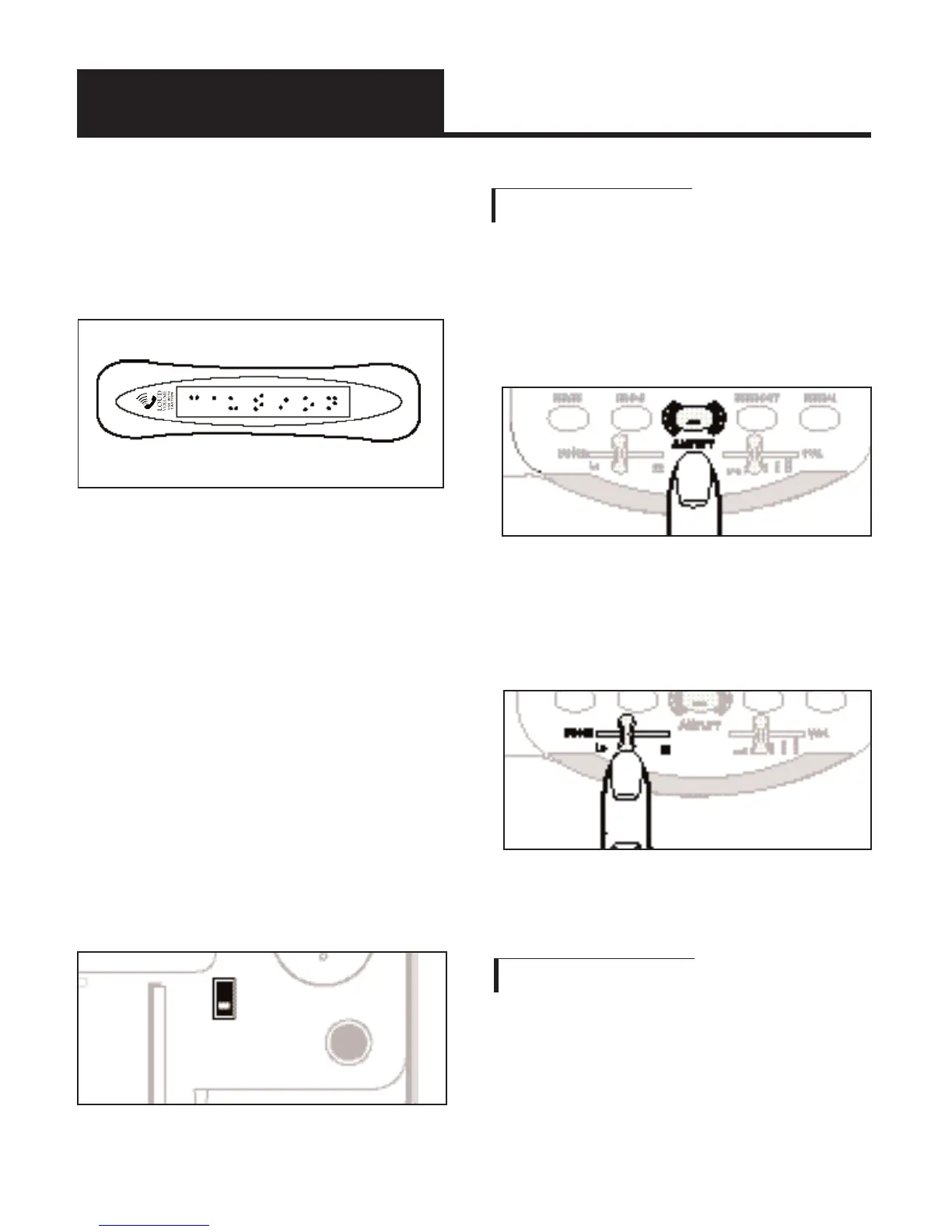
warning printed in Braille to
the back of the handset (See,
Diagram A).
Note: In standard use, the
amplifier turns off whenever
you hang up the telephone.
This is a useful feature if
many people use the phone.
If you want the amplifier to
always remain on, slide the
Volume Reset Override switch
on the back of the phone to
ON, as shown in Figure 10.
C. Adjusting The Tone
1. When you hear a voice
on the line, press the
AMPLIFY button.
2. Adjust the
TONE selector
to suit your hearing.
D. Ringer Volume
Adjust the RINGER control
to suit your hearing.
Diagram A - JV35 handset
Fig. 10 - Volume Reset
Override Switch
Fig. 11- Amplify Button
Fig. 12 - Tone Slide



 To Next Page