12
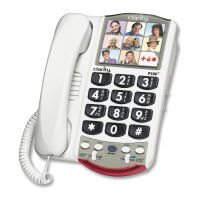
Operating your P-300
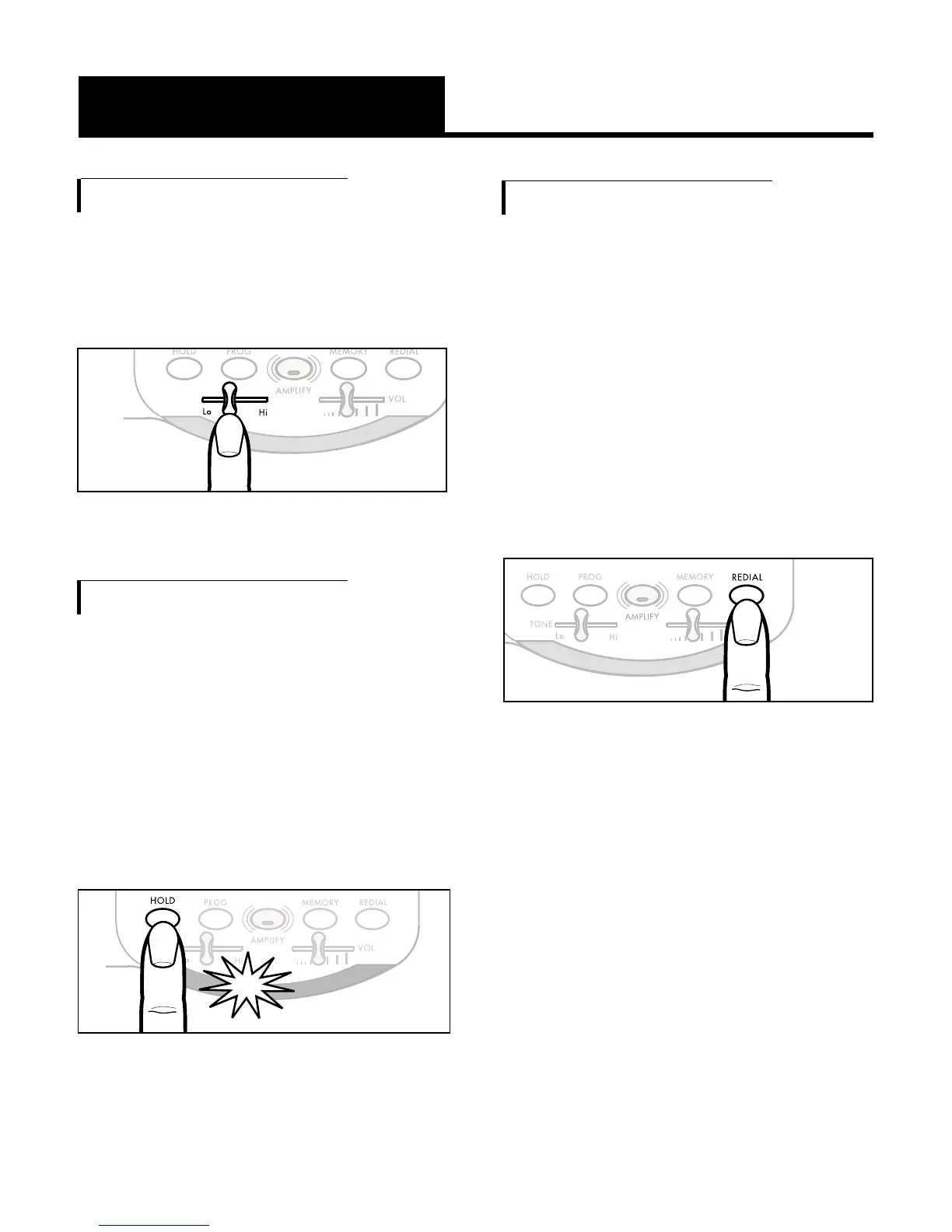
G. Ringer Pitch Control
The ringer can be adjusted to emit
a high-pitched or a low-pitched
ring to suit your needs
.
H. Hold Button
To put the line on hold, simply press
the HOLD button and return the
handset to its cradle. Notice the red
light HOLD indicator. When you pick
up an extension phone on the same
line, the
PHOTO PHONE
will
disconnect. Putting the call on hold
also mutes the handset.
I. Last Number Redial Button
The
PHOTO PHONE
remembers the
last number dialed from the phone
up to 31digits. Lift the handset
and simply press the REDIAL
button to dial the last number
dialed.
Note: Press redial if you want to
insert a pause between two
numbers.
Figure 12


 To Next Page