EasyManua.ls Logo

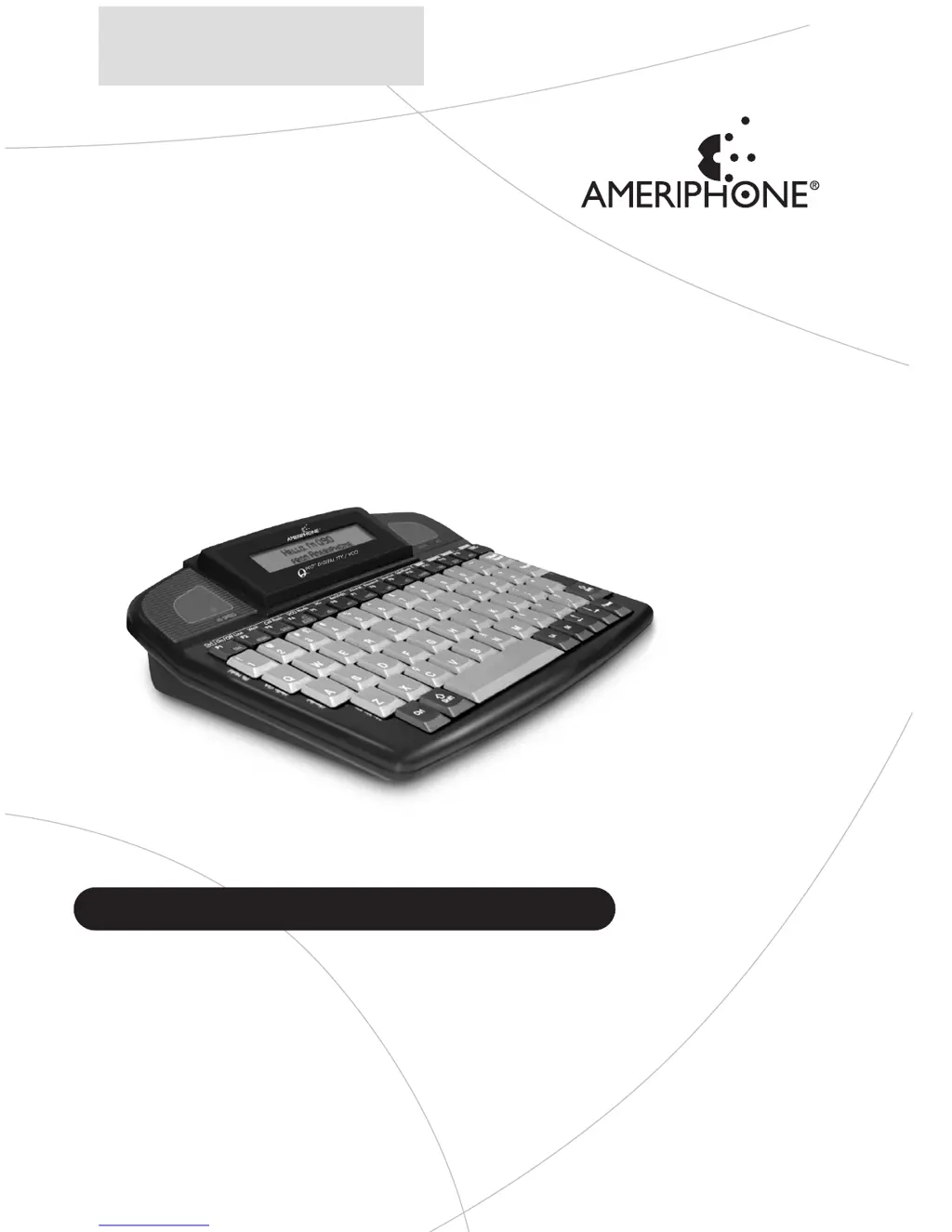
Ameriphone Q90D - User Manual

Ameriphone Q90D
108 pages
Print Icon
To Next Page IconTo Next Page
Loading...
© 2004 Plantronics, Inc.
79040.000
B 2/04
Q90D
Digital Combination TTY / VCO
with Text Answering Machine
Ameriphone products are manufactured by
Clarity
®
, a Division of Plantronics, Inc.
4289 Bonny Oaks Dr., Ste. 106,
Chattanooga,TN 37406
VOICE (800) 426-3738
TTY (800) 772-2889
www.clarityproducts.com
Operating Instructions
TM
English • Français • Español

Table of Contents

Other manuals for Ameriphone Q90D

Questions and Answers

  • A
    Ashley RyanJul 29, 2025
    What to do if nothing happens when Ameriphone Answering Machine Q90D is turned on?
    • P
      ptranJul 30, 2025
      If your Ameriphone Answering Machine Q90D doesn't turn on, it indicates a power issue. First, ensure both ends of the AC adapter are securely plugged in. If you're using batteries, verify they are correctly installed and fully charged.
  • J
    Jeff GloverAug 3, 2025
    Why do the batteries run down so quickly on my Ameriphone Q90D Answering Machine after charging?
    • M
      Mark GriffinAug 3, 2025
      If the batteries on your Ameriphone Answering Machine run down quickly after charging, it might be due to improper charging. Fully drain the batteries by unplugging the AC adapter and telephone line, turning on the Q90D, holding CTRL, and pressing F1 to put the Q90D on line. Leave it ON until it shuts OFF automatically. Then, plug in the AC adapter and telephone line and charge for 14 hours. If the issue persists, the batteries may need replacement with NiCad AA rechargeable batteries. Remember to plug in the AC adapter before removing the batteries to save stored conversations.
  • R
    Robert RobertsAug 8, 2025
    How to unlock a frozen keyboard on Ameriphone Answering Machine Q90D?
    • J
      Jesus HallAug 8, 2025
      If the keyboard on your Ameriphone Answering Machine Q90D locks up, try holding down CTRL, Shift, and ESC simultaneously for about 2 seconds. If the Q90D remains unresponsive, disconnect the AC adapter and briefly remove one battery to reset the internal microprocessor.
  • C
    Carrie LutzAug 13, 2025
    What to do if there is no dial tone when keyboard dialing on Ameriphone Q90D?
    • A
      Angel EdwardsAug 14, 2025
      If you don't hear a dial tone when dialing from the keyboard on your Ameriphone Answering Machine, check that both ends of the telephone cord are firmly plugged in.
  • A
    Aaron FullerAug 18, 2025
    What to do if nothing happens after dialing from the keyboard on my Ameriphone Q90D Answering Machine?
    • S
      Samuel Harvey MDAug 18, 2025
      If nothing happens after dialing a number from the keyboard on your Ameriphone Answering Machine, make sure you press the Return key after dialing. Pressing Return completes the dialing sequence.
  • C
    Christian KellerAug 23, 2025
    Why can't I type certain characters in TTY mode on my Ameriphone Answering Machine?
    • C
      Christina SmithAug 23, 2025
      These characters cannot be typed in Baudot mode.

Summary

Operating Instructions

Important Safety Instructions

Canadian Safety Notes

Specific safety guidelines for users in Canada.

For Your Information

Warranty and Support

Information on product warranty, sales receipts, and customer support.

Package Checklist

Items included in the Q90D product package.

About Your Q90 D

Q90 D Features Overview

Top Side Features

Detailed explanation of controls and indicators on the top of the Q90D.

Side and Bottom Features

Description of ports, switches, and compartments on the sides and bottom.

Installing and Using Your Q90 D

Setup and Connections

Steps for installing batteries, power, and phone line connections.

Lock Switch Operation

Instructions for using the Q90D's lock switch feature.

Making TTY Calls

Methods for placing TTY calls using the Q90D.

Advanced Call Types

Using VCO, HCO, and cellular/cordless phone dialing.

Call Handling and Reception

Receiving calls and managing conversations.

Call Management and Printing

Managing calls on hold, transferring, and printing conversations.

Printing Stored Conversations

Printing conversations saved in the device's memory.

Functions

Primary Functions

Core operations activated by function keys F1-F13.

Secondary Functions

Advanced features activated via key combinations.

Programming Your Q90 D

Phone Directory Setup

Adding and managing phone numbers in the directory.

Message and Answering Machine Setup

Personalizing messages and configuring the answering machine.

Menu Options and Settings

Navigating menus to adjust dial mode, ringer, and other settings.

Additional Programming Settings

Configuring flasher, speed, and printer feed settings.

Feature Settings

Adjusting Auto ID, Auto Answer, Auto Greet, and Rings Before Answer.

Troubleshooting

Caring for Your Q90 D

Batteries Maintenance

Proper care and handling of the Q90D's rechargeable batteries.

TTY Users Etiquette

Regulatory Compliance

FCC and Industry Canada Compliance

Details on FCC Part 68, Part 15, and Industry Canada technical specifications.

Warranty Procedure

Product Specifications

Ameriphone Q90D Specifications

General IconGeneral
Caller IDYes
SpeakerphoneYes
Volume ControlYes
Outgoing MessageYes
Slow PlaybackYes
Tone ControlYes
Visual RingerYes
Power SourceAC adapter
TypeDigital
CompatibilityHearing aid compatible
DisplayYes