Page 7;&(%$*4.8"4,7%<'*#$"&8#=%/7*,#*%4,77%>?@@@?@AA?BCDC1Item 57013
EF;6GHIJ6KFGLIMNFLMG6MFMO6 E6GPJ
I/*(,$"83%L8#$('4$"&8#
%K*,9%$.*%6MGLK6%LNJIKGFMG%EF;6GH%LM;IKNFGLIM%#*4$"&8%
,$%$.*%+*3"88"83%&2%$."#%5,8',7%"847'9"83%,77%$*Y$%'89*(%
#'+.*,9"83#%$.*(*"8%+*2&(*%#*$%'/%&(%'#*%&2%$."#%/(&9'4$1
R*8*(,7%I/*(,$"&8
ON
DIST
%%IM0ULEG%S'$$&8
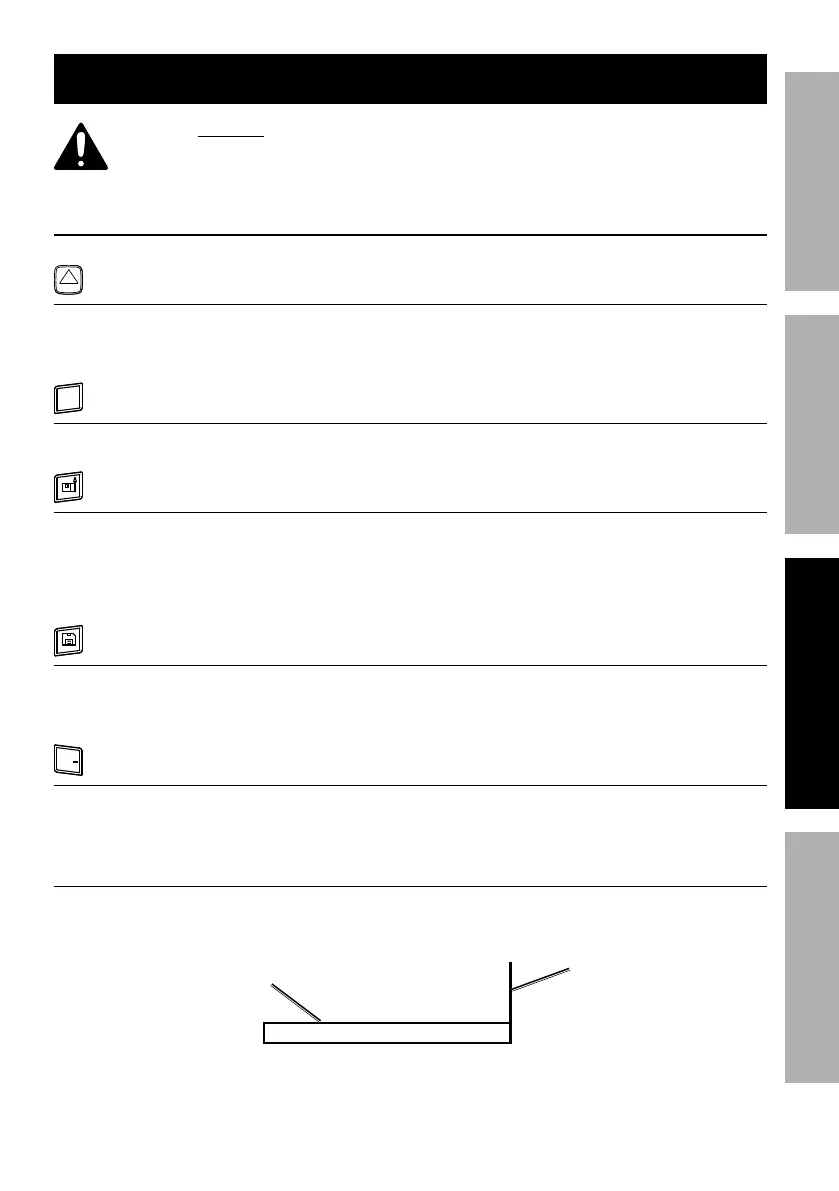
• Press to turn Meter on.
• Press to activate laser.
• Press to go back during
a measurement.
C
OFF
%%O0I;;%S'$$&8
• Press to clear one data set. • Press and hold to turn Meter off.
UNITS
%%PMLGE%S'$$&8%%
• Press to change laser
reference point between front,
center, and back of Meter.
• Press and hold until
measurement unit changes.
Cycle through until desired
measurement unit is shown.
%%E,W*%S'$$&8
• Save up to 30 data sets.
• Press to save data set.
• Press to retrieve data set.
• Press and hold to delete data set.
+
/
%%F990E'+$(,4$%S'$$&8
• Measured or calculated values can be added or
subracted. (May not work in all modes.)
P#"83%G,(3*$%O,(9%]L847'9*9^
On a flat surface, where there is no reference point (e.g. the end of a table or
counter top), peel strip on bottom of card off and stick card to end of surface.
E'(2,4*%
$&%+*%
5*,#'(*91
G,(3*$%
O,(9


 To Next Page