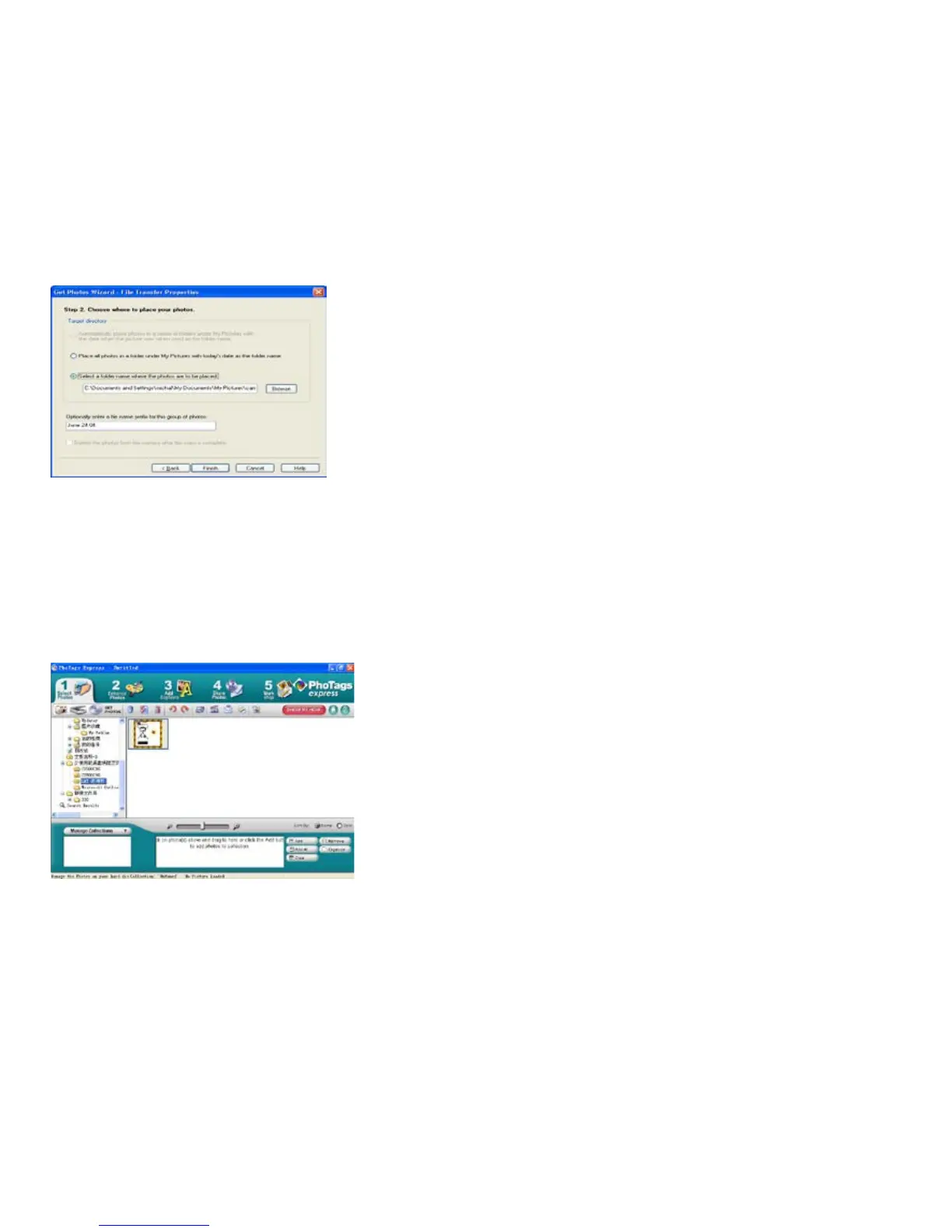
Choose a position where you want to place the photos. Click “Finish” to copy the photos to the location you
selected.
Note:
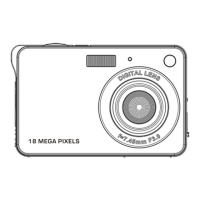
All of the picture you imported will appear in the “Select Photos” main window. And now, you can edit your
photos per your idea, and then download it to your computer. For how to edit the photos, you can refer to the
Quick Start guide in the PhoTags Express.


 To Next Page