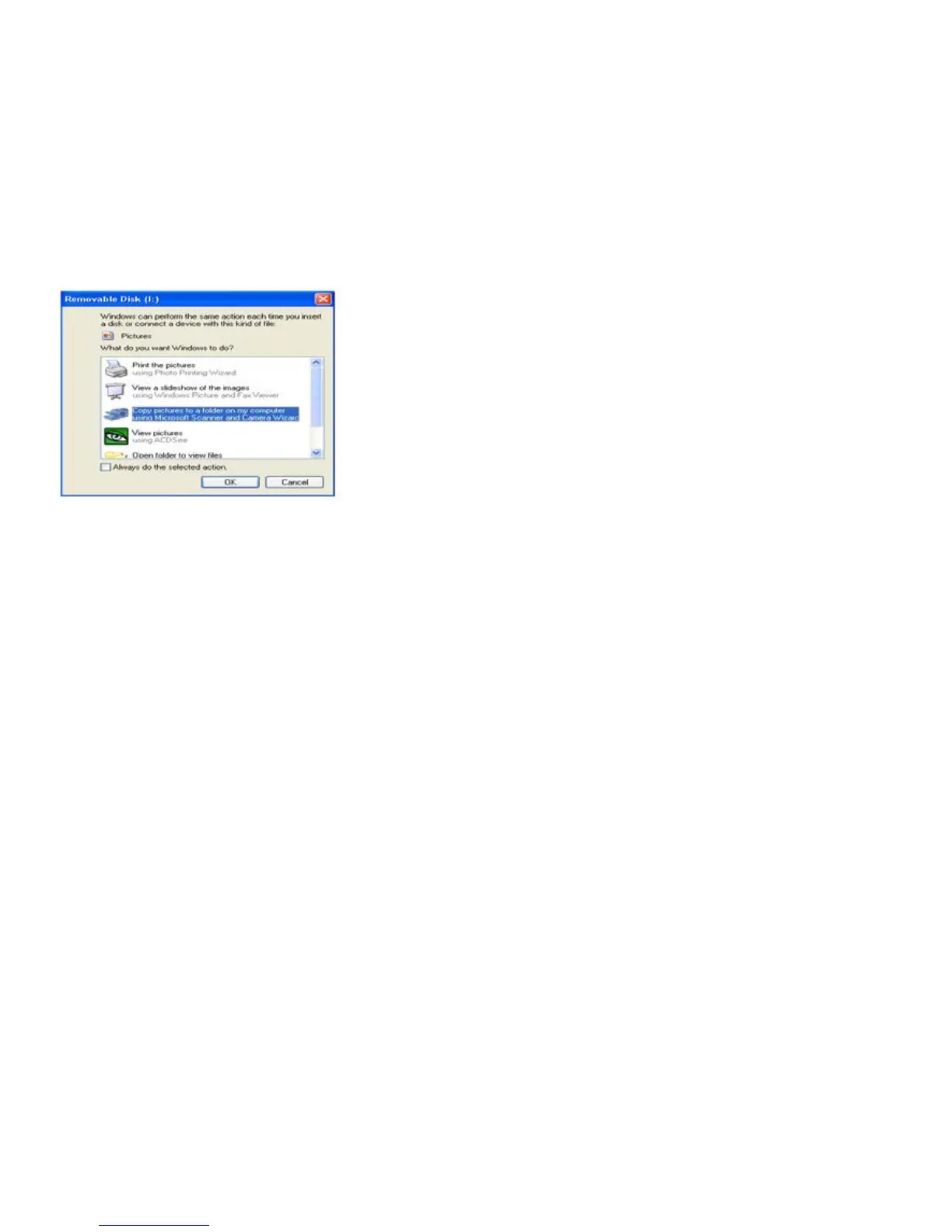
NOTE: Now you can download the photos and videos to your computer with two methods as below:
1. Download photos directly from windows
Choose “copy pictures to a folder on my computer” on the Removable Disk (F:) window. After you
click “OK”, step by step instructions will appear. Follow the description and click the buttons that are
defaulted by the system to finish transferring.
2. Alternatively you can:
1. Click on the MY COMPUTER Icon on the desktop.
2. Your memory card will appear as a REMOVABLE STORAGE DEVICE.
3. Click on the REMOVABLE STORAGE DEVICE to view the images. The images are stored in the
subfolder called DCIM.
4. You can now copy and paste the images to any directory you choose.


 To Next Page