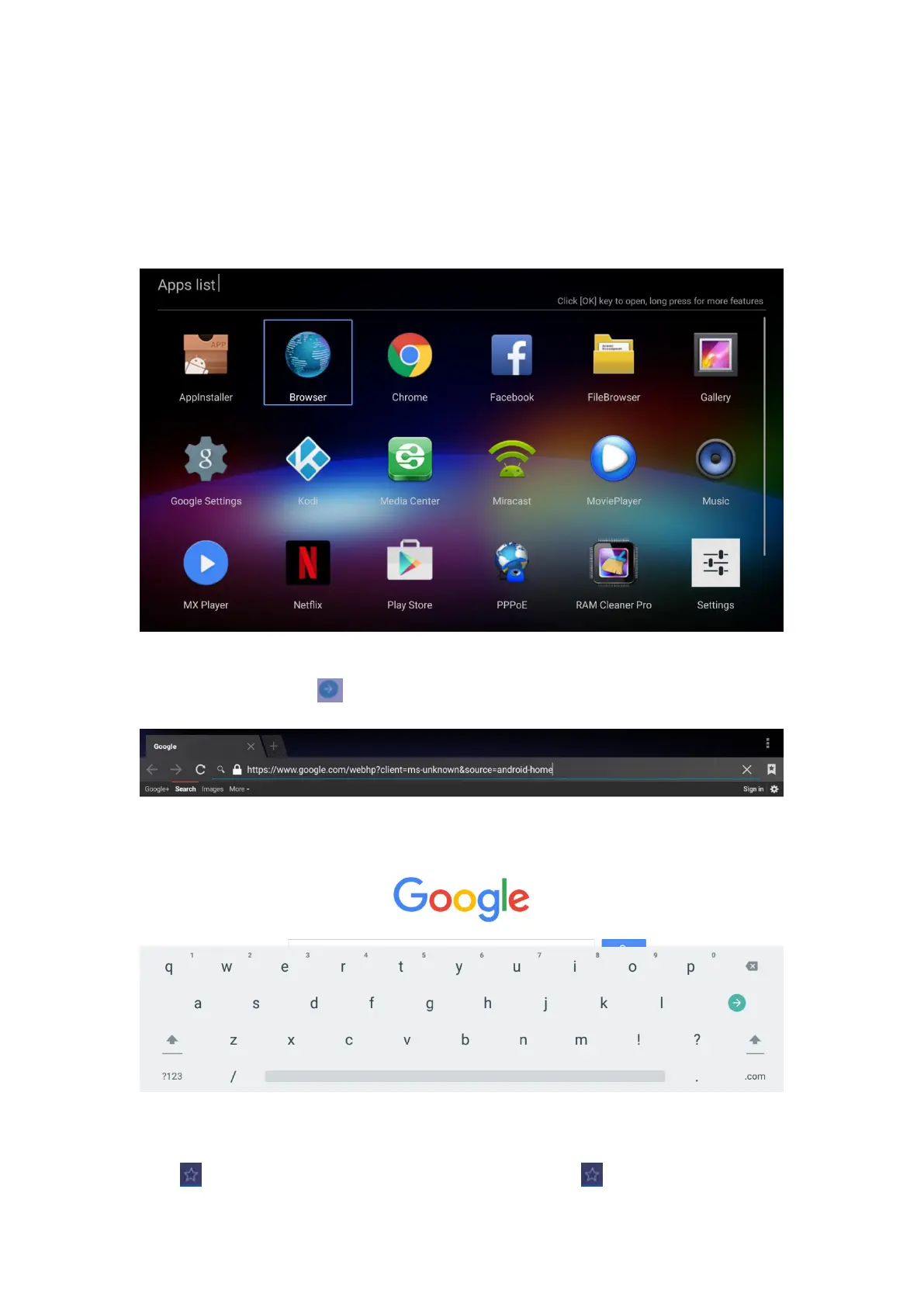
Use Brower to browse the web and visit your favorite websites.
Open multiple webpages, use the Windows menu to switch.
Create a bookmark in the Brower for quick visit
7.1.1 Open Webpage: Click the address bar to bring up the on screen virtual key-board.
Type a URL and then click
7.1.2 Book mark a webpage webpage
Click on the webpage to make a bookmark


 To Next Page