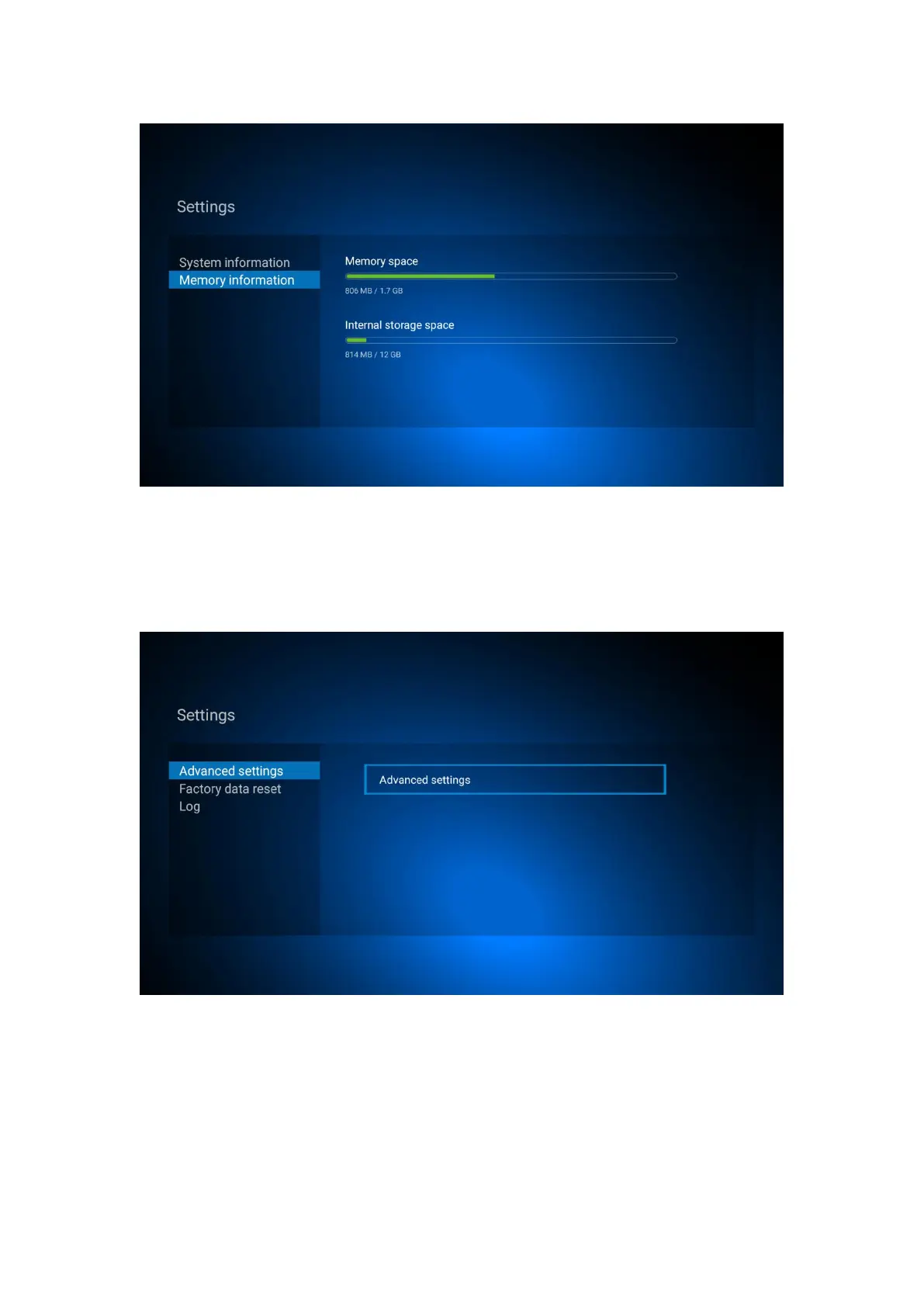
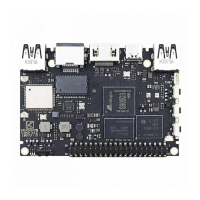
8.6 More other settings
Click Advanced settings for more other settings
Chapter 10: Update
Local update:
Select setting in main menu, click ”system upgrade”
Select “Local Update”, click ”ok” to enter,
Click “select” button, select the new software, press ”ok” to back,


 To Next Page