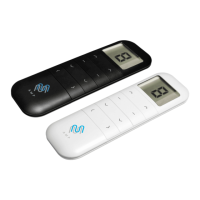
AMP25B
Instruction
Attention
-1-
The motor is suitable for motorization of roller blinds, sheer shadings, roman shades, and zebra shades.
Never drop, knock, drill or submerge the motor. Keep the power cable in right position as following.
Important safety instructions to be read before installation.
Incorrect installation can lead to serious injury and will void manufacturer’s liability and warranty.
Declarations
d electrical products appropriately.
-2-
Safety
1. Do not expose motor to humid, damp or extreme temperature conditions.
2. Do not drill into motor.
3. Do not cut the antenna and keep it clear from metal objects.
4. Do not allow children to play with this device.
5. If power cable or connector is damaged, do not use.
6. Ensure correct crown and drive adaptor are used.
7. Ensure power cable and aerial is clear and protected from moving parts.
8. Cable routed through walls shall be properly isolated.
9. Motor is to be mounted in horizontal position only.
10. Before installation, remove unnecessary cords and disable equipment not needed for powered
operation.
11. Installation and programming to be performed by a qualified professional, use or modification outside
the scope of this instruction may void warranty.
Features
Fields of Application
Specifications
Following data for reference
Working temperature: -10℃ ~ +50℃
Input Voltage: USB 5V 1A / USB 5V 2A
Radio Frequency: 433.925MHz
Maximum Running Time: 6 minutes
Model
Rated Torque
(N.m)
Rated Speed
(rpm)
Rated Power
(W)
AMP25B - 0.7/34 0.7 34 8
AMP25B -1.1/28 1.1 28 8
Charging Instructions
This motor has a built in Li-ion battery pack with integrated charge management.
Max power input for recharging: 5V 2A.
Before first use please charge motor for 6 hours. Using 5V charger (most phones charger is 5V ) .
During operation, when the motor starts, the buzzer will beep 10 times, indicating a low-voltage alarm and
needs to be charged.
During operation, the voltage was detected to be too low, the battery was about to run out, the battery stopped
running and needed to be recharged.
Rechargeable Battery
Blinking red:
Low battery alert
Blinking green:
Charging is processing
Solid green:
Battery has
finished charging.
FCC Text - text 01
Add A zoom in on the
charging port
P1 Button Instructions
P1 button
Lithium Battery Switch
LED light
Micro-USB Port
Add visual explanation of P1 - file 02
Sheer
Roller
Revolve
Roman shades
1. Fields of Application
2. Specification
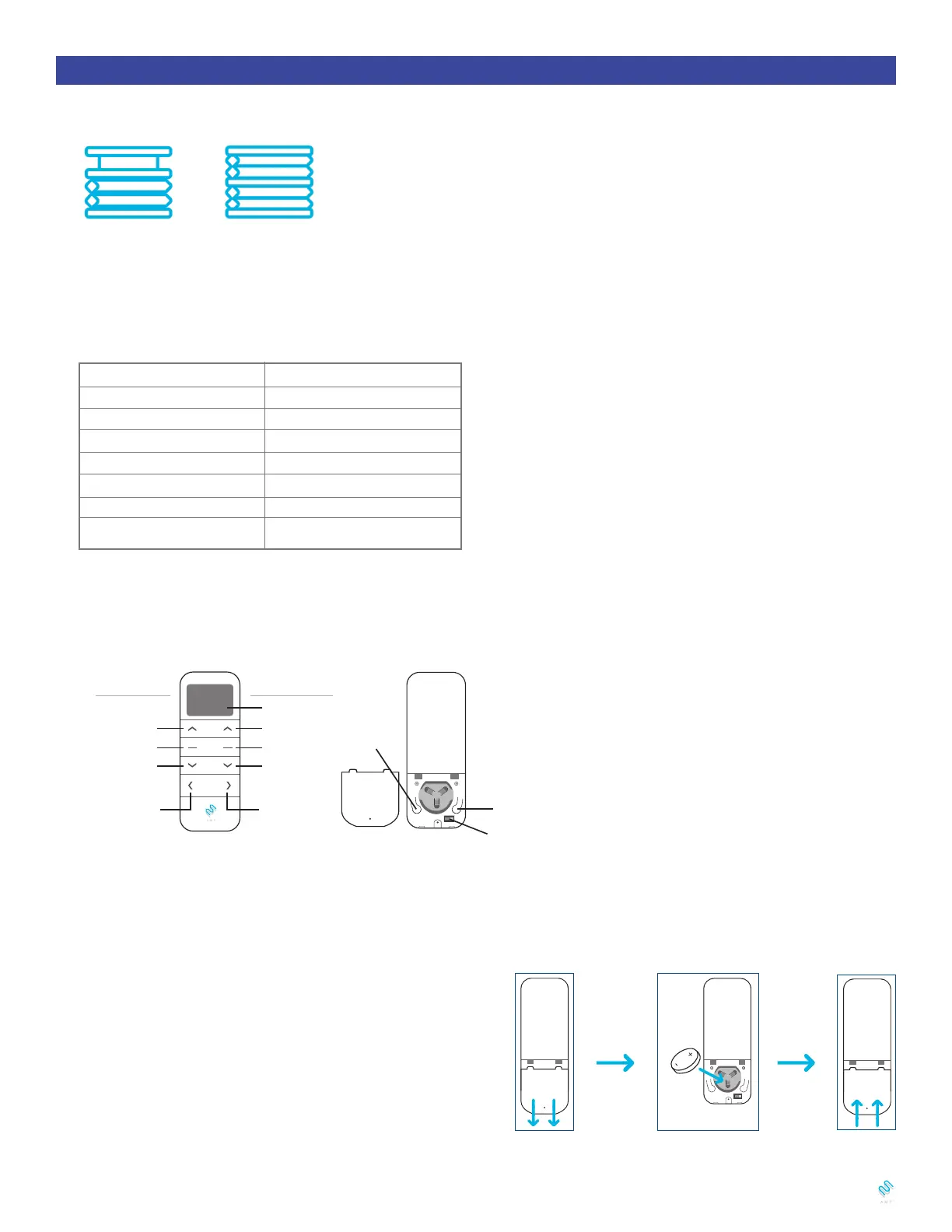
3. Remote Button Instructions
4. Replace/Install CR2450 Battery
a. Unscrew with the screwdriver then gently press down the cover.
b. Install battery (CR2450) with positive (+) side facing up.
c. Gently assemble the cover back and replace screw with screwdriver.
a.
b.
c.


 To Next Page
 Loading...