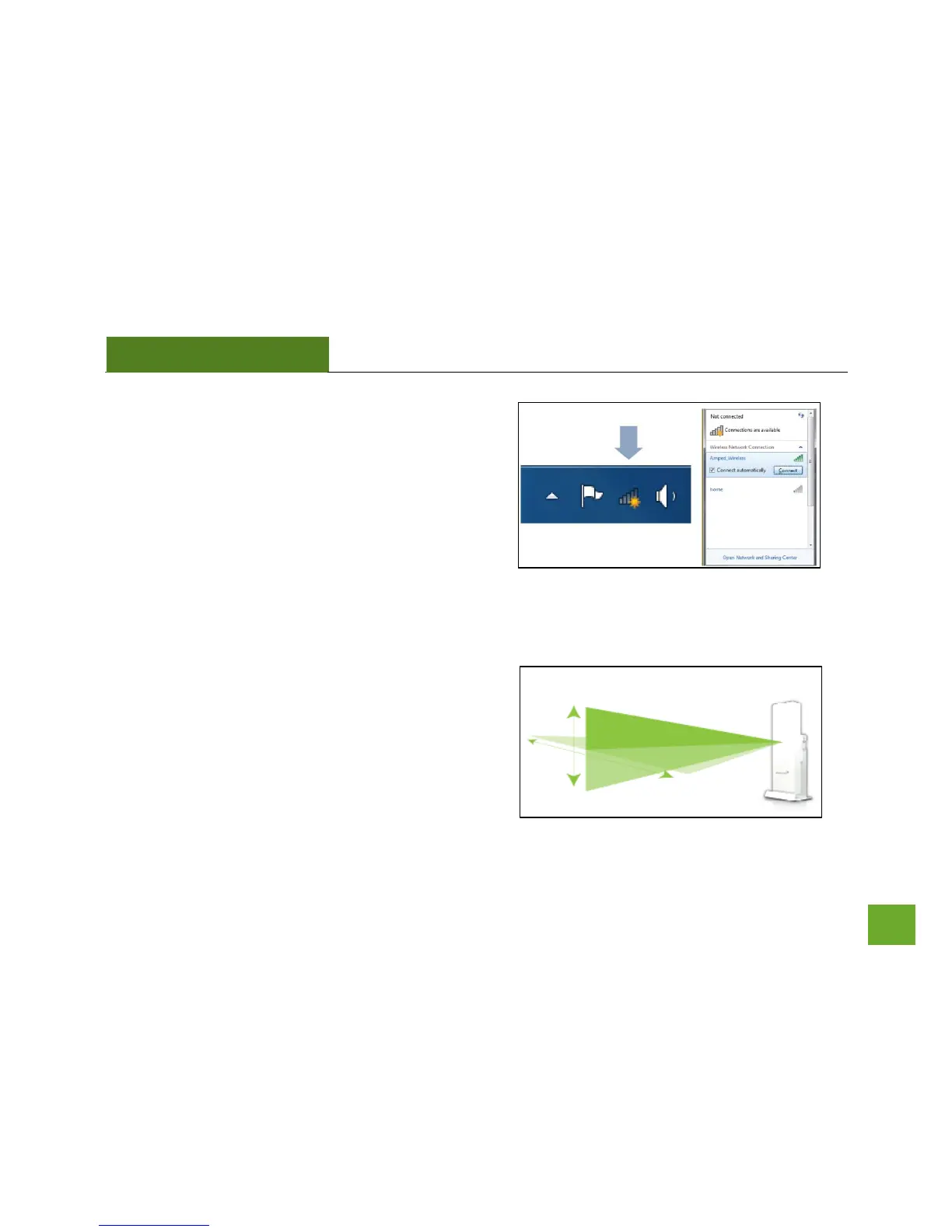
j) Connect to a Wireless Network
Locate the Wireless Icon on your Windows desktop
(located on the bottom right corner) and click it to
view available wireless networks. Highlight your
desired network and click Connect.
If the network you are trying to connect to is secure,
you will be prompted to enter the security key. If you
have any problems connecting to the network have
windows diagnose the connection.
k) Position the Adapter for the best signal reception
The UA600EX has a high power directional antenna.
For optimal performance position the adapter towards
the direction of your wireless network.



 To Next Page