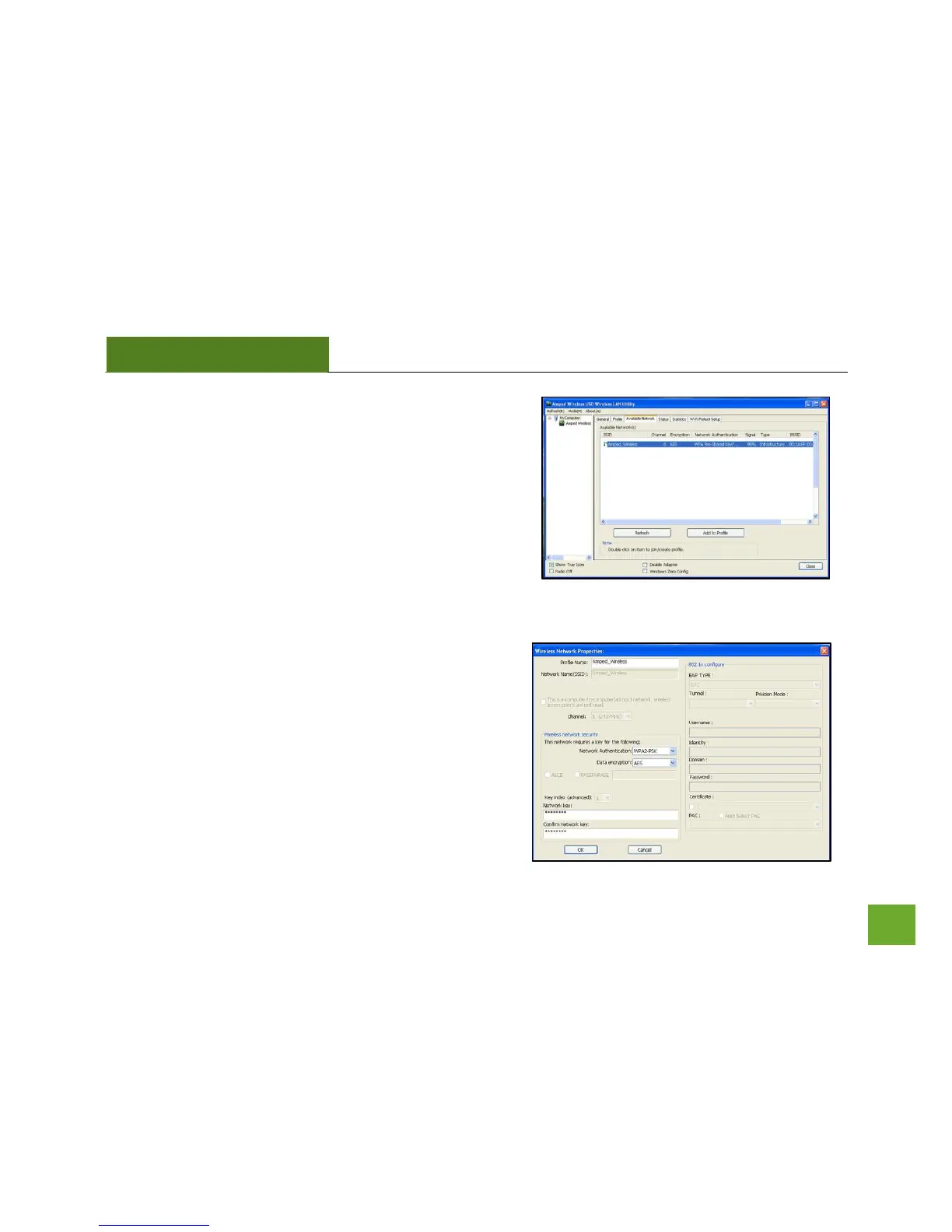
o) Connect to a Wireless Network
Once the Utility has finished scanning for wireless
networks, highlight your network and double-click it to
join the network.
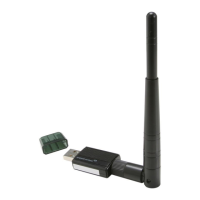
p) Connect to a Wireless Network
If the network you are attempting to connect to has
security enabled, you will need to enter the security key
here. Under Network Key, enter the key and then
confirm the key again and click OK.



 To Next Page