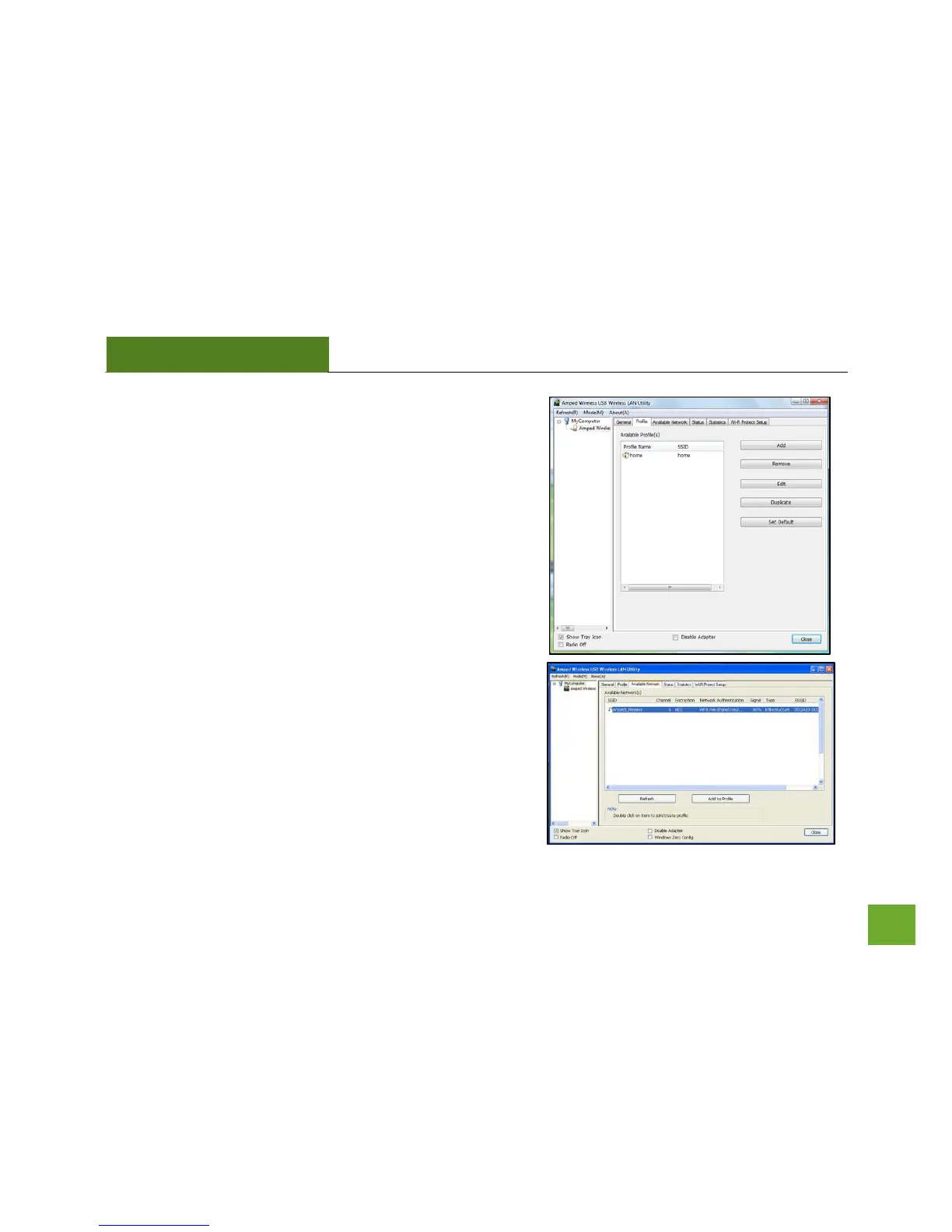
Profile: Save the settings and password to any wireless
connection by using profiles. Profiles allow you to
automatically connect to a saved wireless network whenever
you are in range of the network. Profiles can be ranked in order
of priority in the case where multiple networks are in the same
vicinity.
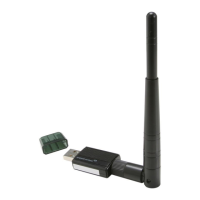
Available Networks: Displays the available networks within
your range. Click Refresh to rescan for networks or Add to
Profile to save the network and connect automatically the next
time the network comes in range. To simply connect to a
wireless network, highlight the network and double-click it.



 To Next Page