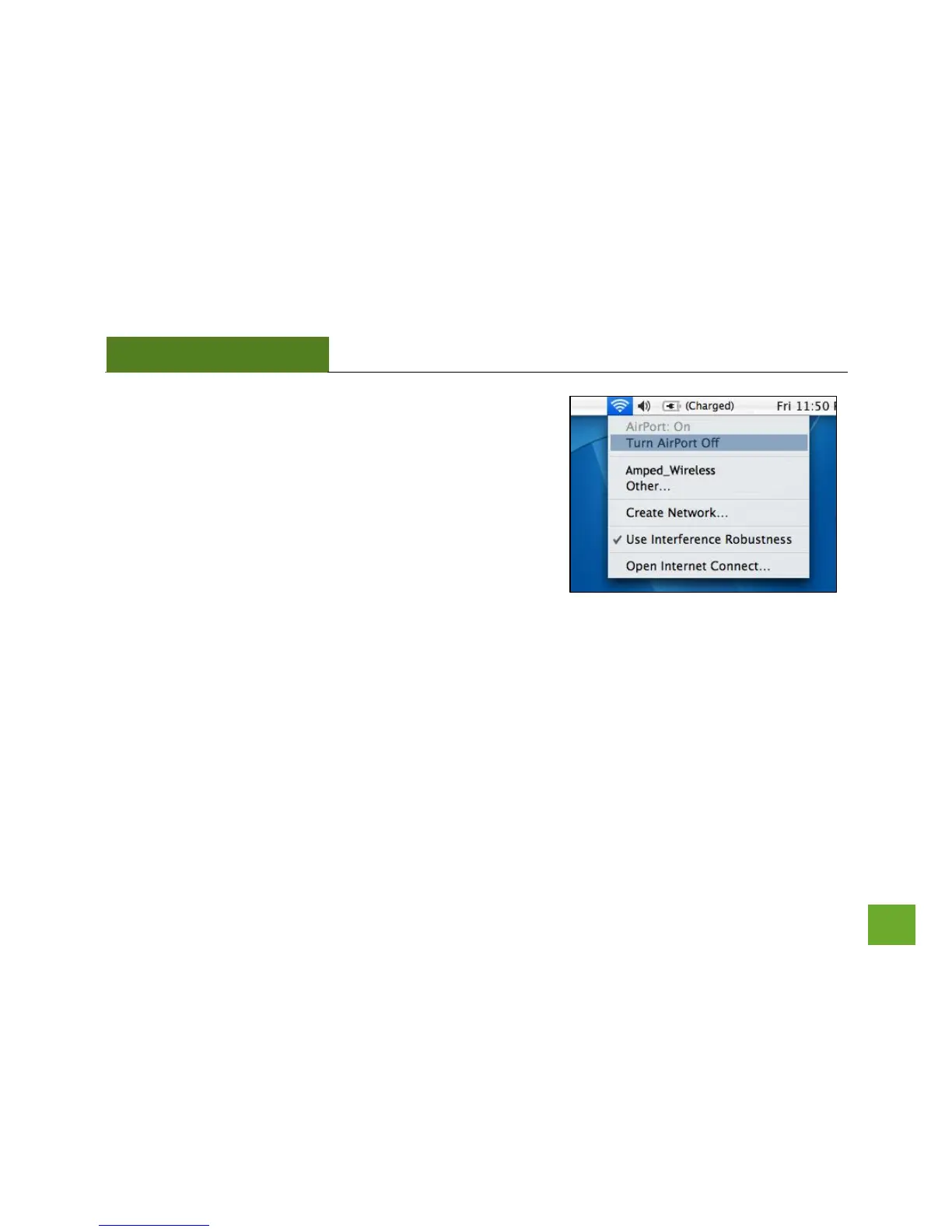
n) Turn off your Airport Card
After the computer reboots, disable any AirPort cards that
may be installed on your Mac by selecting the wireless icon
(upper-right corner) and select Turn AirPort Off. If you do not
have an Airport Card, continue to the next step.


 To Next Page
 Loading...