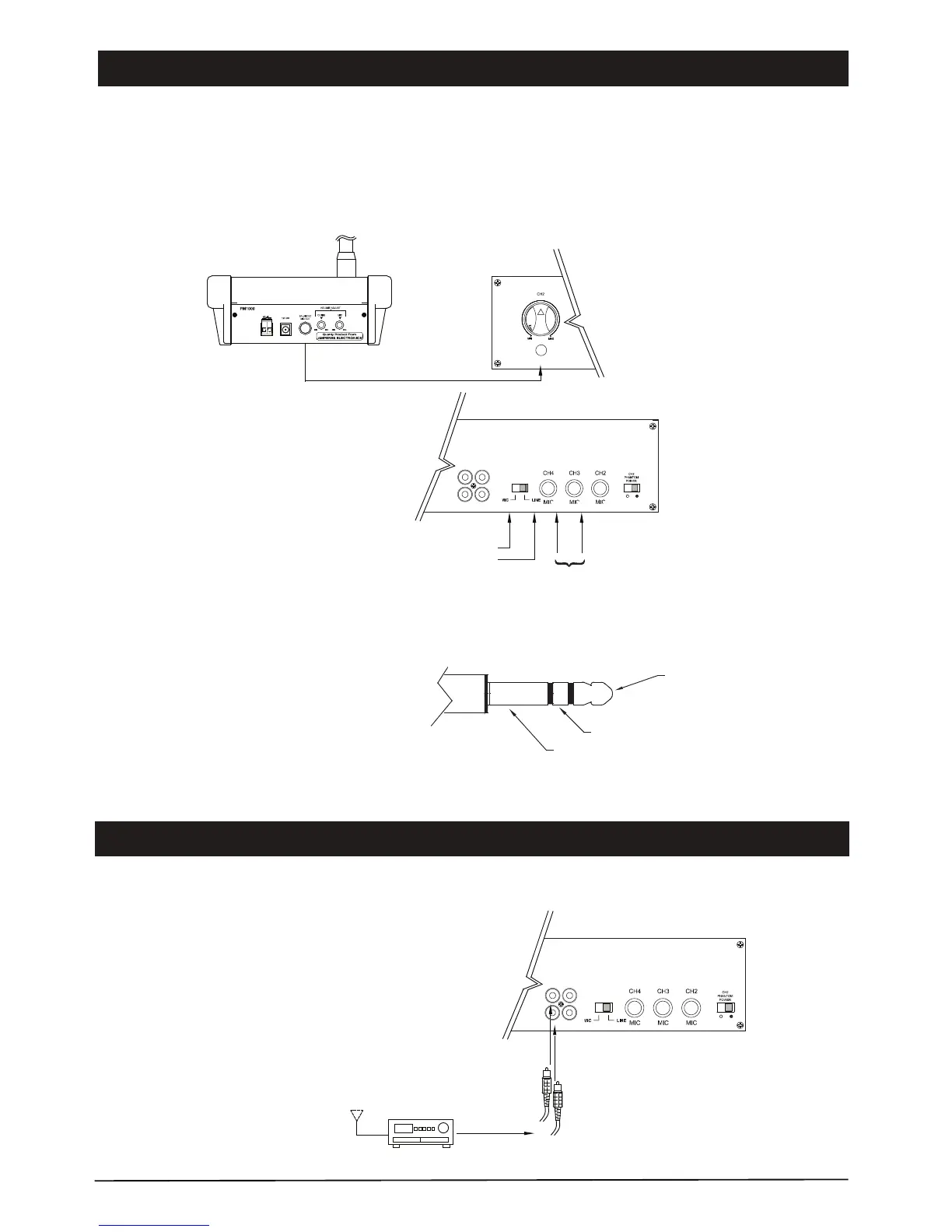
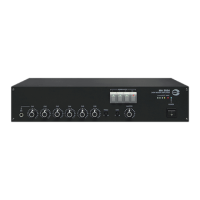
External paging desk ( eg. Amperes PM1000 ) can be connected to the unit either at mic or line input phone jack, using 1/4”
stereo phone jack.
The diagram below illustrates the connection of Amperes PM1000 paging desk with zone selection :
AMPERES PM1000 PAGING DESK
FRONT OF MC2112
Input to channel 2
Switch off phantom power
phone jack
Select output level
either to mic in
correspondence to
input jack of the
mixer amplifier
REAR OF MC2112
RCA jack
AM / FM tuner / CD player
or any other music source with
line output
Though inputs to the mixer amplifier are in stereo mode, the
output shall only be available in mono.
Single connections of RCA jack is allowed but if the music
output from player is in stereo mode, it is advisable to connect
both L and R to the mixer amplifer.
PHONE JACK
TIP : +VE / HOT SIGNAL
RING : -VE / COLD
SLEEVE : GROUND / SCREEN
CH5CH6
LINELINE
CH5CH6
LINELINE
MIC 1
Input 4 can be either mic or
line level. Select the type by
using this switch.
Balanced signal pin configuration of phone jack.
mic
Connecting Paging Microphone
Connecting BGM Sources
Page 5
MC2000 Series | Basic Mixer Amplifier


 To Next Page