15/NOTIC-000581-13F_p13/24
INSTALLATION
2
1
x 4
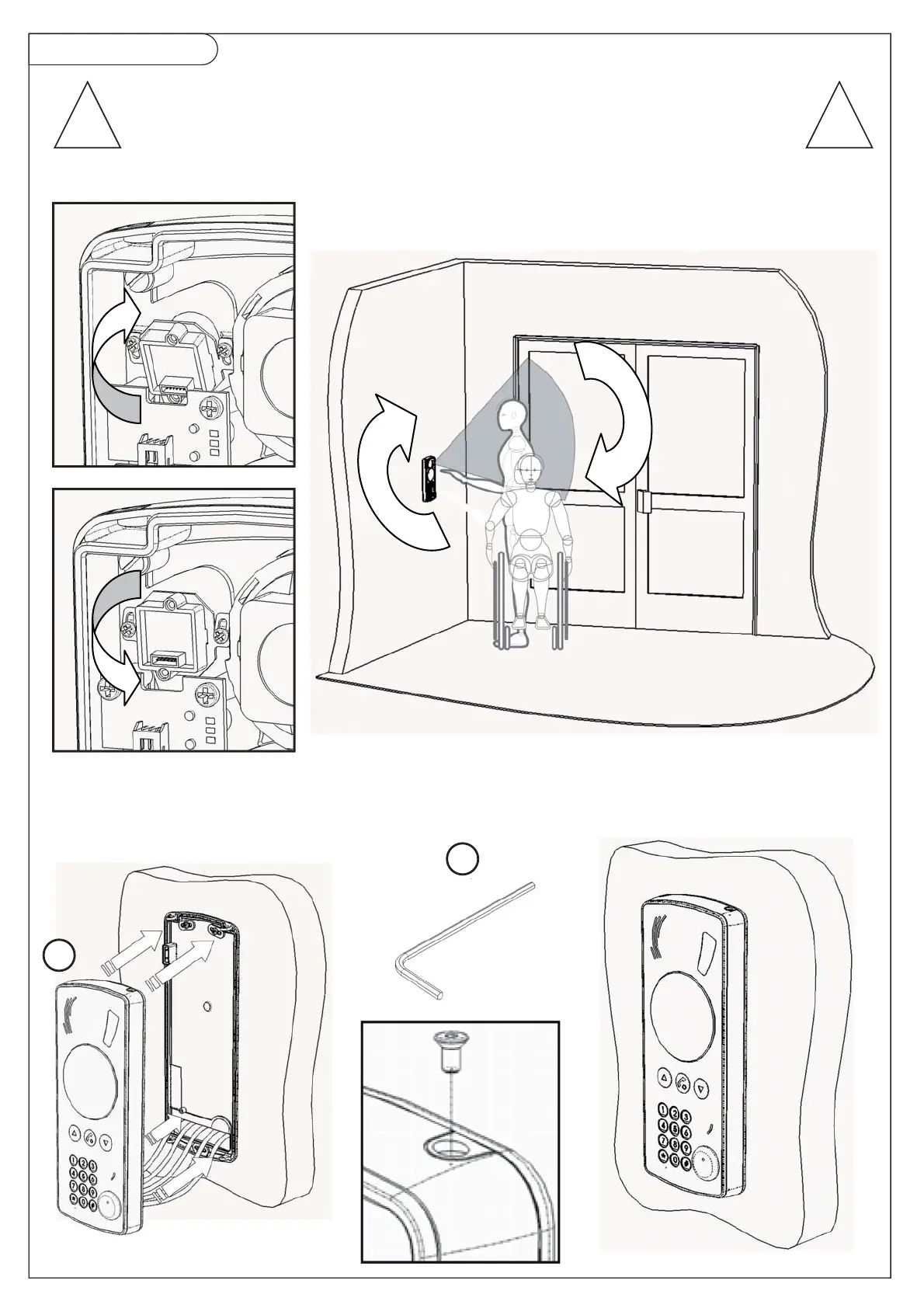
Before finishing
the installation of the Amphitech PTC 500 by closing the housing,
adjust the position of the camera.
Bring it into the right angle
with the help of the adjustable flange (depending on model)!
Loosen the 2 screws,
bring the camera into the right position
and tighten the screws
! !
x



 To Next Page