OM024-6 Model 240 Operating Manual Page 13
4.3 Headset
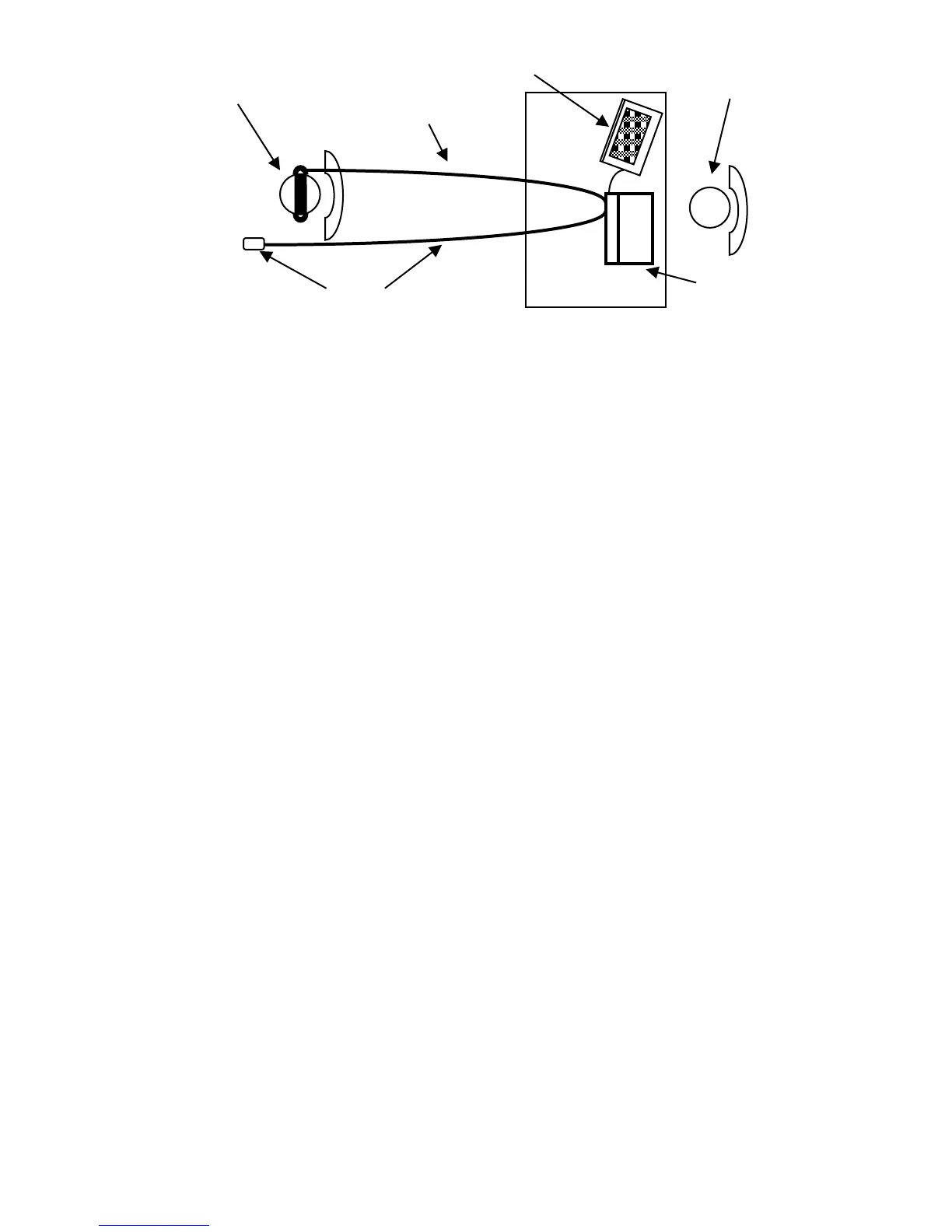
The headset or appropriate transducer must be fitted by a qualified person
to ensure a proper seal and a comfortable fit. The leads from the headset
are connected to the instrument and the headset is then fitted to the
patient.
4.4 Manual audiometry
4.4.1 Pre-test
(1) Switch the audiometer on
(2) Perform a listening check
(3) Decide whether to use the manual or automatic Threshold Retention
Function and/or an audiogram card to record the thresholds
(4) If the automatic Threshold Retention Function is required ensure that
the Store on 2 of 3 option is enabled (see Section 3.5.2) and that a
patient response switch is in use
(5) Prepare the test environment & patient (see Sections 4.1 to 4.3)
(6) If the patient response switch is in use give instructions to the patient
to acknowledge any tone presented as follows:
“As soon as you hear the tone, press the switch. When you no longer
hear the tone release the switch”.
(7) Select the better hearing ear (according to the patient) by pressing
either the LEFT or RIGHT key
4.4.2 Familiarisation
(1) Present the tone 30dB at 1kHz for between 1 and 2 seconds. If there
is no response at 30dB, increase the attenuation level in 10dB steps
until the patient responds
(2) When the patient responds, wait for 1 to 2 seconds and present the
tone again at the same level; however, if the patient does respond at



 To Next Page