REMOTE
REMOTE CONTROL
Remote Control SOC + Troubleshooting
07
Reducing BM2 screen brightness
Forcing the %SOC to 100%
My readings are always wrong!
BM2 shunt getting very hot
Current shown on remote display
is very different to any other
ammeter display.
Ah capacity becomes more
inaccurate over time. I’m losing
battery capacity.
% SOC meter is always wrong
Troubleshooting | FAQ
Ensure only the big bolts house all of the connections on the shunt. Do not connect any wires to the smaller
screws on the printed circuit board or any other locations on the shunt itself. By doing this you shall have
erroneous current readings.
The shunt can get hot for 2 main reasons. Simply high current for a long period of time generates heat. Or,
loose connections at or around the shunt can cause heat spots that conduct through the shunt. Cleaning /
improving metal to metal contact for better conduction. This shall also improve power delivery.
The most common installation problem when installing any Ah Counter is that there is always 1 or multiple
negative cables that are accidentally bypassing the shunt. If ANY negative wire(s) bypass the shunt the
shunt can not read the current flowing down the bypass cable. Check to ensure there are no rogue negative
wires (large or small). All of the negatives (except the battery itself) should be connected to the P-.
The rate of ageing of lead acid style batteries varies based on use and age. When they age, they reduce
their ability to store Ah. From time to time you have to reset the new 100% full state of charge meter.
SOC % is best described as a guestimate. It works from simple maths. The user tells the BM2 what Ah the
battery is and it knows the current flow in and out via the shunt. It therefore works out a % state of charge.
Battery degradation, parasitic drains, damaged cells, cold weather, high discharge loads etc. may not
influence the SOC% value but may influence the actual state of charge of the battery.
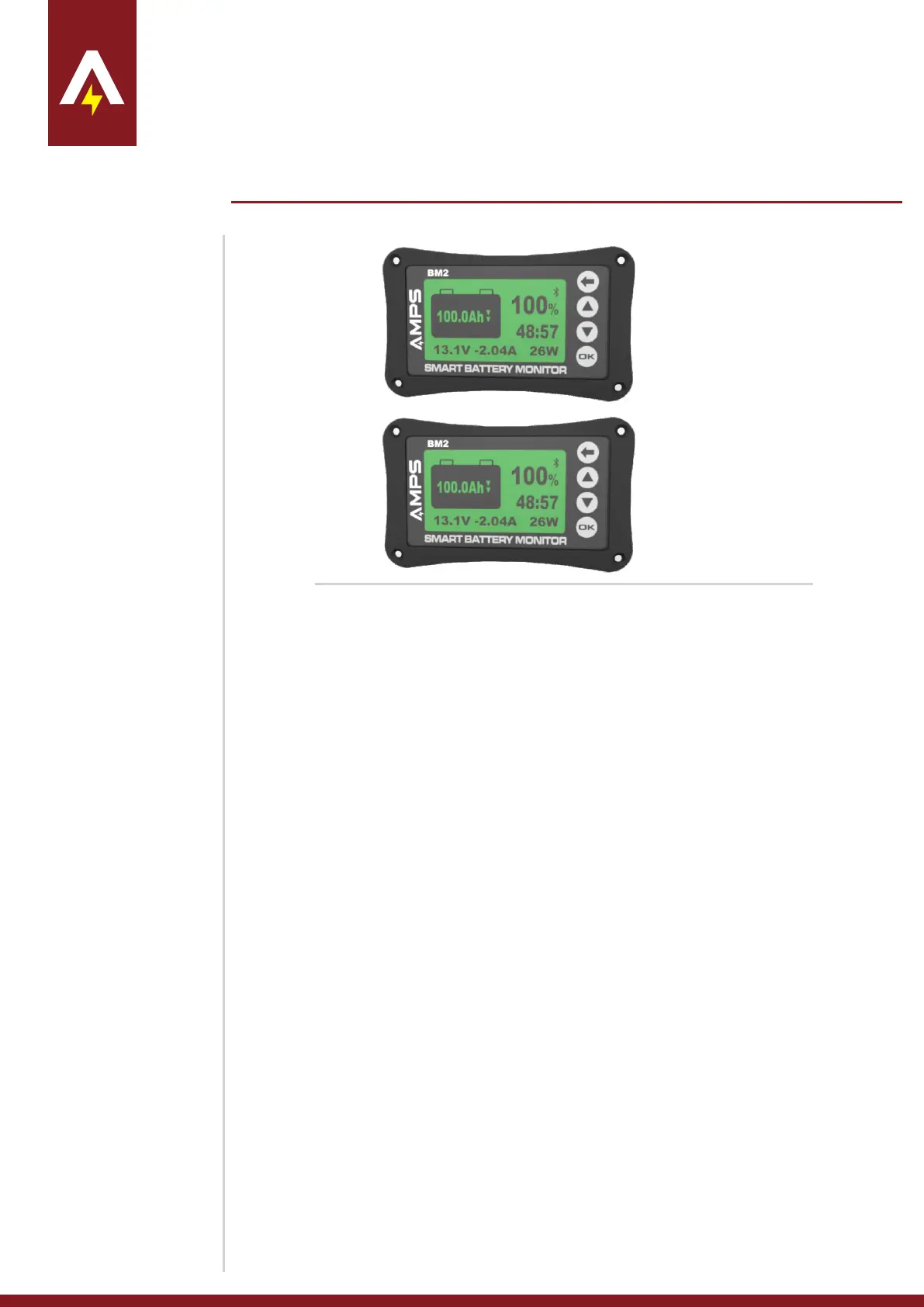
To reduce / increase screen brightness
press the up or down arrows for desired
brightness level. There are 9 settings.
Press and hold the up arrow until the
% is 100%.
The BM2 is forced to 100%. This
calibrates the BM1 to be the new
‘100%’ full. Simultaneously, it forces
the Ah capacity to the value you’ve
set, on the previous page. i.e. FULL.


 To Previous Page
 Loading...