EasyManua.ls Logo

amzchef FS-IRC119 - User Manual

amzchef FS-IRC119
76 pages
Print Icon
To Next Page IconTo Next Page
Loading...
1
Built-in Domino Induction Cooker
Eingebauter Induktionsherd von Domino Benutzerhandbuch
Cuisinière à induction Domino intégrée
Fornello di induzione Domino incorporato
Cocina de inducción Domino empotrada
User Manual
Benutzerhandbuch
Manuel utilisateur
Manuale utente
Manual de usuario
MODEL: FS-IRC119
Please read these instructions carefully before attempting to
install or use this
appliance.
It is advisable to keep these
instructions in a safe place for future r
eference.

Questions and Answers

  • W
    William NealAug 6, 2025
    How to prevent scratches on the glass of my amzchef FS-IRC119 Cookers?
    • P
      Patricia CrawfordAug 6, 2025
      To prevent scratching the glass surface of your amzchef Cookers, ensure you're using cookware with flat and smooth bases. Avoid cookware with rough edges. Also, refrain from using abrasive scourers or cleaning products.
  • K
    Kevin CookAug 13, 2025
    Why aren't my pans getting hot on my amzchef FS-IRC119 Cookers and an error appears?
    • R
      Richard GreenAug 13, 2025
      If your pans aren't heating up and an error is showing, it could be that the cookware isn't suitable for induction cooking. Ensure you are using cookware designed for induction hobs. Alternatively, the pan might be too small for the cooking zone or not properly centered. Center the pan and ensure its base matches the cooking zone size.
  • B
    brianwiseAug 18, 2025
    What to do if the touch controls on my amzchef Cookers are unresponsive?
    • P
      Patricia JohnstonAug 18, 2025
      If the touch controls on your amzchef Cookers are not responding, the controls might be locked. Please, unlock the controls.
  • E
    Erik TrevinoAug 25, 2025
    Why are the touch controls on my amzchef Cookers difficult to operate?
    • A
      Angela CollinsAug 25, 2025
      If you're finding the touch controls on your amzchef Cookers difficult to use, it might be due to a slight film of water on the control area, or you may be using the tip of your finger. Ensure the touch control area is dry and use the ball of your finger when touching the controls.
  • T
    terri44Aug 30, 2025
    Why my amzchef FS-IRC119 Cookers unexpectedly turned off and shows an error code?
    • B
      Brian AdamsAug 30, 2025
      In case your amzchef Cookers unexpectedly turns off, a tone sounds, and an error code is displayed, this could indicate a technical fault. Please note down the error letters and numbers, switch the power to the induction hob off at the wall, and contact a qualified technician.

Summary

Built-in Domino Induction Cooker

General Instructions

Product Overview

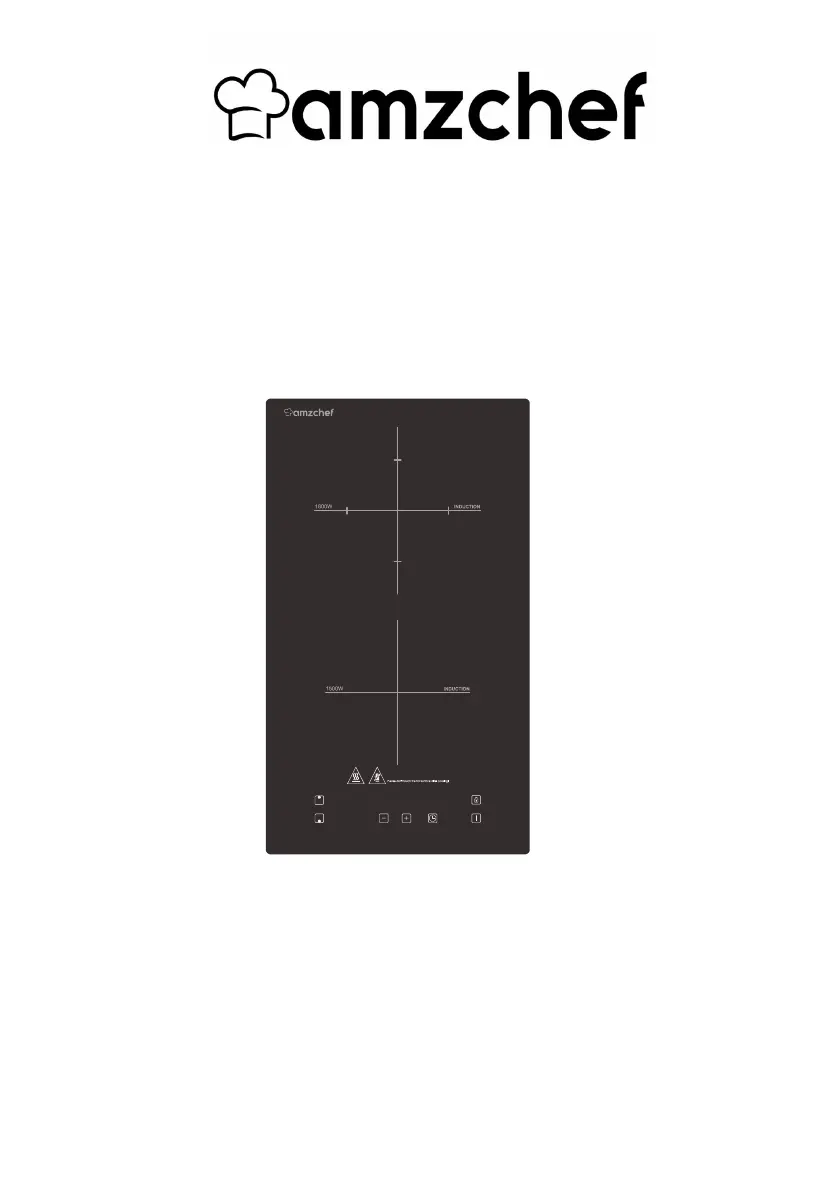
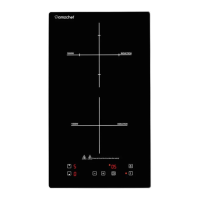
Top View

Illustrates the top view of the induction cooker.

Model Identification

Specifies the model number of the induction cooker as FS-IRC119.

Product Information

Induction Cooking Technology

Explains the principles and benefits of induction cooking technology.

Before First Use

Provides essential preparatory steps before operating the induction cooker.

Touch Control Operation

Details how to operate the touch-sensitive controls on the induction hob.

Cookware Selection for Induction

Compatibility Guidelines

Specifies requirements for cookware suitable for induction hobs.

Using Your Induction Hob

Starting the Cooking Process

Step-by-step guide on how to initiate the cooking process.

Finishing Cooking

Locking the Controls

To Lock Controls

Procedure to activate the control lock feature.

To Unlock Controls

Procedure to deactivate the control lock feature.

Over-Temperature Protection

Residual Heat Warning

Using the Timer

Timer Operation Details

Heat Settings

Installation

Care and Cleaning

Everyday Soiling and Cleaning

Instructions for cleaning fingerprints, marks, and non-sugary spills.

Boilovers, Melts, and Sugary Spills

Guidance on removing sticky spills and melted substances from the glass.

Safety Precautions for Cleaning

Important warnings and advice for safe cleaning practices.

Troubleshooting

Hob Cannot Be Turned On

Addresses issues related to the hob failing to power on.

Touch Controls Unresponsive

Solutions for when the touch controls do not react.

Touch Controls Difficult to Operate

Tips for improving touch control responsiveness.

Glass Being Scratched

Advice on preventing and dealing with glass scratching.

Pan Noises (Crackling;Clicking)

Explanation of normal cooking noises from cookware.

Hob Operational Noises

Humming and Fan Noise

Explains normal operational noises from the hob and fan.

Pans Not Heating

Troubleshooting steps when pans are not detected or heated.

Unexpected Shutdowns and Error Codes

Guidance for when the hob turns off unexpectedly with error codes.

Failure Display and Zone Inspection

No Pot Detected Error

Indicates the error when no cookware is detected on a cooking zone.

Warranty

Manufacturers Warranty

Details the standard 24-month warranty against manufacturing faults.

Extra Year Warranty Registration

Information on how to register for an additional year of warranty.

Customer Support Contact

Provides contact details for assistance and questions regarding the product.

amzchef FS-IRC119 Specifications

General IconGeneral
Brandamzchef
ModelFS-IRC119
CategoryCookers
LanguageEnglish

Related product manuals