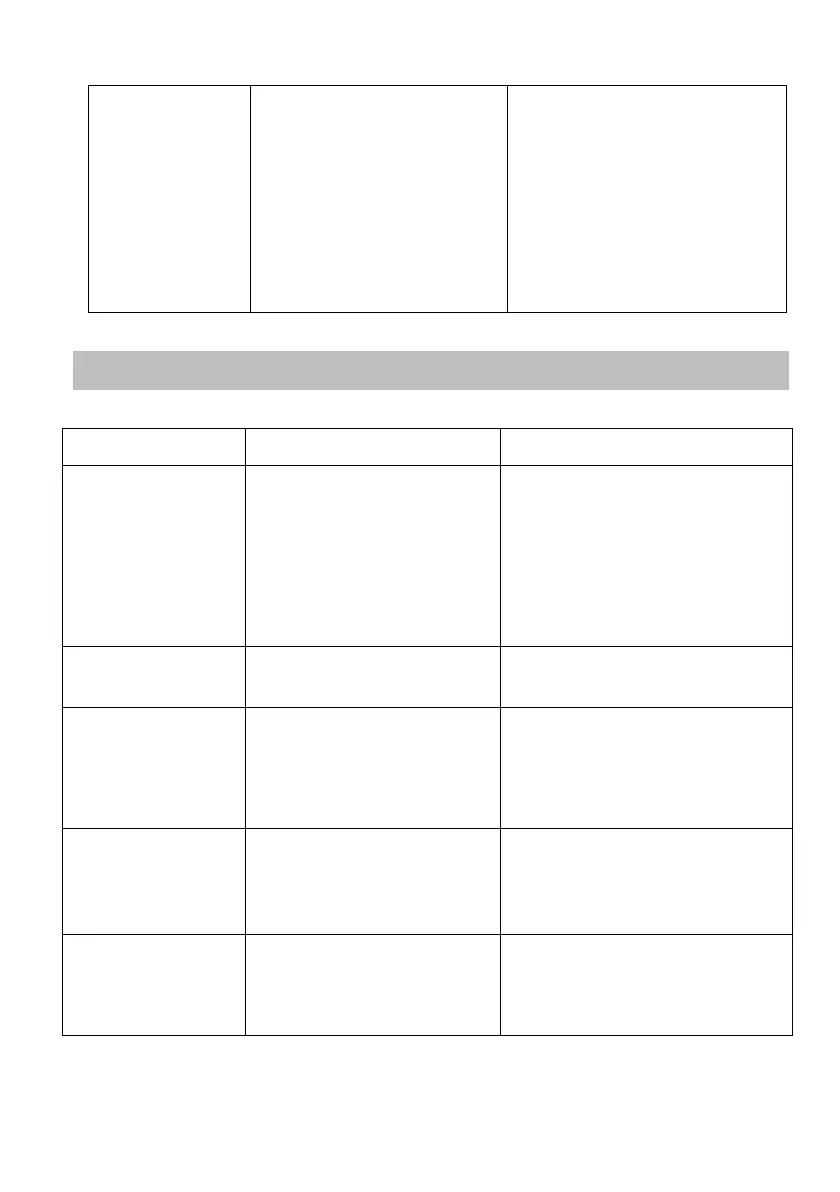
Spillovers on the
touch controls
1. Switch the power to the
cooktop off.
2. Soak up the spill
3. Wipe the touch control
area with a clean damp
sponge or cloth.
4. Wipe the area completely
dry with a paper towel.
5. Switch the power to the
cooktop back on.
• The cooktop may beep and
turn
itself off, and the touch
controls
may not function while there
is
liquid on them. Make sure you
wipe the touch control area
dry before turning the cooktop
back on.
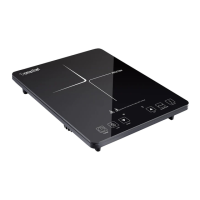
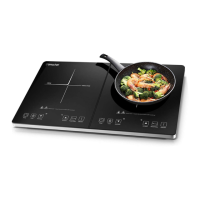
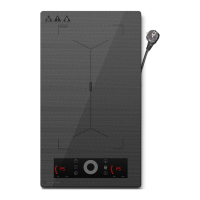
Troubleshooting
The hob cannot be
turned on.
Make sure the hob is
connected to the power supply
and that it is switched on.
Check whether there is a power
outage in your home or area. If
you’ve checked everything and
the problem persists, call a
qualified
technician.
The touch controls
are unresponsive.
Unlock the controls. See section
‘Using your induction cooktop’ for
instructions.
The touch controls
are difficult to
operate.
There may be a slight film of
water over the controls or
you
may be using the tip of your
finger when touching the
controls.
Make sure the touch control area
is dry and use the ball of your
finger when touching the controls.
The glass is being
scratched.
Rough-edged cookware.
Unsuitable, abrasive scourer
or
cleaning products being
used.
Use cookware with flat and
smooth bases. See ‘Choosing the
right cookware’.
See ‘Care and cleaning’.
Some pans make
crackling or clicking
noises.
This may be caused by the
construction of your
cookware
(layers of different metals
vibrating differently).
This is normal for cookware and
does not indicate a fault.


 To Next Page