SEQUENCER PUSH BUTTONS
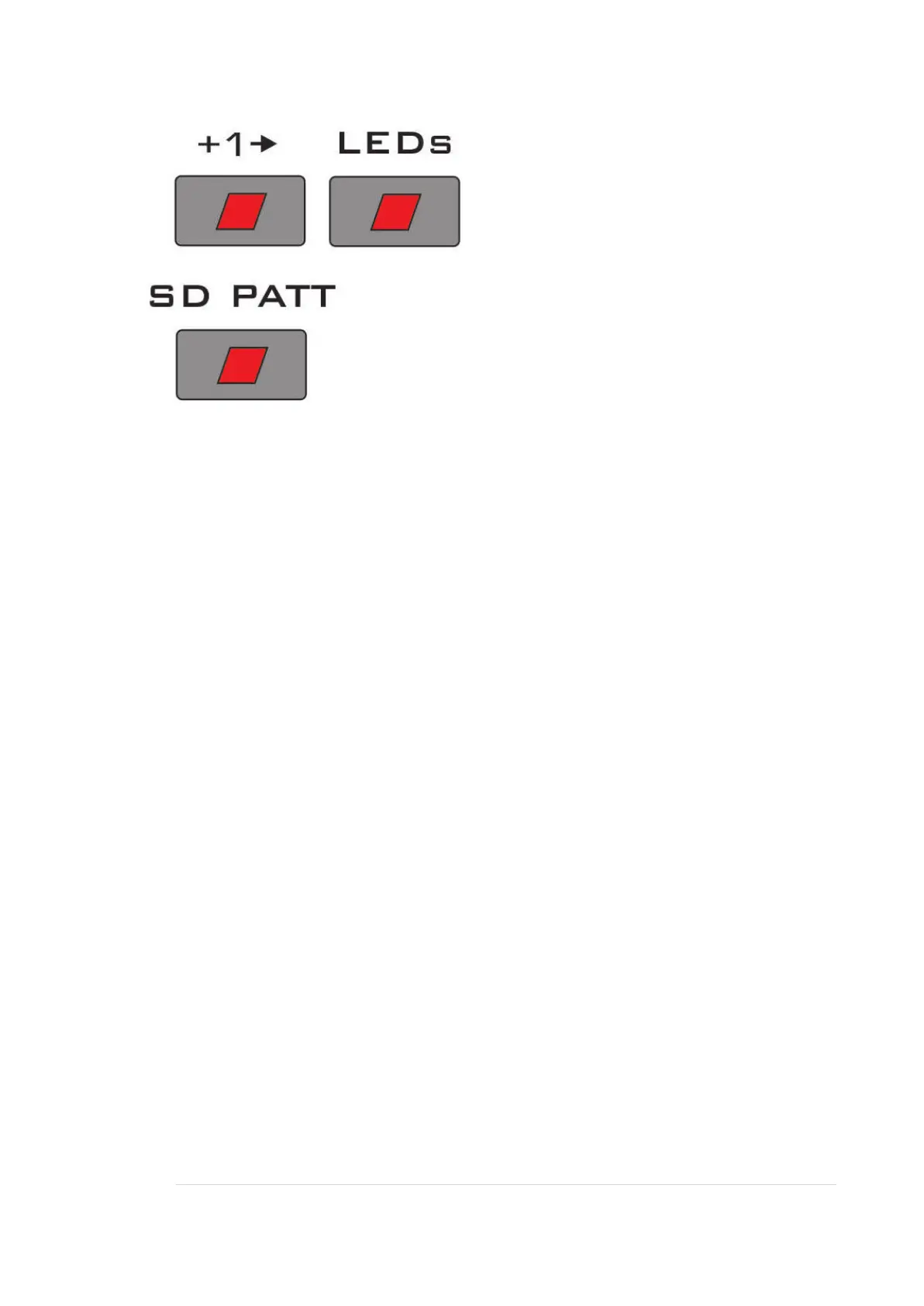
STEP
Each time this is pressed, the sequencer advances one step. It will always step to all
16 positions, regardless of the START / END range settings.
LED MODE
This button selects what the 16 CV knobs’ LEDs will display.
1: LED Off = Running mode
The LEDs will display which step the sequencer is on.
2: LED slow flash = Range mode
Displays the start / end points selected with the START / END range knobs.
3: LED medium speed flash = Beat Pattern mode
Displays the Beat pattern set using the BEAT knobs.
When in this mode, the NOISE SD PATT button has a different function: it can be
used to toggle on/off bypassing the BEAT knob settings. That is, be able to have all 16
steps output a gate rather than play the rhythm of the Beat knobs.
LED on means the gate triggering will be controlled by the Beat pattern. LED off
means the gate triggering will be straight 16ths.
4: LED fast flash = Noise SD Pattern mode
Displays which one of the 16 preset ‘snare drum’ patterns is selected.


 To Next Page