Battery Tester BA101 User Manual
14
BA101
3.5
Print Data
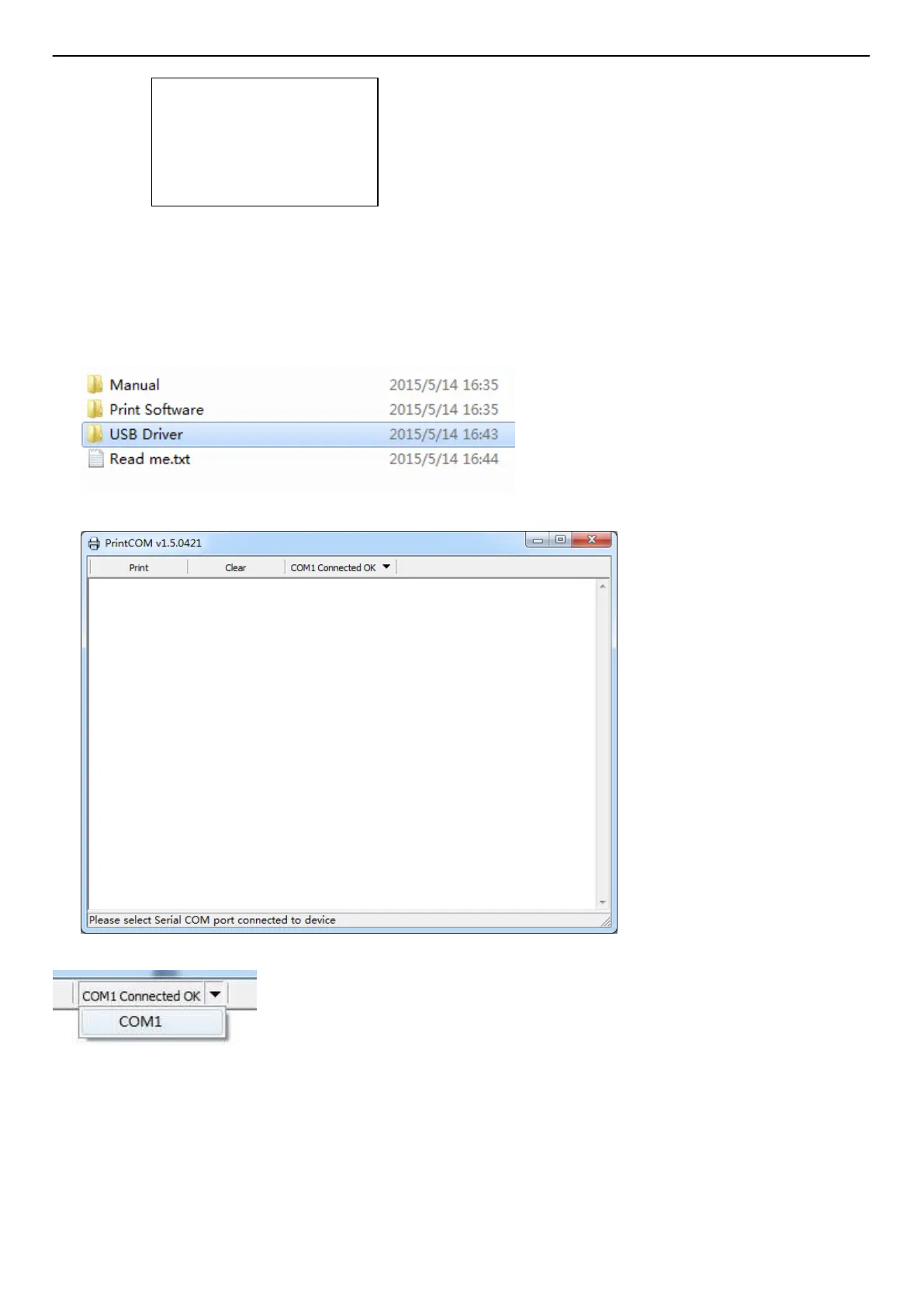
Before use the print data function, it is necessary to connect the tool to the computer via the USB
cable. Once all are ready, please kindly insert the CD to the computer
1. Install the USB driver firstly.
2. Then open the Print software
3. Choose the COM Port NO.
If there are some data history in print software, please kindly clear them.
4. Choose the function of Print Data in the tool
Healthy
:
96% 490CCA
Charge:98% 12.64V
Internal R=6.1m
Ω
Rated: 500A
GOOD
BATTERY
ANCEL



 To Next Page