nnce
How to connect
DOWNLOAD APP
BD310
1. Scan the QR code below to download the software for Android and iOS
ANCEL
Official Website
for Android for iOS
2 iOS can be from the Appstore by searching for the keyword "
ANCEL "
3. Android can be downloaded from Google Play by searching for the
keyword "ANCEL"
Note: This product only supports the ANCEL APP connection and is not
compatible with any other apps.
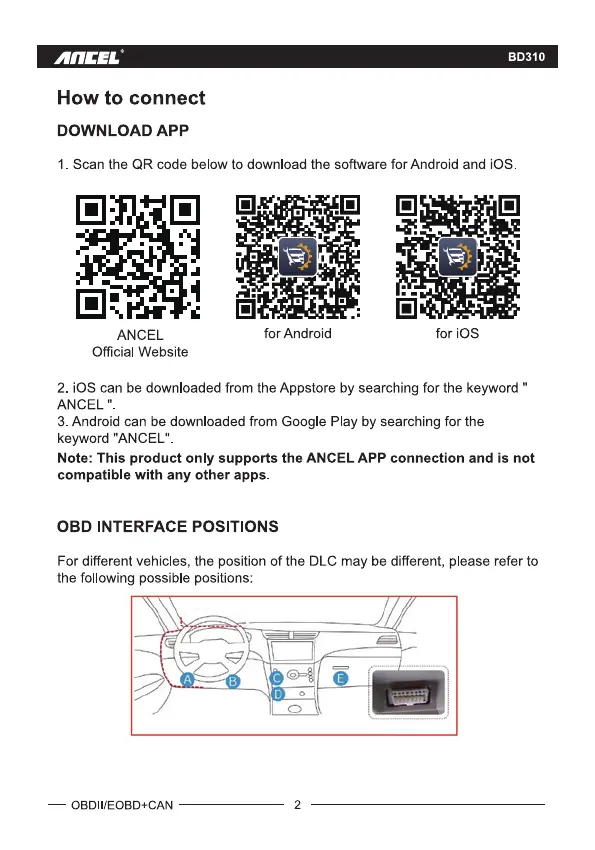
OBD INTERFACE POSITIONS
For different vehicles, the position of the DLC may be different, please refer to
the following possible positions:
— OBDII/EOBD+CAN
2



 To Next Page